

1Password adds new password protection feature to thwart phishing scams
Image: 1Password
Summary created by Smart Answers AI
In summary:
- PCWorld reports that 1Password launched a new anti-phishing feature in its browser extension to protect users from manual password entry scams.
- The feature warns users when pasting login credentials on unlinked sites, addressing a security gap that previous auto-fill blocking couldn’t cover.
- A verification pop-up prompts users to confirm site legitimacy, providing crucial protection against phishing attacks targeting manual login entries.
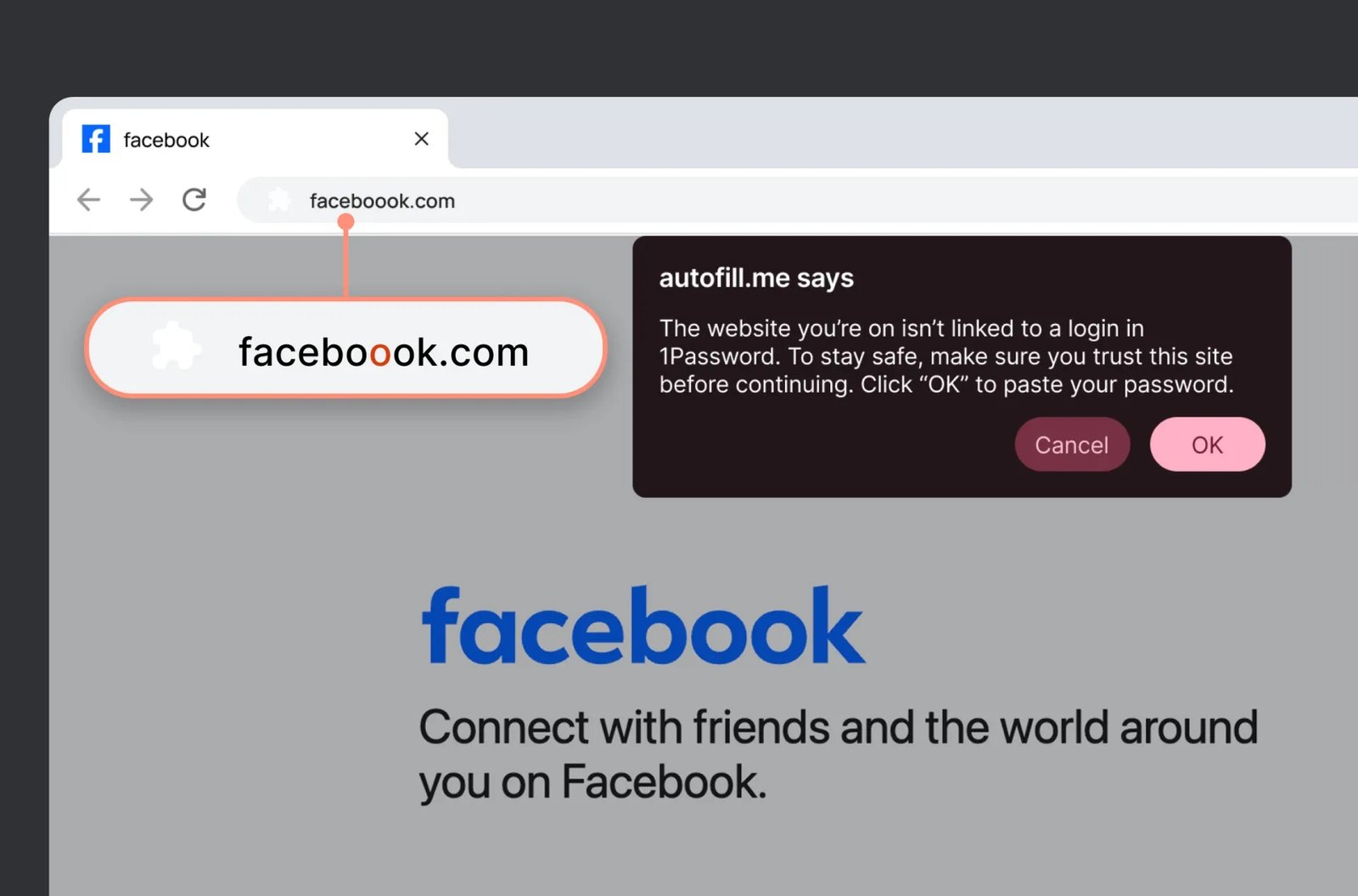
Password manager 1Password has launched a new feature in its browser extension that provides extra protection against phishing, reports Engadget. The new feature warns users when they manually paste login details on a website that isn’t linked to a saved login in 1Password.
A pop-up message will prompt the user to pause and double-check that the site is indeed legitimate and trustworthy. According to the company, this brief interruption may be enough to thwart some phishing attacks.
1Password already blocks automatic filling on fake sites, but manually copied-and-pasted passwords aren’t included in that.
The new feature is available now and can be activated in the settings for the 1Password browser extension.
This article originally appeared on our sister publication M3 and was translated and localized from Swedish.
Author: Viktor Eriksson, Contributor, PCWorld
Viktor writes news and reports for our sister sites, M3 and PC för Alla. He is passionate about technology and is on the ball with the latest product releases and the hottest talking points in the consumer tech industry.
