

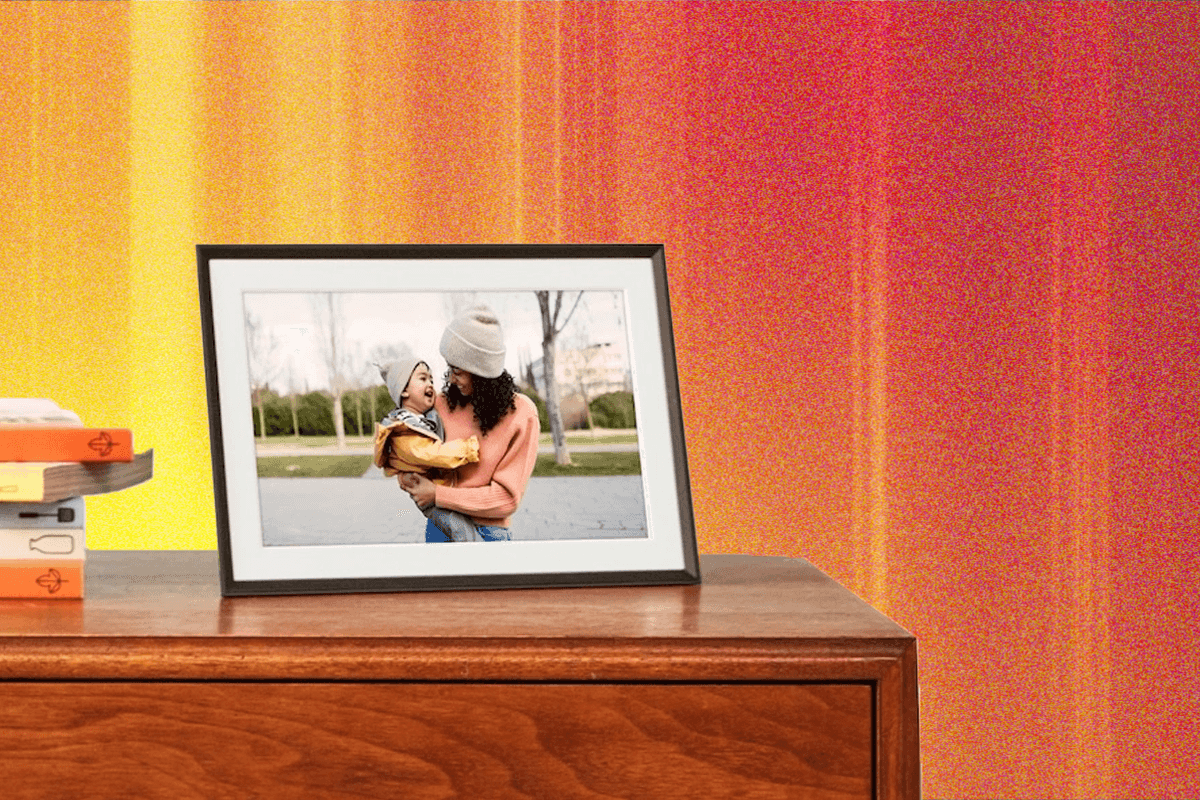
6 Best Digital Photo Frames (2025): Aura, Nixplay, Skylight
A Frame You Can Text
Loop’s touchscreen display was among the best of the options I’ve tried, and photo quality is solid. You can text photos to the frame instead of having to do it in-app, which is nice if your family member is sending photos to your frame and you don’t want them to see your entire slideshow. A few frame options offer the ability to email photos. Vertical photos can be shown side-by-side, auto-stretched, or letter-boxed. For the latter, the background is a blurred image of the photo. I was also impressed by the quality of the rose gold metal stand, which adds an extra element of style.
But there are some quirks that I think can be improved upon. I don’t like that you have to do some of the signing-up on the frame and some on the app—and if you want to remove a frame, you have to do a factory reset on the device itself, and then remove it from the app, where your photos will remain. I think it should be app only. —Medea Giordiano
| Screen ratio | 16:9 |
| Screen size | 10.1 inches |
| Positions | Landscape mode |
| Storage | 16 GB, and free |
A Photo Frame and Smart Assistant
If you already have a smart display, you can set it to cycle through your photo albums when it’s idle. The best one for this by far is the Google Nest Max. It uses Google Photos to pull pictures, so if you’re already a Google Photos user, it’s an easy transition. But even if you aren’t, adding your pictures to Google Photos is much, much easier than using Amazon’s uploading tool in the Echo app. Google’s slideshow experience is much better, looking almost on par with a true digital photo frame.
Google’s smart displays are smart enough to put vertical photos side by side, and do a good job of pairing similar events together when doing so. Horizontal photos will fill the entire frame. You can’t rotate this one to be at different angles like you could other frames, but if you want a single device that can do everything—control your lights! check the doorbell! show you your family!—this is the one to get. The storage limits are for the entire Google Account, starting at 15GB, and you can upgrade on a monthly subscription. I currently pay $10 a month for 2 TB of storage, but you can go as high as 30 TB (for a much higher fee).
| Screen ratio | 16:10 |
| Screen size | 10.1 inches |
| Positions | Landscape mode only, but paira portrait photos together side by side |
| Storage | 15 GB for free for the Google Account, and can upgrade to higher levels |
Honorable Mentions
Aeezo 9-inch frame $90: This frame will do the job, but the app—the Frameo app, rather than a dedicated Azeeo app, which we’ve seen on other cheap frames as well—isn’t nearly as streamlined as pricier counterparts. They’re better that other cheap options we’ve tested, but, like Cozyla, they cross the $100 threshold. If you can spend a little more, the $150 Aura Carver is a much better buy.
Aura Mason for $199: This was the big original favorite from Aura, with a solid frame and the ability to rotate between landscape and portrait mode. It’s still a great frame, but Aura did say they’re sunsetting the model, but it’ll remain available until it’s sold out.
Aura Walden for $299: This frame is essentially the same as the Aspen and Carver Mat but larger, reaching 15 inches across. It’s great for wall hanging or for large great rooms, especially since it has a nice flat back. I love mine for my living room and kitchen combo, since the frame is large enough for me to enjoy the pictures from across both rooms.
Azorpa 10-Inch Digital Photo Frame for $110: This slim frame works well and has a nice affordable price point, and it can be rotated. It also has its own dedicated app, unlike several affordable models that all use the same Frameo app. But the ratio is slimmer than smartphone photos, so I found myself needing to constantly recrop pictures or have an extra border along two of the sides. If you don’t mind a border and want a really cheap frame, this one’s solid.
Cozyla frames: We tried a few from this brand. Photo quality was great and there were solid features like only showing photos that match the current orientation of the frame. I found the app to be frustrating, however, and it comes pre-loaded with unnecessary art images. You can hide them from your frame, but there was no obvious way to remove them from the app entirely. If you happen to find one at a super discount, grab it, but other than that, I’d wait for an update.
Familink 10-Inch Digital Photo Frame for $120: Familink’s frame works with or without an internet connection, thanks to its 4G SIM card. Someone will need to set up an account on the website or app (iOS, Android) so that family members can send photos (or even chats) to the frame. There’s no slideshow feature—the most recent addition shows automatically, and you can manually scroll through. But the screen still looks good.
myFirst Frame Doodle for $130: This frame is aimed at kids, with its cover you can draw on and an app feed that family members can use for photo sharing and chatting. But it’s too expensive for the quality. It was slow and not as straightforward as Aura and no matter how many times I deleted photos from the library, they kept returning.
Pexar 2K Digital Picture Frame by Lexar for $130: This frame can rotate to be either portrait or landscape mode, and has a little stand that attaches via magnet for either position. It’s a fine frame, but the screen isn’t as nice as those for a similar price. The Pexar is made by Lexar but uses a third-party app, Frameo, which works fine but has a weirdly Instagram-like uploader that’s limited to 10 photos.
Skylight 10-inch Frame for $170: This frame was a previous honorable mention, and it’s still a solid frame. We like other frames better for the price, including the new Skylight Frame 2 (especially with its Snap Frame accessories). This one only has 8GB of storage, compared to most other frames having 16GB or more.
Vieunite’s Textura Digital Canvas for $754 (USD shown in cart): Is beautiful for displaying professional art. It’s bright and high-def enough that you don’t lose the integrity of the original painting. It’s extremely expensive, though, even if it cheaper than buying an actual van Gogh.
FAQs
What Should You Look For in a Digital Photo Frame?
Here’s the top features you should check in a frame:
- Screen ratio: This will affect how well a photo fits into the screen, depending on the device you used to take it. Smartphone photos are usually in the 4:3 ratio, for example, while a common aspect ratio for DSLR cameras and mirrorless cameras is 3:2. But there’s a lot of cheaper frames with a slimmer ratio, 16:9, which results in either space bars around a photo or the need to crop every picture you add. Check this ratio in advance to get the best pairing of your digital picture frame and your photography.
- Position options: Our budget pick, the Aura Carver, can only be placed in landscape mode, though it can put two portrait photos side by side. Most other digital picture frames can be rotated, but I find it’s easiest to choose one orientation for your frame and upload pictures that best suit that orientation.
- Additional fees and storage limits: Aura, our top pick, offers free photo storage, but other frame companies have pay tiers or have storage limits. Check these in advance to make sure you’re prepared.
- Storage and security measures: How safe are your photos? What kind of storage is being used, and are they encrypted? Check out our section below on security to understand why these questions matter.
What Storage Options Are There?
All the main frames we recommend use cloud-based storage, so you’ll upload your photos to a cloud server for the frame to reach and display them. Aura has unlimited storage for photos, while Nixplay charges $30 a year for unlimited photo storage (along with other features). While both use cloud storage, these are both reputable companies with defined privacy and security practices. Some of the cheaper frames you’ll find won’t have these processes in place.
Some frames have internal storage that can be expanded with SD cards, or even use a USB stick. These options can be more secure, especially if you’re moving photos yourself from the computer to the USB or SD card and then connecting it to the frame, but it’s also more work.
You might not think that photos count as sensitive information, compared to a bank account statement or your Social Security number. But it can be devastating to find photos of loved ones used for nefarious or unsavory purposes.
This is why we prefer frames from reputable companies like Aura and Nixplay over cheaper ones with less clearly defined privacy and security practices. Nixplay offers reasonable security measures, like encrypting your photos during transmission, and Aura offers the option to delete metadata, like the location where a photo was captured. However, both say they may disclose personal information if court-ordered or subpoenaed, and neither provides safety guarantees against hacking.
If you’re concerned about security, you can avoid connecting to third-party services, but your most secure option is to just download several photos on a tablet and disable all internet connectivity.
Power up with unlimited access to WIRED. Get best-in-class reporting that’s too important to ignore for just $2.50 $1 per month for 1 year. Includes unlimited digital access and exclusive subscriber-only content. Subscribe Today.
