

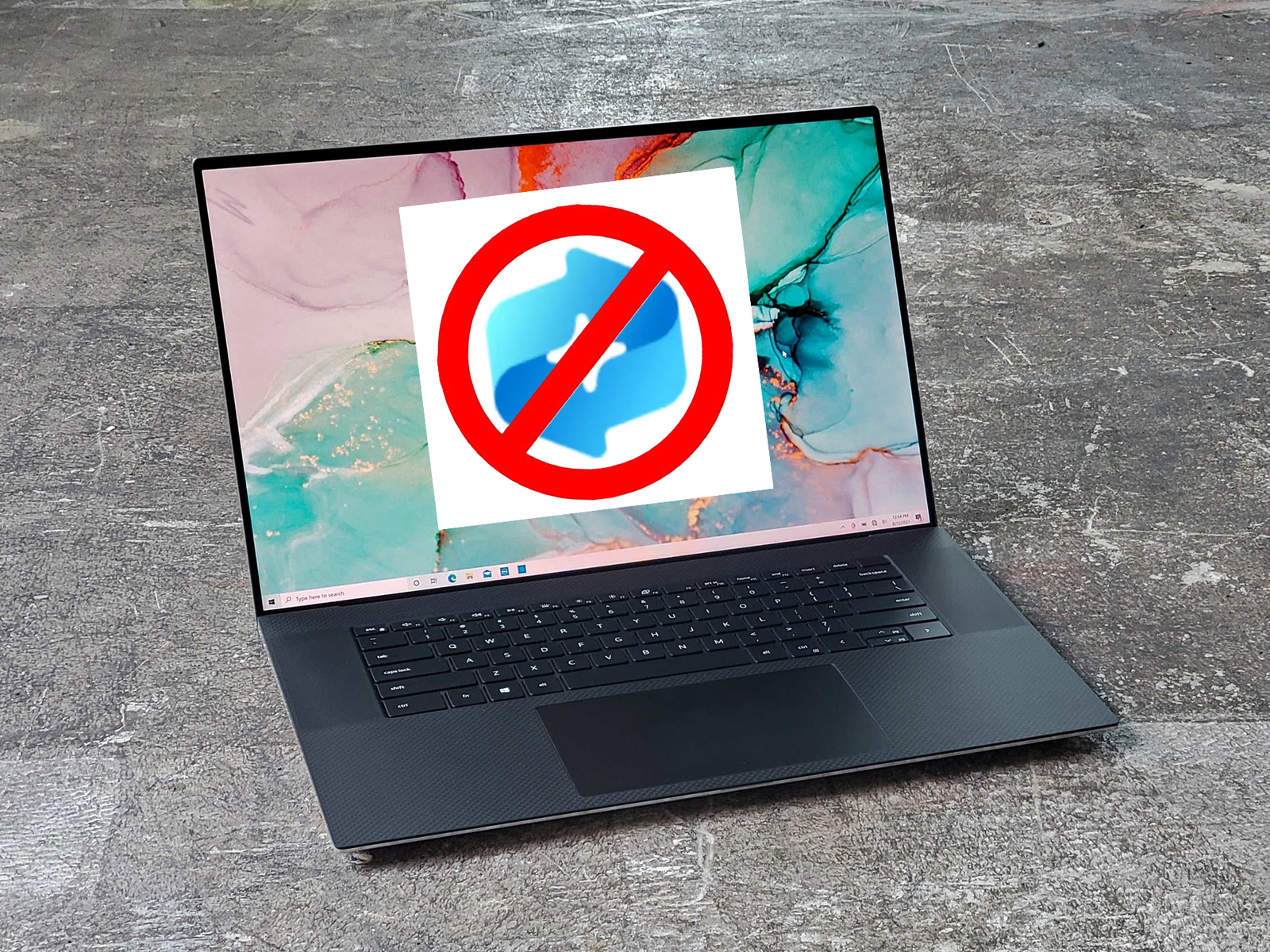
Windows Recall is too risky for your Copilot+ PC. Turn it off, now
Image: Mark Hachman / Foundry
Microsoft’s controversial Windows Recall has now been generally released, and it poses as much of a risk to your privacy as it could be a boon to your productivity.
Recall is just one of several new features that either have or will be arriving on Copilot+ PC, Microsoft said Friday. Recall, Windows’ improved semantic search, Live Captions, Cocreator, and Restyle Image and Image Creator within Photos are now all available for Copilot+ PCs that include Qualcomm Snapdragon CPUs as well as PCs with qualifying processors from AMD and Intel. A few features — Click to Do, Live Captions, and Voice Access — are available for Copilot+ PCs running on Snapdragon, but support for AMD and Intel chips isn’t quite available.
For Microsoft, the release of these AI-powered features are cause for celebration, finally delivering on promises of an AI-powered world that the company first made a year ago. But in the weeks and months since Microsoft first announced Recall, a darker side of its potential has emerged.
Now, Recall and its saved snapshots provide a record of information that could be used against you. Fortunately, Microsoft hasn’t shied away from allowing you to remove Recall altogether, deleting these saved records entirely.
It’s also important to put Recall in perspective. Now, by default, Recall is opt-in, which means that you’ll have to explicitly enable it. But even if you want to use Recall, it’s only available to Copilot+ PCs, which are a tiny subset of the available PCs on the market. Just because Recall is available doesn’t mean that your PC will necessarily receive it. Even the most “modern” PCs, such as Intel’s Core Ultra 200 series (Arrow Lake) don’t have the necessary NPU power to run Recall.
Mark Hachman / IDG
Microsoft first announced Recall at a May 2024 event at its headquarters in Redmond, Wash., where the company debuted several upcoming Windows features to complement its newly announced Copilot+ PCs. Recall was designed as a sort of search assistant: As you went about your day-to-day business, Recall would periodically take and store “snapshots” of your PC, which its optical-character recognition AI could “read.” (At the time, Recall wasn’t designed to be opt-in.)
Essentially, Recall could search your PC for a piece of information without knowing the app in which it was captured, or when it was stored. In concept, Recall’s premise appealed to me.
Mark Hachman / IDG
Privacy experts disagreed, big time. Instead of serving as a useful tool, Recall could store snapshots of information that weren’t necessarily secure, opening them up to hackers and whoever else gained access to your PC. Meanwhile, others were concerned with the vast amounts of storage needed to store all of that information. Cowed, Microsoft pulled Recall from the original Copilot+ launch and promised to perform more testing. Recall would debut in October, Microsoft said then.
In September, Microsoft began making the changes that users had asked for: making Recall opt-in, and even uninstallable after a user had decided to enable it. But it was delayed yet again. I went hands-on with Recall in early December, but by then my stance had changed — I found Recall to be a useful tool, but by then government attitudes toward privacy and free speech had begun changing. Also at that time, Microsoft opened up Recall to Copilot+ PCs using AMD and Intel processors, paving the way for a final test run before releasing it.
Recall’s risks outweigh its benefits
Recall will be shipped as a feature of new Copilot+ PCs, though you should be able to opt in during the original setup process. When I tested Recall, I had to manually download a new Windows builds and then manually launch the Recall app, which then stepped me through its setup process. Finally, I had to specifically choose to enable Recall and store snapshots. Even after doing so, the Windows 11 Settings menu included a toggle switch that allowed me to turn off the ability to save Recall snapshots entirely, or exclude specific applications. (It still does.)
Mark Hachman / IDG
Related: What are Copilot+ PCs? Explained
Even with all of these safeguards, I don’t trust Recall. That’s not to say I distrust Microsoft’s implementation of it — Recall is protected by Windows Hello, which is both a secure and convenient way of locking down information on your PC.
It’s the convenience of Hello that worries me. I can imagine a scenario in which I’m directed to unlock my PC via Windows Hello, which would give someone access to my documents and email — even as a journalist, whose legal protections should safeguard that correspondence. I have major concerns about Hello also unlocking a searchable database of everything I’ve done on that PC for the last few months using Windows Hello. No, I don’t have anything to hide, but I also don’t want anyone poring through anything I consider private. You shouldn’t, either.
It’s my recommendation, then, that you don’t let Recall on to your system.
How to remove Recall
If your PC is managed by a corporation or school, Microsoft says that Recall won’t be on it. Otherwise, Recall “is available by default,” Microsoft says on its Recall support page.
(“An IT admin can’t, on their own, enable saving snapshots on devices that are managed by an organization or school,” Microsoft says. “IT admins can only give you the option to enable snapshots.”)
Recall can be turned on and off via the optional Windows features. To access them, type “Turn Windows features on or off” within the Windows search bar. That will bring up a list of optional features that can be turned off or on depending on whether the appropriate box is checked.
Mark Hachman / IDG
Microsoft shouldn’t enable Recall without telling you, as per my earlier test. But if you’re simply not sure, you can double check by running down the list of optional features and seeing if Recall is installed. (If it is, the box marked “Recall” will be checked.)
To uninstall Recall, you can simply uncheck the “Recall” box. Recall will be uninstalled and your PC will be rebooted, so be careful to save your work. As Microsoft removes Recall, it will delete your stored snapshots, too. You can re-enable Recall by checking the box at a future time, though doing so won’t restore the deleted snapshots.
Recall is an optional feature; the other new AI features arriving on your Copilot PC are not. On the other hand, something like Photos’ new Restyle Image doesn’t offer anywhere near the privacy concerns that the other applications do.
If you’ve followed our coverage, you’ll know that I was in favor of Recall from the beginning. But upon further reflection and changing world events I’ve become uncomfortable with the threat that Recall poses to our privacy. Remove it immediately.
Author: Mark Hachman, Senior Editor, PCWorld
Mark has written for PCWorld for the last decade, with 30 years of experience covering technology. He has authored over 3,500 articles for PCWorld alone, covering PC microprocessors, peripherals, and Microsoft Windows, among other topics. Mark has written for publications including PC Magazine, Byte, eWEEK, Popular Science and Electronic Buyers’ News, where he shared a Jesse H. Neal Award for breaking news. He recently handed over a collection of several dozen Thunderbolt docks and USB-C hubs because his office simply has no more room.
