

I Created Perfect Wiki and Reached $250K in Annual Revenue Without Investors
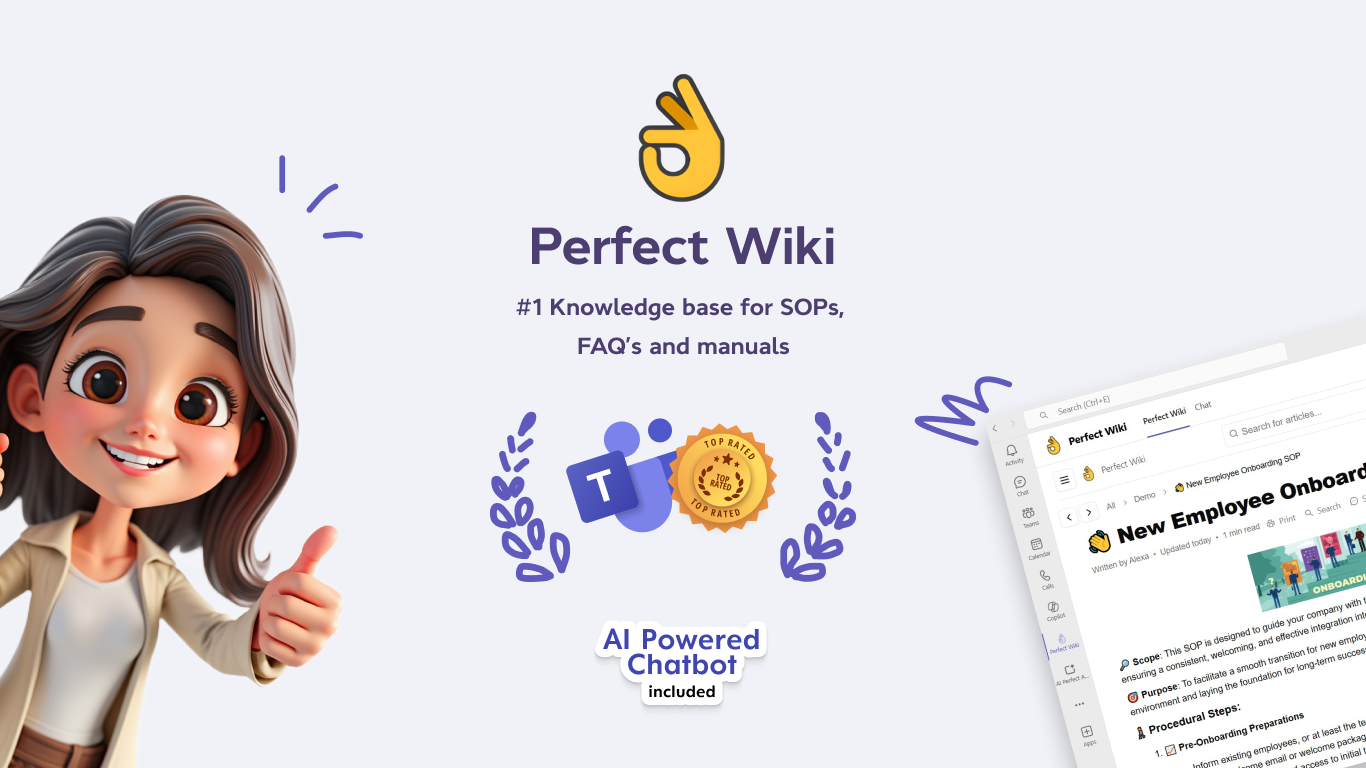
Hi, my name is Ilia. I founded Perfect Wiki — a SaaS product for creating internal company knowledge bases that works directly within Microsoft Teams. We created a simple and convenient tool for storing, editing, and sharing knowledge within companies. It all started with the idea to resolve one specific pain point: the built-in Wiki in Microsoft Teams offered was inconvenient, and there was no worthy alternatives with full integration to the platform.
In this article, I want to share how the idea came about, the mistakes I made, how I found my first customers, and how I gradually grew to a steady income of $250,000 a year over five years. All of this — without investors, a 20-person team, or a “Series A” round.
How It All Began
In May 2020, I lost my job and started thinking about new projects to launch or where to direct my efforts. The pandemic drastically changed the market: the mass transition to remote work boosted interest in online communication tools, and everyone wanted to launch their own video conferencing service. It felt like a gold rush, and I decided to follow the principle: in such times, those who sell shovels win, not those who search for gold.
Zoom became hugely popular during the pandemic. I decided to try making a small app — a translator — and published it on the Zoom Marketplace. But it turned out people were only interested in the Zoom app itself, and the marketplace had almost no traffic.
After that failure, I moved on to Plan B: I tried publishing the translator app on the Microsoft Teams Marketplace. It seemed like there were significantly more users, apps there had lots of ratings and installs. The platform felt “alive.” My intuition didn’t fail me — just a few days after publishing, someone bought a paid subscription. But I soon realized the translator app was very limited with no room for growth. Microsoft could easily replace it anytime.
That’s when I decided to dive deeper into analyzing what other problems Microsoft Teams users were facing and what kind of service I could offer them. I was confident I’d find a niche because the traffic and activity on the marketplace were high — a ready-made customer base was just in front of me. I just needed to find a product idea that would solve a real problem.
I started reading forums, comments, and online discussions. It turned out the built-in Wiki in Microsoft Teams annoyed users really a lot. It was slow and inconvenient. That’s how the idea came about — I had to create a fast, user-friendly knowledge base built directly into Microsoft Teams. The main goal was to make it simple and intuitive for people who weren’t tech-savvy — just regular PC users.
I Got My First Paying Customer Just a Few Days After Launch
I created and published the first version of the product in a fairly short time — it took me about three weeks. It already had page creation and editing features, and most importantly, full-text search (a much-requested feature the users lacked in the built-in Wiki).
I used technologies and tools I was already very well familiar with: Node.js + Express for the backend and React for the frontend.
Just a couple of days after publishing Perfect Wiki on the Microsoft Teams Marketplace, I got my first paying user. My assumptions were confirmed — people were actively looking for an alternative to the built-in Wiki, and they searched for it directly in the Teams marketplace. They found my app using the keyword “wiki.” It was an awesome free acquisition channel. Perfect Wiki was always the top search result because there were no competitors. That’s when I realized I had found a real pain point — and I could make money by solving it.
Perfect Wiki Is Now Used by Over 500 Companies
Today, over 500 companies around the world use Perfect Wiki. Our main markets are the US, Canada, the UK, and Germany.
Over five years, the product has grown significantly. Revenue is now about $250,000 a year. However, it wasn’t always smooth sailing — there were months with no growth, times when everything felt stuck. We had to change plans, improve the product, and look for new ideas.
In 2024, Microsoft even featured us at Microsoft Build as an example of an app that’s top-rated and highly valued among Teams users and the one the really works — a big milestone for us.
Why Do People Choose Us?
Many of our clients came to us after trying the Microsoft built-in Wiki. It was clunky, inconvenient, and didn’t do the job well. We focused on simplicity: the essential features only, nothing extra — and everything should function inside Microsoft Teams.
Integration with Microsoft Teams is the key. Unlike other knowledge base platforms, Perfect Wiki doesn’t require switching to a separate site or tab. It’s available right where employees already spend most of their day — in Microsoft Teams. It saves time, doesn’t add any difficulties, and makes working with a knowledge base a natural part of the workflow.
Microsoft tried to address this issue via products like Viva and Loop, but they turned out to be too bulky and confusing. Competitors like Confluence or Notion just aren’t integrated into Teams in a way that’s convenient for users.
Perfect Wiki was built specifically for Microsoft Teams — and that’s been our main advantage from day one.
Only Two People Work on the Project
Currently, the team behind Perfect Wiki is just two people. I handle the development and product, and my colleague manages user support. Despite having a tiny team, we manage to achieve a lot: we launch new features quickly, communicate with customers, test ideas, and maintain stable service.
We outsource some marketing and content tasks, but everything related to the product and code we do ourselves.
Sometimes we bring in new people if we feel it’s time to grow. Right now is one of those moments: if you’re an experienced developer familiar with Node.js + Express + React — send us your CV at hello@perfectwiki.com
How We Understand What Customers Need
It all starts with communication. We have an internal app chat — people regularly send us questions, suggestions, and feedback. We also do demo calls, discuss use-case scenarios, and every quarter, we reach out to active loyal users asking for feature and improvement ideas. This helps us to deeply understand user needs.
We don’t implement features just because they seem useful. Every new functionality in Perfect Wiki must be genuinely requested and needed by users. For example, I wasn’t sure whether a “search within a page” was necessary. But after several complaints about documents getting longer, and Ctrl+F not working in Teams — it became clear the feature was needed.
Another example: users suggested a weekly digest with a list of new or updated knowledge base articles. They wanted to stay in the loop about changes.
That’s how we improve the product — not by simple guessing, but in collaboration with our users.
And we actually use Perfect Wiki ourselves — that helps us spot areas for changes and growth. All our internal documentation, tasks, and plans are stored in Perfect Wiki. Even our public Help Center runs on our platform. This way, we test the product in real use and quickly notice what needs fixing or tweaking.
Every time I check out competitors’ sites — those who also build knowledge base or customer support platforms — I notice something odd. Almost all of them use third-party tools like Intercom or Zendesk to support their own customers. That surprises me. If your product is so great — why don’t you use it yourself? For me, that’s a golden rule: your product should be so good you want to use it yourself. If not, that means something’s wrong.
A Bit About Money
Right now, I earn around $25,000 per month. My monthly expenses are pretty modest:
-
$500–$1000 on Google Cloud
-
$400–$500 on Algolia
-
<$350 on other SaaS tools
-
<$500 on contractors
Everything else is my profit.
What I’ve Learned Over the Years
The most important rule: don’t be afraid to build niche products for a narrow audience. It’s vital to create something that solves a specific problem really well.
Second lesson I learned: simplicity wins. The simpler and more understandable your product, the easier it is to sell and maintain. When you have a small team and limited resources, simplicity isn’t a luxury — it’s a necessity. It keeps you from drowning in features, endless requests, and tech debt.
Did I Expect This?
Honestly? I didn’t have big ambitions. I just wanted to earn a stable $70–80K a year — about what I earned at my previous job. Everything beyond that has been a pleasant bonus. Perfect Wiki has grown more than I ever expected. All without investments, offices, or a big team. Just because the product was in demand — and we kept making it better, step by step.
What’s Next?
Perfect Wiki has already become more than just an add-on to Microsoft Teams. Now it can also be used in Slack, via ChatGPT, or as a chatbot on your website. You can even create a public support portal for your customers — our Help Center is a prime example.
We’re constantly adding new integrations, improving search, and most importantly — always listening to our users. The best is still ahead!
P.S. If you’re curious to follow our product journey, I have a Telegram channel and Twitter.
