

Stop Wasting Money On Cloud Storage: Try This Instead
We may receive a commission on purchases made from links.
Most of us create and store a lot of data these days. Even if you’re not hoarding movies and music on a custom-built home media streaming server, you still probably have a bunch of files — photos, videos, work documents, and so on — that you want to preserve and access on multiple computers.
The easiest way is to rely on one of the best cloud storage options available, but the costs can quickly add up. Google One’s 2 TB Premium tier, for example, costs $9.99 per month, or $100 annually, and you’ll have to keep paying that much for as long as you use the service. Yes, it’s incredibly convenient, but you’re looking at thousands of dollars in total for the rest of your life — quite a chunk of change. A NAS may work out cheaper than cloud storage in the long run, but it has high start-up costs and doesn’t offer much in the way of data portability.
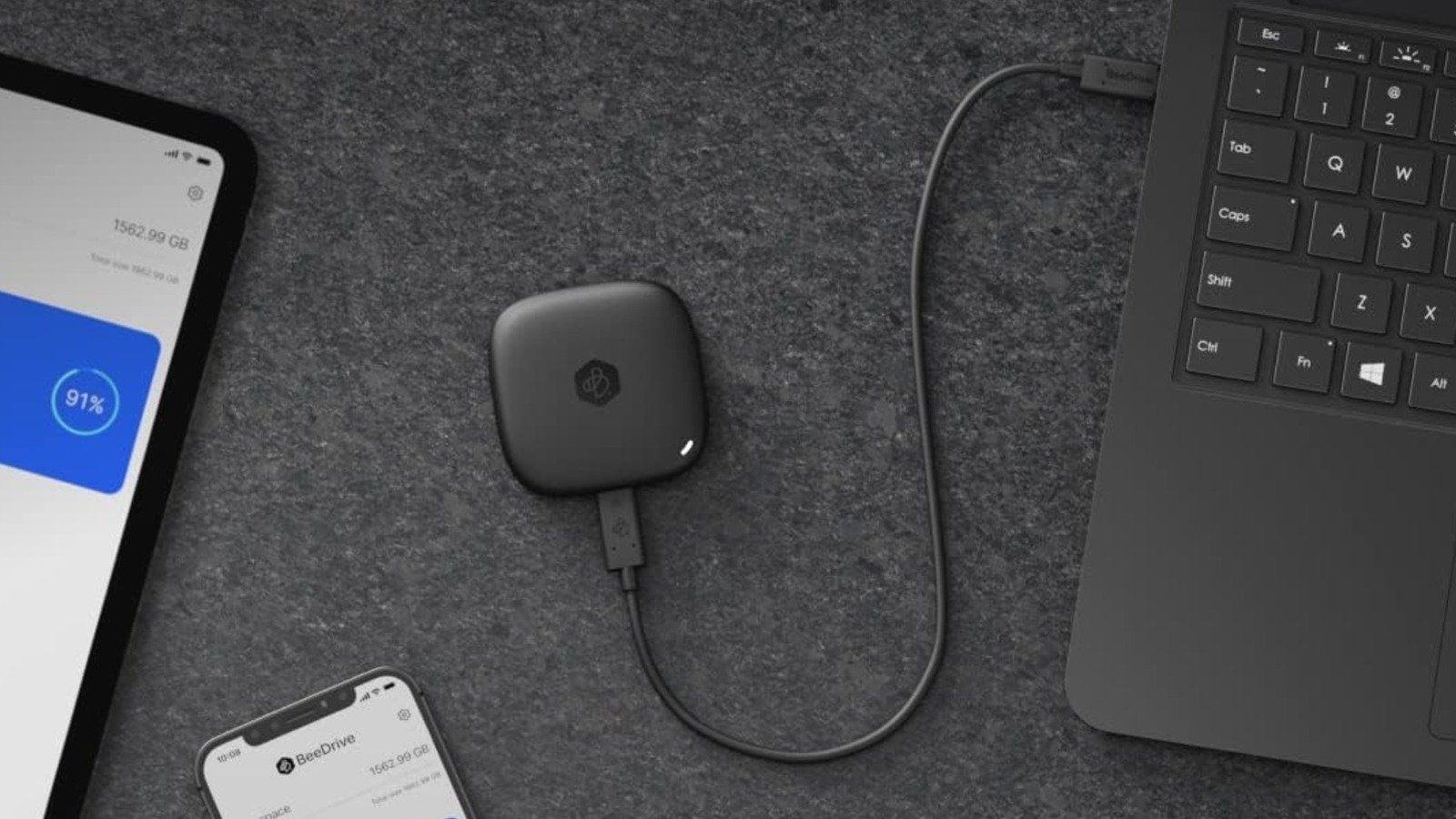
If you primarily use cloud storage to back up and keep files in sync across computers (home and work computers, for example), there’s a better alternative: Synology BeeDrive. It’s a portable SSD — available in 1, 2, and 4 TB capacities — with AI-powered file search and automatic backup and sync functionality that echoes the convenience of an always-running cloud storage desktop app, just offline — but with a one-time purchase cost.
What is the Synology BeeDrive?
Hardware-wise, the BeeDrive is nothing out of the ordinary. It’s a compact external SSD available in several capacities, with MSRPs ranging from $134.99 for the 1 TB version to $329.99 for the largest 4 TB variant. It has a wired USB-C 3.2 Gen 2 connection, which, according to TechRadar’s testing, can deliver 1,050 MB/s and 730 MB/s read and write speeds, respectively. Not the fastest you’ll see, but fine for simple backups and syncing.
The software side of the equation is where the BeeDrive stands out, though. Synology’s BeeDrive software, available on Windows and Mac, provides a range of features not commonly found on external SSDs. Synology’s software allows you to set up automatic backups of selected folders every time you connect the BeeDrive to a PC (with up to five versions of each file available at any given time), wirelessly back up photos and videos from your mobile devices (provided the BeeDrive is connected to a running PC), and automatically sync files between computers via its File Sync feature.
File Sync offers a choice between one- or two-way operation, and also lets you specify the file types you want to sync. There’s also a BeeDrop feature that enables you to send files from a smartphone directly to the BeeDrive, which can be useful depending on your workflow. Data hoarders will also appreciate BeeDrive’s local AI agent, which lets you search for files, text, and images with natural language prompts. Overall, the Synology BeeDrive’s software looks to offer a similar experience to the Google Drive or Dropbox apps, though the data is stored on an external SSD rather than a server.
The Synology BeeDrive works well, but it’s not perfect
Reviews indicate that Synology nailed the BeeDrive’s core functionality, with the automated backup, file syncing, and wireless file transfer all working without hitches. If you primarily want to sync files between computers effortlessly (while having multiple copies for safety), then it should, by all accounts, be a great product. That said, we wouldn’t call it an outright replacement for cloud storage.
For one, the Synology BeeDrive doesn’t work exactly like cloud storage, nor does it offer the same level of flexibility. After all, your data is only stored on the drive itself. That will be a boon for those who want total control over their data, but you lose the convenience of pulling files from a cloud server on any internet-connected device anytime. If you forget to sync files and then leave the BeeDrive at home, for example, then you’re out of luck. Think of it, then, as a backup device that handles file transfers and syncing automatically; undoubtedly perfectly fine for some, but not the solution for everyone.
Security-conscious users may also be somewhat turned off by the BeeDrive’s lack of built-in encryption. Windows users can use BitLocker, admittedly, but that leaves Mac users out in the cold. The BeeDrive’s transfer speeds aren’t particularly fast either. It’s adequate for photos or documents, but if you need to move (or back up) uncompressed video or audio, for instance, you’ll likely want to buy one of the fastest portable SSDs and manage the data yourself.
How we judged the Synology BeeDrive
A company’s marketing may not always reflect the product’s reality; thus, we had to ensure that Synology BeeDrive is genuinely worth considering. To do so, we combined our familiarity with (and experience of) cloud storage providers and other forms of data storage — including manual copying to external hard drives and NAS systems — with trusted third-party reviews of the BeeDrive.
