

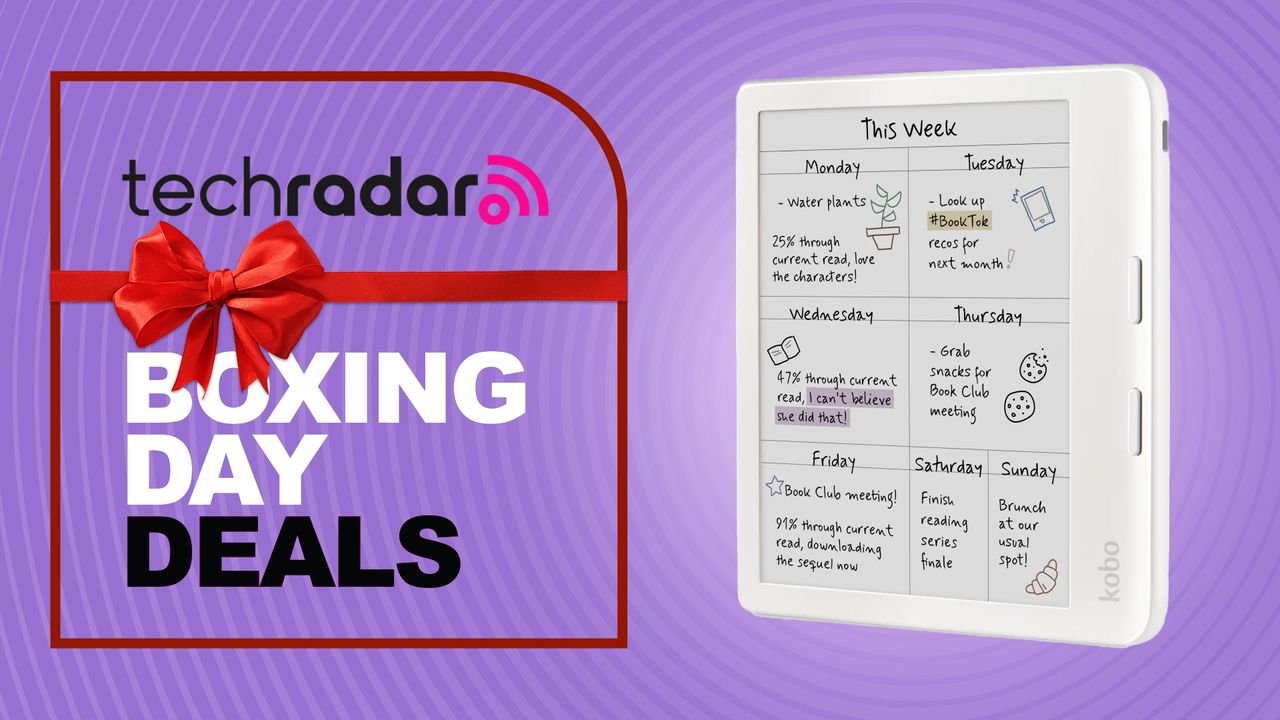
Need a new colour ereader for the holiday season? I’d skip the Kindle Coloursoft and grab this discounted Kobo instead
I’ve tested upwards of 30 ereaders in the last 9 years and my current favourite is the Kobo Libra Colour. This 7-inch colour ereader is, in fact, my pick for the best ereader you can buy right now, as it manages to balance price and functionality very well.
I’m also extremely partial to its physical design – the asymmetrical body with its page-turn buttons is a lot more ergonomic than holding a slim and flat ereader for long hours of reading.
- Shop more December deals and discounts in our live coverage of the 2025 Boxing Day sales
Now, let me explain why I say this epaper tablet represents good value for money, and it goes well beyond its physicality which, to be honest, now looks a bit dated because of the plastic body. Not that the same-sized (7-inch) Kindle Colorsoft is any less plasticky, but at least the Kobo has pleasing ergonomics.
In terms of Kobo being better value though, it comes down to functionality.
Firstly, there’s the writing capabilities. Kobo has given the Libra Colour all its notes features, including the Advanced Notebooks that made me fall in love with the Kobo Elipsa 2E over the Kindle Scribe. You might think it’s unfair that the Libra Colour doesn’t ship with a stylus in the box but, at this price point, there is no epaper tablet that will come with a writing implement. Even the Boox Go Color 7 Gen II or the Boox Go 7 don’t come with a pen included, and they cost AU$439 and AU$419 respectively.
So buying the Kobo Stylus 2 separately will be well worth it if you’ll take full advantage of the writing features – it costs an additional AU$119.95 from the Kobo Store or AU$98.98 currently on Amazon.
Then there’s all the other features that add value to the device, starting with Dropbox and Google Drive support so you can wirelessly transfer ebooks or notes. I’ve used the latter to access ebooks and it works so smoothly! And there’s 32GB of storage to keep ’em all on board. To get 32GB on the Kindle Colorsoft, you’ll need to opt for the Signature Edition, which will set you back AU$379 right now (usually AU$449).
There’s also OverDrive support baked in, so you can borrow library books (digital versions of course) if your local book depository uses the platform, or uses Libby. You’ll just need your library card and it’s a fabulous way to save on purchasing ebooks every now and then.
If you already have an existing collection of EPUBs somewhere, transferring files is remarkably easy via a PC connection – Windows or Mac. Heck, you can even add more fonts to it the same way, including Amazon’s own Bookerly and Ember. It’s a much more open ecosystem than the Kindle, where you’ll need to use the Send To Kindle platform to move your EPUB files.
I personally also prefer the user interface on a Kobo to a Kindle – the home screen is just so much cleaner in comparison. And, importantly, all Kobos have Bluetooth connectivity, so you can listen to audiobooks, albeit only those purchased or borrowed from the Kobo Store or via a Kobo Plus membership. The current Kindles no longer have Bluetooth or Audible support in Australia, go figure!
I also respect the fact that it’s repairable. Kobo has partnered with iFixit to sell genuine replacement parts and you’ll also get step-by-step guides to do your own repairs should it come to that.
The only thing the Kindle Colorsoft does better than the Kobo is display colours a bit more vividly.
If this long list of features on the Kobo doesn’t convince to choose it over a Kindle, I’m not sure what will.
Other notable Kobo discounts
If you’re not keen on a 7-inch ereader or you think you won’t use the writing features, the current Kobo Clara series is also discounted on Amazon, although only by up to 9% – which is just about AU$20 (give or take) off on the Clara BW and the Clara Colour.
They’re both 6-inch alternatives and they both allow you to borrow from a local public library. Bluetooth support and repairability also go into making them better value than a Kindle.
“>
You must confirm your public display name before commenting
Please logout and then login again, you will then be prompted to enter your display name.
