Close Menu

    Subscribe to Updates

    Get the latest creative news from FooBar about art, design and business.

    What's Hot

    This HP mini PC delivers big power for $350

    Upgrade to Windows 11 Pro for $13 and feel the difference immediately

    This slim 1440p portable laptop monitor is 30% off

    Facebook X (Twitter) Instagram
    • Artificial Intelligence
    • Business Technology
    • Cryptocurrency
    • Gadgets
    • Gaming
    • Health
    • Software and Apps
    • Technology
    Facebook X (Twitter) Instagram Pinterest Vimeo
    Tech AI Verse
    • Home
    • Artificial Intelligence

      Read the extended transcript: President Donald Trump interviewed by ‘NBC Nightly News’ anchor Tom Llamas

      February 6, 2026

      Stocks and bitcoin sink as investors dump software company shares

      February 4, 2026

      AI, crypto and Trump super PACs stash millions to spend on the midterms

      February 2, 2026

      To avoid accusations of AI cheating, college students are turning to AI

      January 29, 2026

      ChatGPT can embrace authoritarian ideas after just one prompt, researchers say

      January 24, 2026
    • Business

      New VoidLink malware framework targets Linux cloud servers

      January 14, 2026

      Nvidia Rubin’s rack-scale encryption signals a turning point for enterprise AI security

      January 13, 2026

      How KPMG is redefining the future of SAP consulting on a global scale

      January 10, 2026

      Top 10 cloud computing stories of 2025

      December 22, 2025

      Saudia Arabia’s STC commits to five-year network upgrade programme with Ericsson

      December 18, 2025
    • Crypto

      Arthur Hayes Attributes Bitcoin Crash to ETF-Linked Dealer Hedging

      February 8, 2026

      Monero XMR Attempts First Recovery in a Month, But Death Cross Risk Looms

      February 8, 2026

      HBAR Price Eyes a Potential 30% Rally – Here’s What the Charts are Signalling 

      February 8, 2026

      Bitcoin Mining Difficulty Hits Its Biggest Drop Since 2021 China Ban

      February 8, 2026

      How Severe Is This Bitcoin Bear Market and Where Is Price Headed Next?

      February 8, 2026
    • Technology

      This HP mini PC delivers big power for $350

      February 9, 2026

      Upgrade to Windows 11 Pro for $13 and feel the difference immediately

      February 9, 2026

      This slim 1440p portable laptop monitor is 30% off

      February 9, 2026

      If you buy Razer’s insane $1337 mouse, I will be very disappointed in you

      February 9, 2026

      Nvidia is reportedly skipping consumer GPUs in 2026. Thanks, AI

      February 9, 2026
    • Others
      • Gadgets
      • Gaming
      • Health
      • Software and Apps
    Check BMI
    Tech AI Verse
    You are at:Home»Technology»This hidden Windows 11 trick unlocks SSD speed boost for NVMe drives
    Technology

    This hidden Windows 11 trick unlocks SSD speed boost for NVMe drives

    TechAiVerseBy TechAiVerseJanuary 9, 2026No Comments4 Mins Read3 Views
    Facebook Twitter Pinterest Telegram LinkedIn Tumblr Email Reddit
    This hidden Windows 11 trick unlocks SSD speed boost for NVMe drives
    Share
    Facebook Twitter LinkedIn Pinterest WhatsApp Email

    This hidden Windows 11 trick unlocks SSD speed boost for NVMe drives

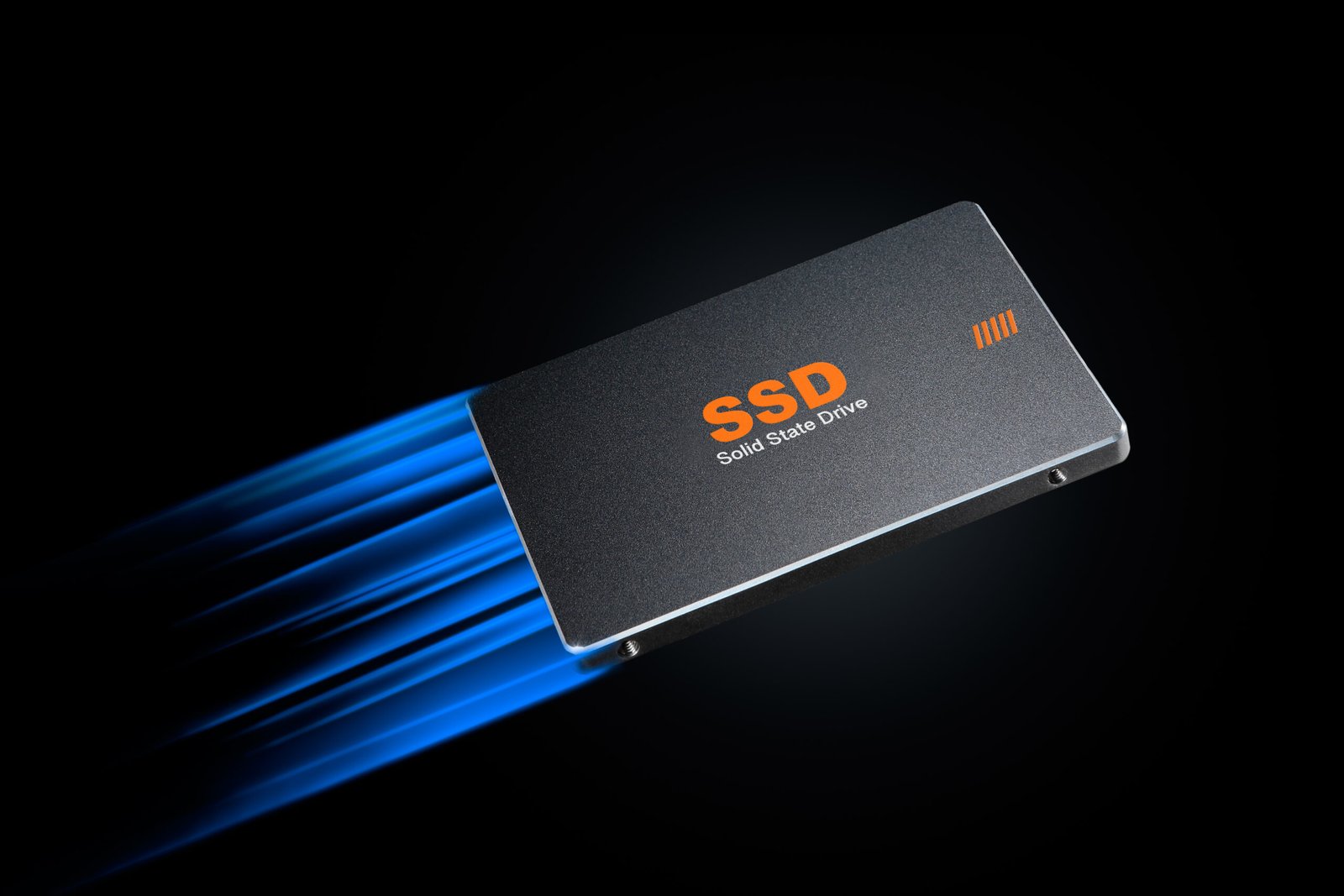
    Image: Sick Visuals / Shutterstock.com

    Microsoft recently started offering users of modern SSDs an option to significantly increase their drive speeds. Specifically, this involves a performance boost for NVMe drives.

    NVMe stands for Non-Volatile Memory Express and is a particularly fast protocol for SSDs that communicates directly with the processor via the PCIe interface. Because of this, NVMe SSDs outperform conventional SATA SSDs. Until now, however, Windows didn’t offer a native driver for NVMe drives, which limited their performance.

    This changed in December 2025 when Microsoft announced Native NVMe for Windows Server 2025, which is also available on Windows 11. However, you must manually activate it yourself to take advantage of its benefits. Here’s how to enable it and whether it’s worth doing so.

    The advantages of Native NVMe

    According to Microsoft, here are the advantages:

    • Massive IOPS increases: Actual performance limit of the hardware is fully unlocked.
    • Lower latency: Shorter round-trip times for each operation.
    • Higher CPU efficiency: More computing power for applications instead of storage overhead.
    • Support for advanced NVMe features: For example, multi-queue and direct command transmission.

    In specific use cases, this could improve sequential speeds by up to 500 MB/s as well as up to 80 percent more IOPS. In addition, using the native driver should save up to 45 percent in computing power.

    These values may vary depending on your system and SSD type, of course. In general, however, users seem to benefit significantly from the performance boost—and all you need is a compatible NVMe SSD and Windows 11 25H2 to start taking advantage now.

    There are some caveats, though

    Before you turn this feature on, know that there’s a risk. According to some reports, problems can arise with certain SSDs. Some hard drive managers no longer recognize NVMe storage after the driver is enabled, while other drives disappear completely or get listed twice.

    In addition, in a few cases, there was higher CPU utilization and/or lag, especially in games that use DirectStorage. Apparently, there’s a compatibility issue here that needs to be investigated further.

    How to activate the NVMe boost

    To activate the new NVMe driver in Windows 11, you should first check the driver details section of your storage drive in Device Manager and ensure that your drive is using StorNVMe.sys. Otherwise, activating this driver will have no effect on your system.

    If compatible, there are two ways to activate the driver:

    Option 1: Windows Registry

    1. Use the Windows key + R keyboard shortcut to open the Run window, then type regedit to launch Registry Editor.
    2. In Registry Editor, navigate to ComputerHKEY_LOCAL_MACHINESYSTEMCurrentControlSetPoliciesMicrosoftFeatureManagementOverrides.
    3. In this folder, right-click and add the following REG_DWORD values, each with hexadecimal value “1”: 156965516, 1853569164, 735209102.
    4. Restart your PC.

    If you want to undo the change, navigate back to the same folder and delete the three values. The change will take effect after restarting.

    Option 2: PowerShell

    Alternatively, you can use Windows PowerShell to enter the following commands (with admin rights):

    1. reg add HKEY_LOCAL_MACHINESYSTEMCurrentControlSetPoliciesMicrosoftFeatureManagementOverrides /v 156965516 /t REG_DWORD /d 1 /f
    2. ​​​​​​​reg add HKEY_LOCAL_MACHINESYSTEMCurrentControlSetPoliciesMicrosoftFeatureManagementOverrides /v 1853569164 /t REG_DWORD /d 1 /f
    3. reg add HKEY_LOCAL_MACHINESYSTEMCurrentControlSetPoliciesMicrosoftFeatureManagementOverrides /v 735209102 /t REG_DWORD /d 1 /f
    4. Restart your PC.

    These two methods are currently the only ways to activate Native NVMe in Windows 11, as it’s actually intended for use under Windows Server. The performance boost is primarily aimed at businesses, but private users can also activate it to benefit.

    However, there’s no guarantee that every NVMe SSD will respond to the change in the same way. The potential problems described above may still occur. If this is the case, you should undo the change and wait for Microsoft to update the drivers before trying again.

    Further reading: Unlock more SSD performance with these 5 tweaks

    This article originally appeared on our sister publication PC-WELT and was translated and localized from German.


    Author: Laura Pippig
    , Staff Writer, PC-WELT

    Laura is an enthusiastic gamer as well as a movie and TV fan. After studying communication science, she went straight into a job at PCMagazin and Connect Living. Since then, she has been writing about everything to do with PCs and technology topics, and has been a permanent editor at our German sister site PC-WELT since May 2024.

    Share. Facebook Twitter Pinterest LinkedIn Reddit WhatsApp Telegram Email
    Previous ArticleProminent leaker reveals Nvidia’s RTX 6000 series launch date
    Next Article Anker’s fast 6-port USB charging station is a winner at 25% off
    TechAiVerse
    • Website

    Jonathan is a tech enthusiast and the mind behind Tech AI Verse. With a passion for artificial intelligence, consumer tech, and emerging innovations, he deliver clear, insightful content to keep readers informed. From cutting-edge gadgets to AI advancements and cryptocurrency trends, Jonathan breaks down complex topics to make technology accessible to all.

    Related Posts

    This HP mini PC delivers big power for $350

    February 9, 2026

    Upgrade to Windows 11 Pro for $13 and feel the difference immediately

    February 9, 2026

    This slim 1440p portable laptop monitor is 30% off

    February 9, 2026
    Leave A Reply Cancel Reply

    Top Posts

    Ping, You’ve Got Whale: AI detection system alerts ships of whales in their path

    April 22, 2025659 Views

    Lumo vs. Duck AI: Which AI is Better for Your Privacy?

    July 31, 2025246 Views

    6.7 Cummins Lifter Failure: What Years Are Affected (And Possible Fixes)

    April 14, 2025148 Views

    6 Best MagSafe Phone Grips (2025), Tested and Reviewed

    April 6, 2025111 Views
    Don't Miss
    Technology February 9, 2026

    This HP mini PC delivers big power for $350

    This HP mini PC delivers big power for $350 Image: StackCommerce TL;DR: A small but powerful HP…

    Upgrade to Windows 11 Pro for $13 and feel the difference immediately

    This slim 1440p portable laptop monitor is 30% off

    If you buy Razer’s insane $1337 mouse, I will be very disappointed in you

    Stay In Touch
    • Facebook
    • Twitter
    • Pinterest
    • Instagram
    • YouTube
    • Vimeo

    Subscribe to Updates

    Get the latest creative news from SmartMag about art & design.

    About Us
    About Us

    Welcome to Tech AI Verse, your go-to destination for everything technology! We bring you the latest news, trends, and insights from the ever-evolving world of tech. Our coverage spans across global technology industry updates, artificial intelligence advancements, machine learning ethics, and automation innovations. Stay connected with us as we explore the limitless possibilities of technology!

    Facebook X (Twitter) Pinterest YouTube WhatsApp
    Our Picks

    This HP mini PC delivers big power for $350

    February 9, 20263 Views

    Upgrade to Windows 11 Pro for $13 and feel the difference immediately

    February 9, 20264 Views

    This slim 1440p portable laptop monitor is 30% off

    February 9, 20264 Views
    Most Popular

    7 Best Kids Bikes (2025): Mountain, Balance, Pedal, Coaster

    March 13, 20250 Views

    VTOMAN FlashSpeed 1500: Plenty Of Power For All Your Gear

    March 13, 20250 Views

    This new Roomba finally solves the big problem I have with robot vacuums

    March 13, 20250 Views
    © 2026 TechAiVerse. Designed by Divya Tech.
    • Home
    • About Us
    • Contact Us
    • Privacy Policy
    • Terms & Conditions

    Type above and press Enter to search. Press Esc to cancel.