

Elevate Your Home Security With These 4 Must-Have Camera Apps for 2026
122
122 people found this article helpful
Make your own security system with just a phone or tablet
Updated on January 20, 2026
Hispanolistic / E+ / Getty Images
It’s natural to consider installing hidden security cameras in your home, especially if you live in an area with a high crime rate.
With both free and paid mobile apps, you can turn an old device into a fully functional hidden camera.
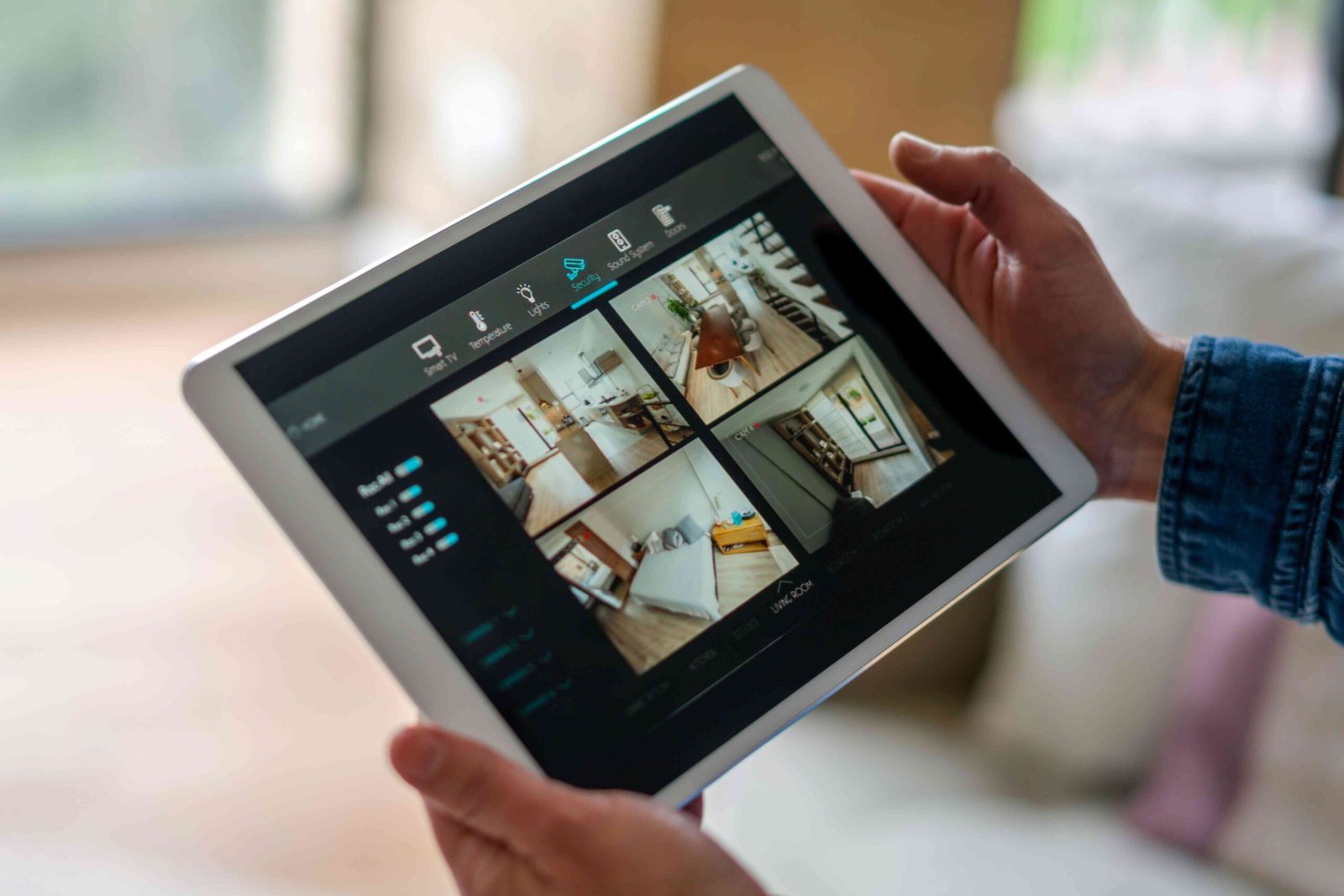
Here are four high-quality camera apps for creating a cheap security camera in minutes. All you need is an iOS or Android device and a computer.
Best Overall Hidden Camera App: Alfred Home Security Camera
Alfred Security
What We Like
-
All primary hidden camera functionality is free.
-
Recorded video can also be viewed via the web.
What We Don’t Like
-
Extras like zooming are behind a paywall.
-
The app occasionally crashes on aging hardware.
Alfred Home Security Camera is one of the best surveillance apps for both iOS and Android devices.
The app works by turning one smartphone or tablet into a camera and another into a viewing monitor. Once set up, the Alfred Home Security Camera begins recording video when motion is detected. The app uploads all footage to a free online cloud account for viewing later.
Additional features, such as zooming, require a paid subscription. You might also experience crashes if you have an older device.
Download For:
Best Camera App for Gamers: Viewer for Baby Monitor for Kinect
Viewer for Baby Monitor for Kinect
What We Like
-
Creative use of the Xbox One gaming console accessory.
-
The Kinect camera sees in the dark.
What We Don’t Like
-
The Xbox One console must be turned on for this app to work.
-
You can’t use your Xbox One while this app is running.
Viewer for Baby Monitor for Kinect is an ingenious app that lets you use the Xbox One’s Kinect sensor as a security camera or baby monitor. Traits such as night vision, a motion sensor, and internet-free video make this ideal for keeping an eye on little ones.
One app version is installed on the Xbox One console to let it record video, while the other is downloaded onto your Windows 11/10 device to view the video stream from elsewhere in the house.
The downside is that your Xbox One must be running for the app to work, which could increase electric bills. You also can’t use the gaming console while in baby monitor mode.
Download For:
Best Hidden Surveillance App for iOS: Manything
Manything
What We Like
-
Clean app design that’s easy to use and navigate.
-
Clips can be downloaded and shared easily.
What We Don’t Like
-
Subscription required to save footage to the cloud.
-
Fee to use more than one device as a surveillance cam.
-
No Android app.
Manything is a free surveillance cam app that lets you turn any device with iOS 15.6 (and later) into a security camera. Stream video from the app live on your primary smartphone or tablet and receive alerts when motion is detected.
One helpful feature is the ability to talk through the device working as the camera. Use this tool to startle intruders, talk to pets while out of the house, or turn the device into a baby cam. You’ll pay extra for extras such as cloud storage and using multiple devices as cameras.
Download For:
Best Hidden Camera App for Android: AtHome Video Streamer
AtHome
What We Like
-
Animated GIF notifications are unique to this app.
-
Video streaming is encrypted.
-
Compatible with older devices.
What We Don’t Like
-
Cloud save functionality requires a subscription.
The AtHome video surveillance camera app can transform any old iPhone, iPod touch, or iPad into a hidden security camera as long as it has iOS 9 or above. It also works on Android 6.0 and newer. Like other surveillance apps, AtHome begins recording footage from the device’s webcam when it detects motion.
However, the app’s facial recognition technology sets it apart, which begins recording video whenever it identifies a person. The app records the person, generates an animated GIF of the individual, and sends it to you in a push notification.
View all recorded footage on another device or a computer. You can also automatically save recordings to an online cloud account as part of a monthly subscription service.
Download For:
Thanks for letting us know!
