

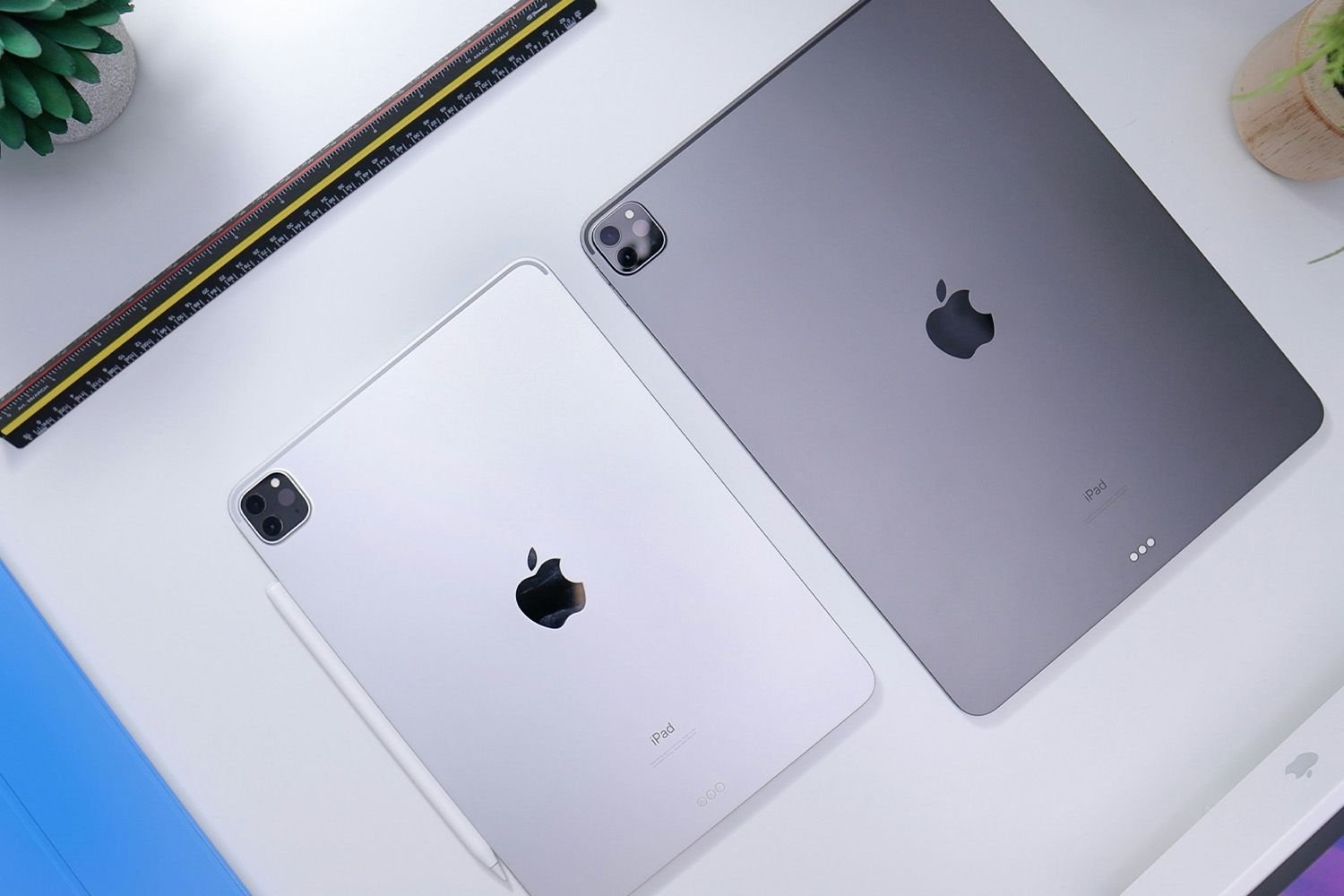
Find What Year Your iPad Was Released
212
212 people found this article helpful
Find What Year Your iPad Was Released
Check your model, generation, and sale date in minutes
Updated on January 23, 2026
With the many iPad models released, it’s easy to forget which one you own. If you’re curious about your iPad’s eligibility for updates or need service, there are simple ways to find this information from your device’s Settings.
How Do I Know What Generation My iPad Is?
When Apple releases updates or accessories, it specifies which iPad models and generations are eligible. This isn’t helpful if you don’t remember which one you own. To double-check your device, here’s how:
-
Open the Settings app, then tap General.
-
Select About.
The About section also offers other useful identification information like the serial number and model number.
-
The generation appears next to Model Name.
Some models, like the iPad Pro 11”, don’t include a generation number next to the model name.
Some iPad models remain for sale for a few years before discontinuation. To find the purchase year of your iPad, follow these steps:
-
Go to Settings > General > Legal & Regulatory.
-
Scroll to the bottom.
-
The sale date is listed in YYYY-MM-DD format.
What If My iPad Won’t Turn On?
If you can’t turn your iPad on to access Settings, locate the model number on the back of the device. This unique number can help identify the generation, release date, and more.
Apple provides a list of iPad models and their model numbers. Compare your model number to the list.
For instance, if your iPad reads A2836 on the back, Apple’s list shows it’s the Wi-Fi version of the 11-inch M4 iPad Pro released in 2024.
Can I Update My iPad?
The latest version of iPadOS is compatible with certain iPads. To update to iPadOS 17, yensure you have one of these models:
- iPad mini 5th generation and later
- iPad 6th generation and later
- iPad Air 3rd generation and later
- iPad Pro 1st generation and later
FAQ
-
Look for the model number on the back and bottom of your device. Then check Apple’s iPad support site to view the complete list of iPad models by year and generation. You can also find your iPad Air’s model number from Settings > General > About > Model Number.
-
Apple launched the original iPad Air in October 2013. Model numbers from this group include A1474, A1475, A1476.
-
Apple introduced the iPad Air 2 in October 2014. This new model came with an upgraded Retina display and Touch ID.
Thanks for letting us know!
