Close Menu

    Subscribe to Updates

    Get the latest creative news from FooBar about art, design and business.

    What's Hot

    Measles is surging in the US. Wastewater tracking could help.

    America’s coming war over AI regulation

    “Dr. Google” had its issues. Can ChatGPT Health do better?

    Facebook X (Twitter) Instagram
    • Artificial Intelligence
    • Business Technology
    • Cryptocurrency
    • Gadgets
    • Gaming
    • Health
    • Software and Apps
    • Technology
    Facebook X (Twitter) Instagram Pinterest Vimeo
    Tech AI Verse
    • Home
    • Artificial Intelligence

      Ashley St. Clair, the mother of one of Elon Musk’s children, sues xAI over Grok sexual images

      January 17, 2026

      Anthropic joins OpenAI’s push into health care with new Claude tools

      January 12, 2026

      The mother of one of Elon Musk’s children says his AI bot won’t stop creating sexualized images of her

      January 7, 2026

      A new pope, political shake-ups and celebs in space: The 2025-in-review news quiz

      December 31, 2025

      AI has become the norm for students. Teachers are playing catch-up.

      December 23, 2025
    • Business

      New VoidLink malware framework targets Linux cloud servers

      January 14, 2026

      Nvidia Rubin’s rack-scale encryption signals a turning point for enterprise AI security

      January 13, 2026

      How KPMG is redefining the future of SAP consulting on a global scale

      January 10, 2026

      Top 10 cloud computing stories of 2025

      December 22, 2025

      Saudia Arabia’s STC commits to five-year network upgrade programme with Ericsson

      December 18, 2025
    • Crypto

      Monero Holds $500, But Rising Risk Emerges as Traders Pull Back

      January 23, 2026

      US DOJ Recasts Crypto as Fraud Infrastructure in New Review

      January 23, 2026

      Where Is Ethereum’s Bottom? Analysts Weigh On-Chain and Technical Signals

      January 23, 2026

      Ledger To Turn Crypto Security into Wall Street Gold in $4 Billion IPO

      January 23, 2026

      Can XRP HODLer Conviction Beat Profit Booking and the 18% Price Breakdown Risk?

      January 23, 2026
    • Technology

      Measles is surging in the US. Wastewater tracking could help.

      January 23, 2026

      America’s coming war over AI regulation

      January 23, 2026

      “Dr. Google” had its issues. Can ChatGPT Health do better?

      January 23, 2026

      Dispatch from Davos: hot air, big egos and cold flexes

      January 23, 2026

      The Download: Yann LeCun’s new venture, and lithium’s on the rise

      January 23, 2026
    • Others
      • Gadgets
      • Gaming
      • Health
      • Software and Apps
    Check BMI
    Tech AI Verse
    You are at:Home»Technology»How to Fix an iPhone Charging Port That Won’t Work
    Technology

    How to Fix an iPhone Charging Port That Won’t Work

    TechAiVerseBy TechAiVerseJanuary 23, 2026No Comments3 Mins Read1 Views
    Facebook Twitter Pinterest Telegram LinkedIn Tumblr Email Reddit
    How to Fix an iPhone Charging Port That Won’t Work
    Share
    Facebook Twitter LinkedIn Pinterest WhatsApp Email

    How to Fix an iPhone Charging Port That Won’t Work

    How to Fix an iPhone Charging Port That Won’t Work

    Practical tips that solve most charging failures fast

    Updated on January 22, 2026

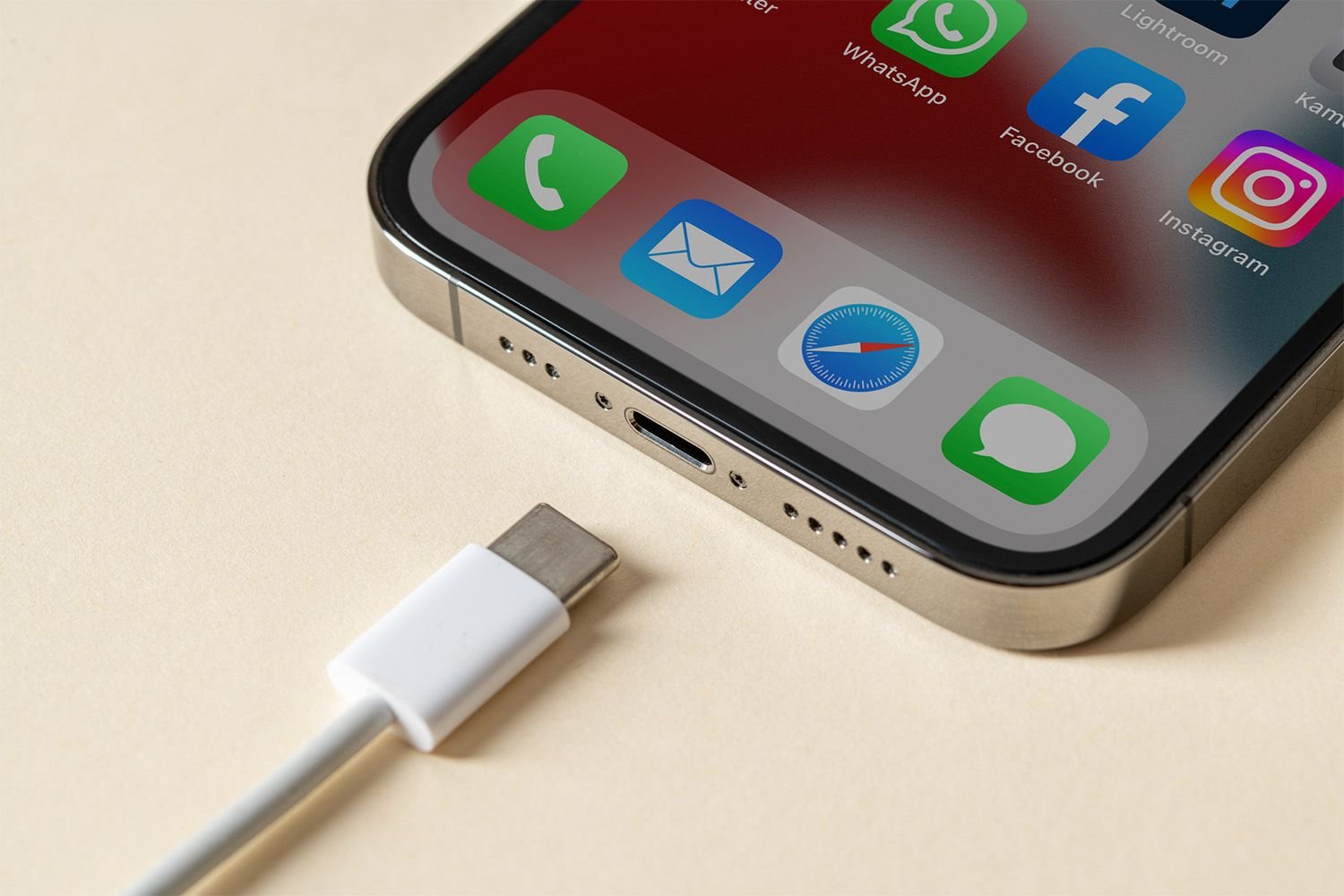
    This article explains potential reasons why your iPhone might not be charging and steps to take if the charging port is at fault.

    How Do I Fix My iPhone’s Charging Port?

    If you’re relatively certain the charging issue is due to the port, follow these steps to address it:

    1. Try a different charging cable if possible. If your iPhone charges with the new cable, then switch back to the original. If it stops again, the original cable likely needs replacing.

    2. Ensure the charging cable is securely connected. A loose or misaligned connection might prevent charging. Disconnect and reconnect both the cable and iPhone.

    3. Verify where the cable is connected. It could be an issue with the AC adapter, laptop, or battery if you’re using one.

    4. Plug your iPhone into a different outlet or charging port. If it charges with one source but not another, the power source may be the issue.

    5. Carefully clean the charging port if needed. Use a flashlight and magnifying glass to inspect the port for debris.

    6. If your iPhone was out of power for a long time, give it a moment to gather enough charge to start.

    7. If overheating, let your iPhone cool. It stops charging to prevent damage when too hot and resumes once cooled.

    8. Disconnect and restart your iPhone. After restarting, reconnect and check for power.

    9. Check for available system updates and install them. Though unlikely, software updates can resolve charging issues.

    10. Try Qi wireless charging. While this method provides a workaround, you might not always have a Qi charger accessible, so try to address any issues with the charging port when possible.

    11. Consider performing a factory reset. If nothing else works, this is the very last fix to try.

      This process will erase all apps, settings, contacts, and more from your iPhone. As long as you have a backup, you can restore everything, but the restoration will take time after the reset is complete.

    Why Isn’t My iPhone Charging?

    Here are common reasons an iPhone might not charge:

    • Faulty or unreliable cable
    • Clogged port
    • Damaged hardware
    • Overheating

    If your iPhone is using Optimized Battery Charging, disabling it may help the device charge again.

    If your iPhone still won’t charge after trying these steps, your best option is to seek professional repairs or at least a professional assessment.

    The issue might be due to something else, like the battery, or there could be physical damage to the charging port caused by water, a fall, or another accidental mishap

    FAQ

    • If there’s a lot of water in your iPhone charging port, first hold the device firmly and gently shake it to get out the excess. Then, use a cotton swab to get as much of the rest out as you can. To avoid damage, don’t use compressed air or a hair dryer on your phone. Once you’ve removed all of the water you can, don’t put the phone back in your pocket; leave it out in the open to help any residual moisture evaporate. Don’t plug a cable into the port until you’re sure it’s completely dry.

    • If you don’t have the adapter that lets you plug your iPhone into the wall, you can charge it from other sources. Connect your iPhone via USB to a Mac, and it can charge from there. Alternatively, you can use a wireless charger.

    Thanks for letting us know!

    Get the Latest Tech News Delivered Every Day

    Subscribe

    Share. Facebook Twitter Pinterest LinkedIn Reddit WhatsApp Telegram Email
    Previous ArticleFix an iPad That Won’t Turn On With These Steps
    Next Article Fix FaceTime Not Working With These 12 Steps
    TechAiVerse
    • Website

    Jonathan is a tech enthusiast and the mind behind Tech AI Verse. With a passion for artificial intelligence, consumer tech, and emerging innovations, he deliver clear, insightful content to keep readers informed. From cutting-edge gadgets to AI advancements and cryptocurrency trends, Jonathan breaks down complex topics to make technology accessible to all.

    Related Posts

    Measles is surging in the US. Wastewater tracking could help.

    January 23, 2026

    America’s coming war over AI regulation

    January 23, 2026

    “Dr. Google” had its issues. Can ChatGPT Health do better?

    January 23, 2026
    Leave A Reply Cancel Reply

    Top Posts

    Ping, You’ve Got Whale: AI detection system alerts ships of whales in their path

    April 22, 2025631 Views

    Lumo vs. Duck AI: Which AI is Better for Your Privacy?

    July 31, 2025238 Views

    6.7 Cummins Lifter Failure: What Years Are Affected (And Possible Fixes)

    April 14, 2025138 Views

    6 Best MagSafe Phone Grips (2025), Tested and Reviewed

    April 6, 2025111 Views
    Don't Miss
    Technology January 23, 2026

    Measles is surging in the US. Wastewater tracking could help.

    Measles is surging in the US. Wastewater tracking could help.As the US looks set to…

    America’s coming war over AI regulation

    “Dr. Google” had its issues. Can ChatGPT Health do better?

    Dispatch from Davos: hot air, big egos and cold flexes

    Stay In Touch
    • Facebook
    • Twitter
    • Pinterest
    • Instagram
    • YouTube
    • Vimeo

    Subscribe to Updates

    Get the latest creative news from SmartMag about art & design.

    About Us
    About Us

    Welcome to Tech AI Verse, your go-to destination for everything technology! We bring you the latest news, trends, and insights from the ever-evolving world of tech. Our coverage spans across global technology industry updates, artificial intelligence advancements, machine learning ethics, and automation innovations. Stay connected with us as we explore the limitless possibilities of technology!

    Facebook X (Twitter) Pinterest YouTube WhatsApp
    Our Picks

    Measles is surging in the US. Wastewater tracking could help.

    January 23, 20260 Views

    America’s coming war over AI regulation

    January 23, 20260 Views

    “Dr. Google” had its issues. Can ChatGPT Health do better?

    January 23, 20260 Views
    Most Popular

    A Team of Female Founders Is Launching Cloud Security Tech That Could Overhaul AI Protection

    March 12, 20250 Views

    7 Best Kids Bikes (2025): Mountain, Balance, Pedal, Coaster

    March 13, 20250 Views

    VTOMAN FlashSpeed 1500: Plenty Of Power For All Your Gear

    March 13, 20250 Views
    © 2026 TechAiVerse. Designed by Divya Tech.
    • Home
    • About Us
    • Contact Us
    • Privacy Policy
    • Terms & Conditions

    Type above and press Enter to search. Press Esc to cancel.