

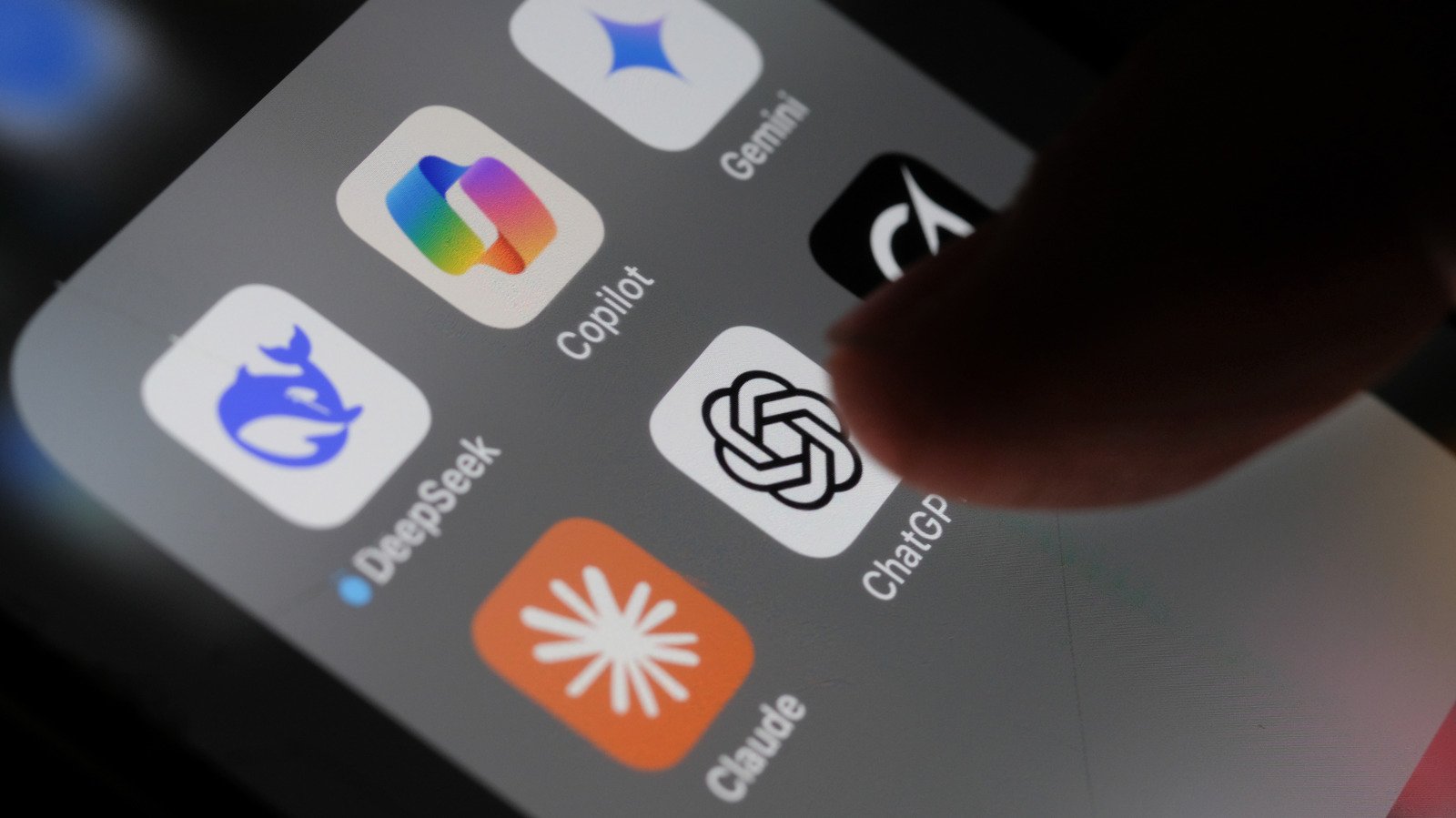
3 Apps You Should Be Using Alongside ChatGPT
Alexsl/Getty Images
There are certain technological events that can only be described as transformative. The advent of the internet and the first iPhone are two that spring to mind. And, while it’s still early days (ChatGPT has only been around since the end of 2022), the AI model has already done enough to warrant a space in this Hall of Fame.
ChatGPT is the digital equivalent of a multi-tool. Multi-tools in any format are incredibly useful, but as well as being crammed full of useful tools, they’re also crammed full of design compromises. While we’re not expressly saying that ChatGPT has a compromised design, it can suffer from that multitool failing of being a jack-of-all-trades and a master-of-none. There are features that ChatGPT needs in 2026 that may address some of these shortcomings.
One way to address this weakness is to use other applications that can work alongside ChatGPT to improve the results you get from the tool. Just to be clear, these aren’t ChatGPT integrations we’re discussing. Rather, these are entirely separate applications that all bring something to the ChatGPT party and can improve the user experience.
We’ve opted for free and open-source applications, and all were tested in a Windows environment. The aim of these apps is not to replace ChatGPT, but to use tools alongside that shore up its weak spots and make it more useful for everyday workflows, research, or whatever you’re using the platform for.
Joplin: Ease those note-taking blues
Anyone who has had a long and drawn-out chat with ChatGPT will know that it’s pretty rubbish at one thing — remembering anything after the conversation ends. It isn’t great at keeping organized notes either; the end result of this can be wasted time scrolling through chats to find specific info or re-asking it to confirm specific details. Not great for research purposes, especially when time is important.
This is where a dedicated note-taking tool can begin to earn its keep. We’ve highlighted Joplin, which is a free open-source tool that works well alongside ChatGPT. This works because Joplin does precisely because it does one thing that ChatGPT doesn’t — it stores information reliably and in a format that makes retrieval easy. It’s also an app that made it onto our list of “ride-or-die” apps for Windows.
Instead of treating each chat as a disposable interaction, Joplin gives you a place to capture useful prompts, responses, outlines, and half-formed ideas before they disappear into a scrolling black hole.
In practical terms, the workflow is easy. You use ChatGPT to think things through, generate notes, or just explore an idea. Once you have output that’s worth saving, this can be copied into Joplin and saved within a logical structure.
ShareX: Documenting your workflow
Bob Sharp/SlashGear
One of the less obvious limitations of ChatGPT is that, once a conversation is over, there’s actually very little to show for it. You can ask it to summarize your conversation and re-explain what you asked, but that’s not the same thing as being able to demonstrate the process. If you’re documenting a workflow, writing a guide, or simply trying to keep track of how you arrived at a particular conclusion, then that lack of visual evidence can be frustrating.
This is where ShareX can be used alongside ChatGPT. ShareX is a free, open-source screen capture tool for Windows that makes it easy to record exactly what’s happening on your screen. This doesn’t just work to capture a single prompt or response; it can be set to record a longer chat or an entire workflow from start to finish.
Used alongside ChatGPT, this can be useful for freezing otherwise ephemeral moments. This is especially relevant when you need to show how something was done, not just describe it in hindsight. Screenshots also make it easier to revisit earlier work without relying on memory or endless scrolling through old chats.
Ultimately, this can be used in a similar way to Joplin. However, this is more useful for recording the procedure of how a chat worked rather than the result.
Zotero: A personal research assistant
Bob Sharp/SlashGear
There’s a disclaimer displayed at the bottom of each ChatGPT chat, which says, “ChatGPT can make mistakes. Check important info.” This is not a disclaimer that should be taken lightly, as several users have discovered when ChatGPT hallucinated false information.
In short, ChatGPT may be good at explaining things, but it isn’t quite as competent at proving them. For some, this might not be of critical importance. But, for any research where the integrity of the result matters, this is incredibly important.
This is where Zotero fits neatly alongside ChatGPT. Zotero is a free, open-source application that acts as a personal research assistant. It’s designed to collect, organize, and cite real sources. These sources can be added to your research from PDFs, reports, academic papers, and web pages (the Zotero Connector browser plugin simplifies this). It’s also a very useful free software application for students.
ChatGPT can be used to sketch initial ideas, draw up a research plan of action, and present a draft outline or whatever is required. It can also help to identify the claims that need supporting evidence (probably best to have a human double-check this, as one lawyer already found to his cost).
Zotero then becomes a repository where all your evidence lives. Over time, this builds a research library of reliable sources that support current work but can also be returned to and expanded as similar projects come along.
