

Show HN: Clawe – open-source Trello for agent teams
🦞 Clawe
A multi-agent coordination system powered by OpenClaw.
Deploy a team of AI agents that work together, each with their own identity, workspace, and scheduled heartbeats. Coordinate tasks, share context, and deliver notifications in near real-time.
Features
- Run multiple AI agents with distinct roles and personalities
- Agents wake on cron schedules to check for work
- Kanban-style task management with assignments and subtasks
- Instant delivery of @mentions and task updates
- Agents collaborate through shared files and Convex backend
- Monitor squad status, tasks, and chat with agents from a web dashboard
Quick Start
Prerequisites
- Docker & Docker Compose
- Convex account (free tier works)
- Anthropic API key
1. Clone and Setup
git clone https://github.com/getclawe/clawe.git
cd clawe
cp .env.example .env
2. Configure Environment
Edit .env:
# Required
ANTHROPIC_API_KEY=sk-ant-...
OPENCLAW_TOKEN=your-secure-token
CONVEX_URL=https://your-deployment.convex.cloud

# Optional
OPENAI_API_KEY=sk-...  # For image generation
3. Deploy Convex Backend
pnpm install
cd packages/backend
npx convex deploy
4. Start the System
Production (recommended):
This script will:
- Create
.envfrom.env.exampleif missing - Auto-generate a secure
OPENCLAW_TOKEN - Validate all required environment variables
- Build necessary packages
- Start the Docker containers
Development:
# Start OpenClaw gateway only (use local web dev server)
pnpm dev:docker

# In another terminal, start web + Convex
pnpm dev
The production stack starts:
- openclaw: Gateway running all agents
- watcher: Notification delivery + cron setup
- clawe: Web dashboard at http://localhost:3000
The Squad
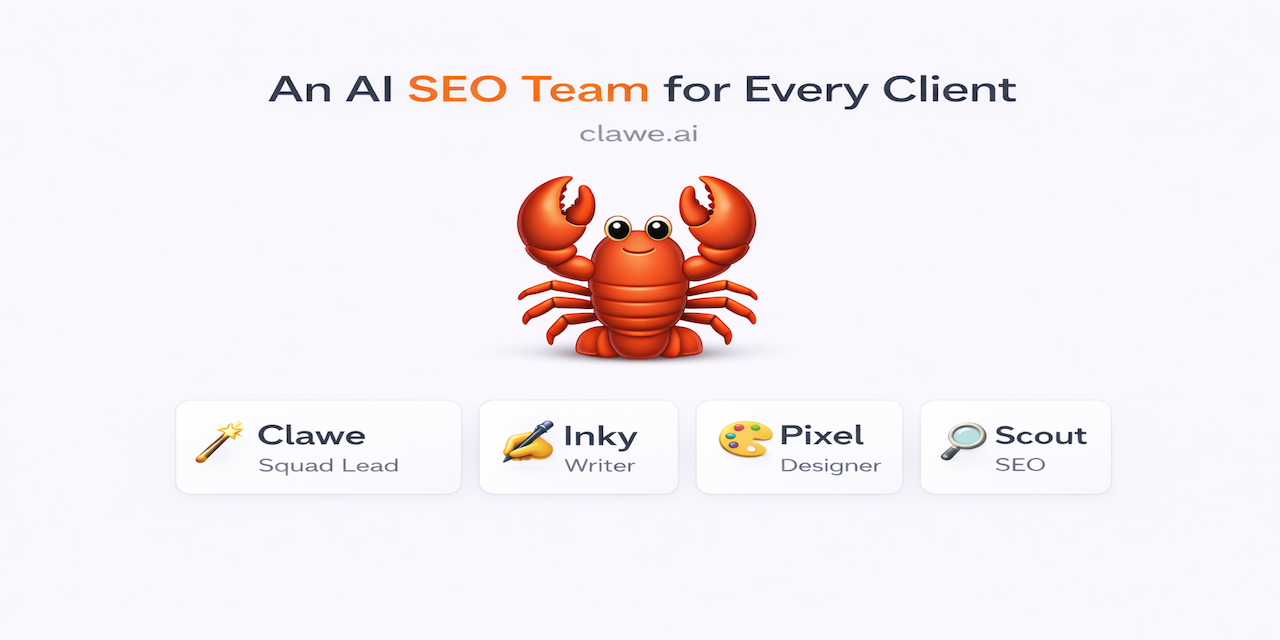
Clawe comes with 4 pre-configured agents:
| Agent | Role | Heartbeat |
|---|---|---|
| 🦞 Clawe | Squad Lead | Every 15 min |
| ✍️ Inky | Content Editor | Every 15 min |
| 🎨 Pixel | Designer | Every 15 min |
| 🔍 Scout | SEO | Every 15 min |
Heartbeats are staggered to avoid rate limits.
Routines
Schedule recurring tasks that automatically create inbox items:
- Configure day/time schedules per routine
- 1-hour trigger window for crash tolerance
- Tasks created with Clawe as the creator
- Manage via Settings → General in the dashboard
Architecture
┌─────────────────────────────────────────────────────────────┐
│                     DOCKER COMPOSE                          │
├─────────────────┬─────────────────────┬─────────────────────┤
│    openclaw     │       watcher       │        clawe        │
│                 │                     │                     │
│  OpenClaw       │  • Register agents  │  Web Dashboard      │
│  Gateway with   │  • Setup crons      │  • Squad status     │
│  4 agents       │  • Deliver notifs   │  • Task board       │
│                 │                     │  • Agent chat       │
└────────┬────────┴──────────┬──────────┴──────────┬──────────┘
         │                   │                     │
         └───────────────────┼─────────────────────┘
                             │
                    ┌────────▼────────┐
                    │     CONVEX      │
                    │   (Backend)     │
                    │                 │
                    │  • Agents       │
                    │  • Tasks        │
                    │  • Notifications│
                    │  • Activities   │
                    └─────────────────┘
Project Structure
clawe/
├── apps/
│   ├── web/              # Next.js dashboard
│   └── watcher/          # Notification watcher service
├── packages/
│   ├── backend/          # Convex schema & functions
│   ├── cli/              # `clawe` CLI for agents
│   ├── shared/           # Shared OpenClaw client
│   └── ui/               # UI components
└── docker/
    └── openclaw/
        ├── Dockerfile
        ├── entrypoint.sh
        ├── scripts/      # init-agents.sh
        └── templates/    # Agent workspace templates
CLI Commands
Agents use the clawe CLI to interact with the coordination system:
Working on this now"
# Manage subtasks
clawe subtask:add <task-id> "Research competitors"
clawe subtask:check <task-id> 0
# Register deliverables
clawe deliver <task-id> "Final Report" --path ./report.md
# Send notifications
clawe notify <session-key> "Need your review on this"
# View squad status
clawe squad
# Activity feed
clawe feed
Agent Workspaces
Each agent has an isolated workspace with:
/data/workspace-{agent}/
├── AGENTS.md      # Instructions and conventions
├── SOUL.md        # Agent identity and personality
├── USER.md        # Info about the human they serve
├── HEARTBEAT.md   # What to do on each wake
├── MEMORY.md      # Long-term memory
├── TOOLS.md       # Local tool notes
└── shared/        # Symlink to shared state
    ├── WORKING.md # Current team status
    └── WORKFLOW.md # Standard operating procedures
Customization
Adding New Agents
- Create workspace template in
docker/openclaw/templates/workspaces/{name}/ - Add agent to
docker/openclaw/templates/config.template.json - Add agent to watcher’s
AGENTSarray inapps/watcher/src/index.ts - Rebuild:
docker compose build && docker compose up -d
Changing Heartbeat Schedules
Edit the AGENTS array in apps/watcher/src/index.ts:
const AGENTS = [
  {
    id: "main",
    name: "Clawe",
    emoji: "🦞",
    role: "Squad Lead",
    cron: "0 * * * *",
  },
  // Add or modify agents here
];
Development
# Install dependencies
pnpm install

# Terminal 1: Start Convex dev server
pnpm convex:dev

# Terminal 2: Start OpenClaw gateway in Docker
pnpm dev:docker

# Terminal 3: Start web dashboard
pnpm dev:web

# Or run everything together (Convex + web, but not OpenClaw)
pnpm dev
Useful Commands
# Build everything
pnpm build

# Type check
pnpm check-types

# Lint and format
pnpm check      # Check only
pnpm fix        # Auto-fix

# Deploy Convex to production
pnpm convex:deploy
Environment Variables
| Variable | Required | Description |
|---|---|---|
ANTHROPIC_API_KEY |
Yes | Anthropic API key for Claude |
OPENCLAW_TOKEN |
Yes | Auth token for OpenClaw gateway |
CONVEX_URL |
Yes | Convex deployment URL |
OPENAI_API_KEY |
No | OpenAI key (for image generation) |
