Close Menu

    Subscribe to Updates

    Get the latest creative news from FooBar about art, design and business.

    What's Hot

    Older Windows 11 PCs need a Secure Boot fix ASAP

    Why Ring’s Super Bowl ad hits so sinister

    This dual-CPU PC from 1995 was so cool, Microsoft had to kill it

    Facebook X (Twitter) Instagram
    • Artificial Intelligence
    • Business Technology
    • Cryptocurrency
    • Gadgets
    • Gaming
    • Health
    • Software and Apps
    • Technology
    Facebook X (Twitter) Instagram Pinterest Vimeo
    Tech AI Verse
    • Home
    • Artificial Intelligence

      Read the extended transcript: President Donald Trump interviewed by ‘NBC Nightly News’ anchor Tom Llamas

      February 6, 2026

      Stocks and bitcoin sink as investors dump software company shares

      February 4, 2026

      AI, crypto and Trump super PACs stash millions to spend on the midterms

      February 2, 2026

      To avoid accusations of AI cheating, college students are turning to AI

      January 29, 2026

      ChatGPT can embrace authoritarian ideas after just one prompt, researchers say

      January 24, 2026
    • Business

      New VoidLink malware framework targets Linux cloud servers

      January 14, 2026

      Nvidia Rubin’s rack-scale encryption signals a turning point for enterprise AI security

      January 13, 2026

      How KPMG is redefining the future of SAP consulting on a global scale

      January 10, 2026

      Top 10 cloud computing stories of 2025

      December 22, 2025

      Saudia Arabia’s STC commits to five-year network upgrade programme with Ericsson

      December 18, 2025
    • Crypto

      HBAR Shorts Face $5 Million Risk if Price Breaks Key Level

      February 10, 2026

      Ethereum Holds $2,000 Support — Accumulation Keeps Recovery Hopes Alive

      February 10, 2026

      Miami Mansion Listed for 700 BTC as California Billionaire Tax Sparks Relocations

      February 10, 2026

      Solana Drops to 2-Year Lows — History Suggests a Bounce Toward $100 is Incoming

      February 10, 2026

      Bitget Cuts Stock Perps Fees to Zero for Makers Ahead of Earnings Season, Expanding Access Across Markets

      February 10, 2026
    • Technology

      Older Windows 11 PCs need a Secure Boot fix ASAP

      February 11, 2026

      Why Ring’s Super Bowl ad hits so sinister

      February 11, 2026

      This dual-CPU PC from 1995 was so cool, Microsoft had to kill it

      February 11, 2026

      1,300 games for $10: ‘No ICE in Minnesota’ bundle launched

      February 11, 2026

      Gemini gave my Plex server a checkup. Its diagnosis surprised me

      February 11, 2026
    • Others
      • Gadgets
      • Gaming
      • Health
      • Software and Apps
    Check BMI
    Tech AI Verse
    You are at:Home»Technology»Older Windows 11 PCs need a Secure Boot fix ASAP
    Technology

    Older Windows 11 PCs need a Secure Boot fix ASAP

    TechAiVerseBy TechAiVerseFebruary 11, 2026No Comments3 Mins Read2 Views
    Facebook Twitter Pinterest Telegram LinkedIn Tumblr Email Reddit
    Older Windows 11 PCs need a Secure Boot fix ASAP
    Share
    Facebook Twitter LinkedIn Pinterest WhatsApp Email

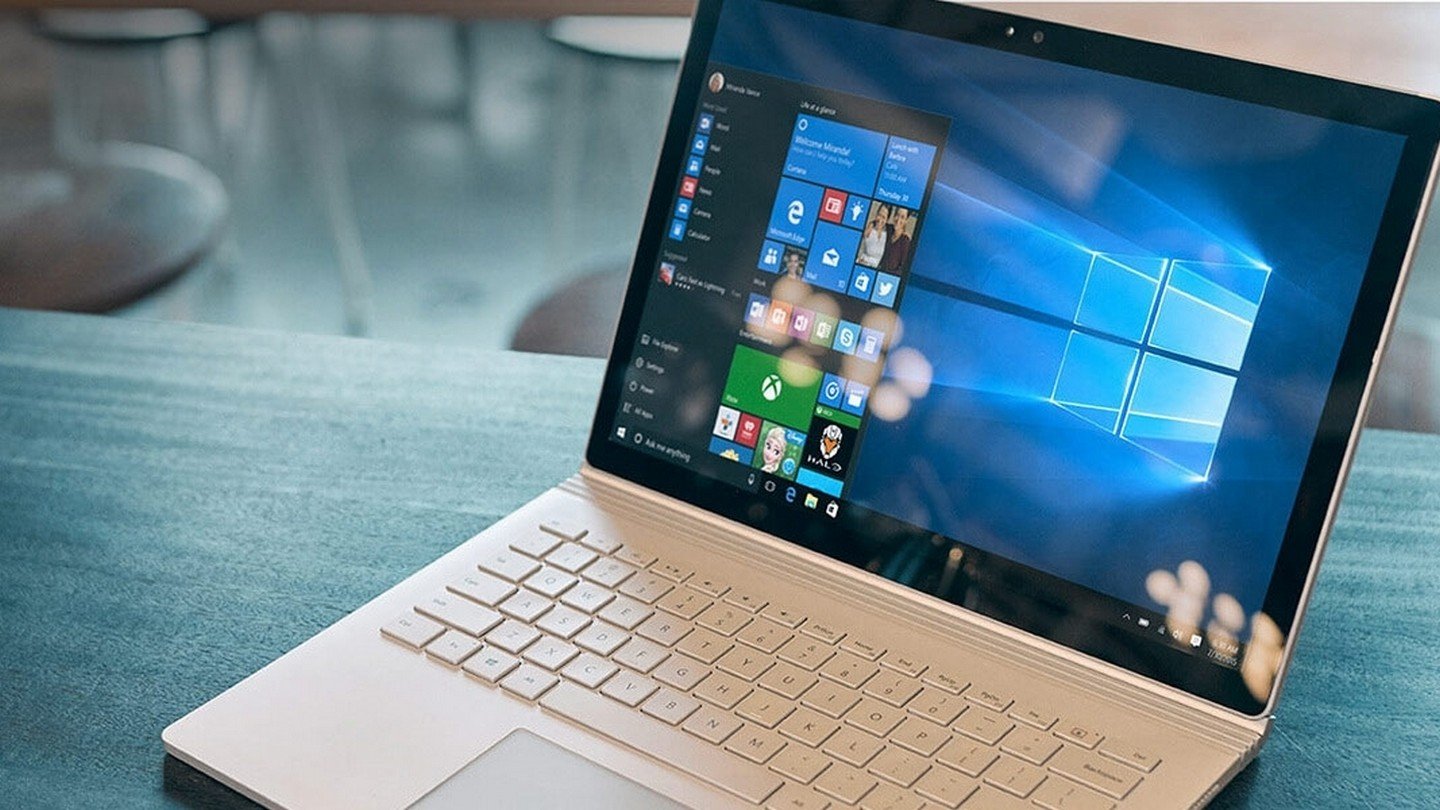
    Older Windows 11 PCs need a Secure Boot fix ASAP

    Image: Microsoft

    Summary created by Smart Answers AI

    In summary:

    • PCWorld reports that Microsoft is rolling out critical Secure Boot certificate updates for Windows 11 systems to replace certificates expiring in June 2026.
    • Without these updates, older Windows 11 PCs may face security vulnerabilities, inability to receive future updates, or problems trusting new boot loaders.
    • Users should install Windows quality updates and check for 2023-timestamped certificates to ensure their systems remain secure and functional.

    Microsoft has recently begun replacing expiring Secure Boot certificates on eligible Windows 11 systems running 24H2 and 25H2, according to a report by BleepingComputer. Update: On February 10, Microsoft confirmed plans to update Secure Boot certificates through the usual Windows update process.

    Secure Boot is an important security feature that prevents malicious software from running during system startup. It is part of Windows’ UEFI/BIOS and compares the digital signatures of software with specific keys stored in the system.

    Microsoft warned back in November that the Secure Boot certificates for most Windows devices currently in use will expire in June 2026. IT administrators in particular should therefore act soon to prevent problems with affected devices.

    “Without updates, Windows devices with Secure Boot enabled run the risk of not receiving security updates or trusting new boot loaders, which compromises both maintainability and security,” explains Microsoft.

    Who is affected?

    According to Microsoft, devices manufactured before 2024 are particularly affected. Newer Windows PCs already have the latest certificates.

    Furthermore, only users whose devices also start in Secure Boot mode are affected. If this is not the case, there will be no problems. You can test whether your PC starts with Secure Boot by activating Win + R, entering “msinfo32,” and checking the value for Secure Boot Status. If it says On, Secure Boot is active.

    What you can do

    To check the status of the certificate currently in use, proceed as follows:

    1. Open Windows Powershell with admin rights.
    2. Enter the following command: [System.Text.Encoding]::ASCII. GetString((Get-SecureBootUEFI db).bytes)
    3. In the best case, you should see at least one current certificate with the timestamp 2023, for example MicrosoftUEFICertificateAuthority_2023.cer
    4. Tip: With the addition of -match ‘Windows UEFI CA 2023’, you can also filter directly for the certificate you are looking for and receive True or False as the answer.

    If, on the other hand, the certificates are older, there is a high probability that problems will arise in June at the latest. You should therefore install the new certificates beforehand.

    If this does not work, you can open the Windows Registry Editor and check under HKEY_LOCAL_MACHINESYSTEMCurrentControlSetControlSecureBootServicing. WindowsUEFICA2023Capable should not have a value of 0 here, otherwise the certificate is not available.

    According to Microsoft, installing a series of Windows quality updates should suffice. Once a sufficient number of “successful update signals” have been sent, Microsoft can “ensure secure and gradual deployment”. You should also enable your PC to send diagnostic data to Microsoft.

    Alternatively, companies can also obtain Secure Boot certificates using special registry keys or the Windows Configuration System (WinCS). For more information, please refer to Microsoft’s official guide .

    This article originally appeared on our sister publication PC-WELT and was translated and localized from German.


    Author: Laura Pippig
    , Staff Writer, PC-WELT

    Laura is an enthusiastic gamer as well as a movie and TV fan. After studying communication science, she went straight into a job at PCMagazin and Connect Living. Since then, she has been writing about everything to do with PCs and technology topics, and has been a permanent editor at our German sister site PC-WELT since May 2024.

    Share. Facebook Twitter Pinterest LinkedIn Reddit WhatsApp Telegram Email
    Previous ArticleWhy Ring’s Super Bowl ad hits so sinister
    TechAiVerse
    • Website

    Jonathan is a tech enthusiast and the mind behind Tech AI Verse. With a passion for artificial intelligence, consumer tech, and emerging innovations, he deliver clear, insightful content to keep readers informed. From cutting-edge gadgets to AI advancements and cryptocurrency trends, Jonathan breaks down complex topics to make technology accessible to all.

    Related Posts

    Why Ring’s Super Bowl ad hits so sinister

    February 11, 2026

    This dual-CPU PC from 1995 was so cool, Microsoft had to kill it

    February 11, 2026

    1,300 games for $10: ‘No ICE in Minnesota’ bundle launched

    February 11, 2026
    Leave A Reply Cancel Reply

    Top Posts

    Ping, You’ve Got Whale: AI detection system alerts ships of whales in their path

    April 22, 2025664 Views

    Lumo vs. Duck AI: Which AI is Better for Your Privacy?

    July 31, 2025250 Views

    6.7 Cummins Lifter Failure: What Years Are Affected (And Possible Fixes)

    April 14, 2025151 Views

    6 Best MagSafe Phone Grips (2025), Tested and Reviewed

    April 6, 2025111 Views
    Don't Miss
    Technology February 11, 2026

    Older Windows 11 PCs need a Secure Boot fix ASAP

    Older Windows 11 PCs need a Secure Boot fix ASAP Image: Microsoft Summary created by…

    Why Ring’s Super Bowl ad hits so sinister

    This dual-CPU PC from 1995 was so cool, Microsoft had to kill it

    1,300 games for $10: ‘No ICE in Minnesota’ bundle launched

    Stay In Touch
    • Facebook
    • Twitter
    • Pinterest
    • Instagram
    • YouTube
    • Vimeo

    Subscribe to Updates

    Get the latest creative news from SmartMag about art & design.

    About Us
    About Us

    Welcome to Tech AI Verse, your go-to destination for everything technology! We bring you the latest news, trends, and insights from the ever-evolving world of tech. Our coverage spans across global technology industry updates, artificial intelligence advancements, machine learning ethics, and automation innovations. Stay connected with us as we explore the limitless possibilities of technology!

    Facebook X (Twitter) Pinterest YouTube WhatsApp
    Our Picks

    Older Windows 11 PCs need a Secure Boot fix ASAP

    February 11, 20262 Views

    Why Ring’s Super Bowl ad hits so sinister

    February 11, 20263 Views

    This dual-CPU PC from 1995 was so cool, Microsoft had to kill it

    February 11, 20263 Views
    Most Popular

    7 Best Kids Bikes (2025): Mountain, Balance, Pedal, Coaster

    March 13, 20250 Views

    VTOMAN FlashSpeed 1500: Plenty Of Power For All Your Gear

    March 13, 20250 Views

    This new Roomba finally solves the big problem I have with robot vacuums

    March 13, 20250 Views
    © 2026 TechAiVerse. Designed by Divya Tech.
    • Home
    • About Us
    • Contact Us
    • Privacy Policy
    • Terms & Conditions

    Type above and press Enter to search. Press Esc to cancel.