

Why Do Some HDMI Cables Have Ethernet? Here’s What They’re Used For
monticello/Shutterstock
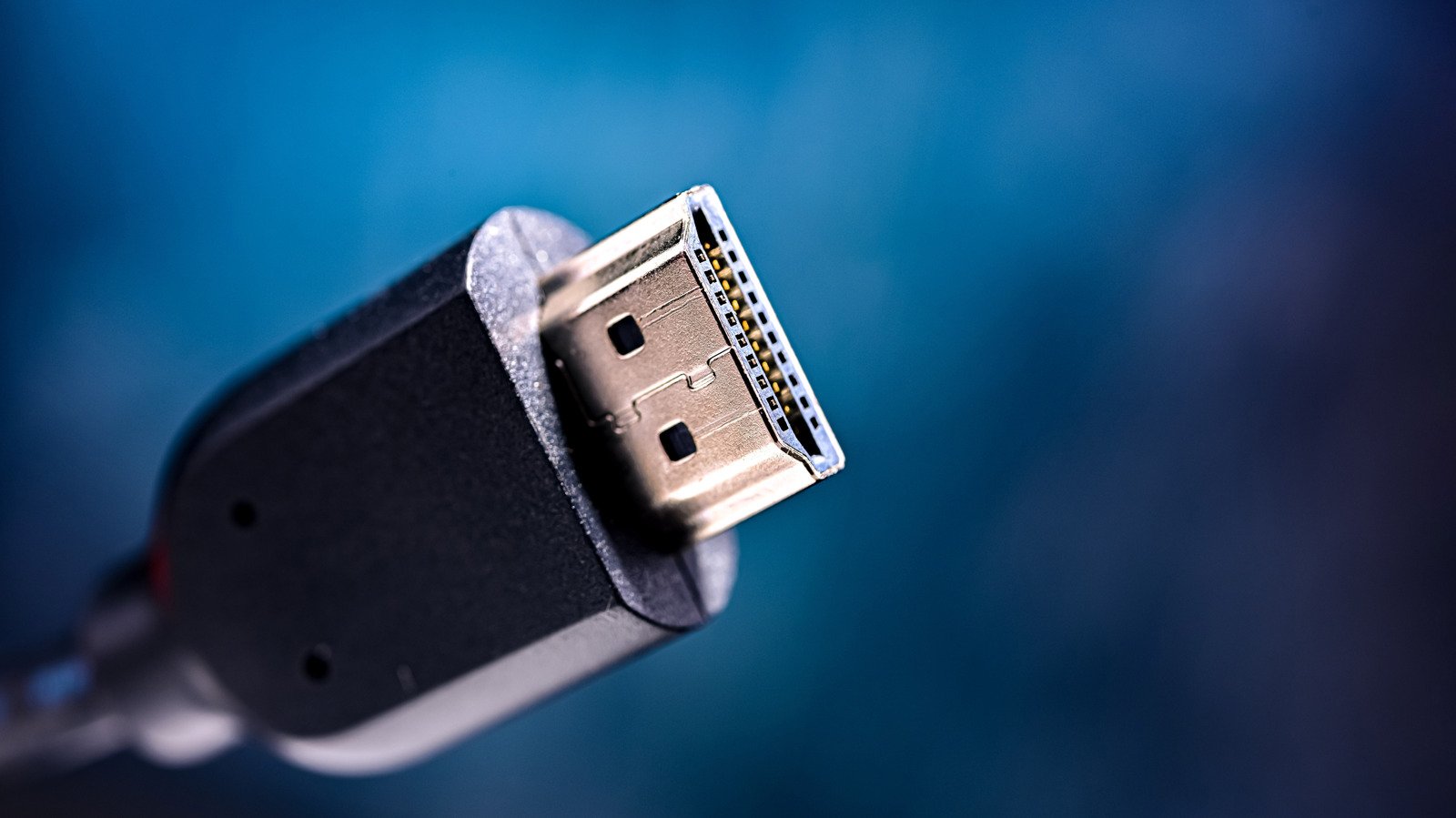
HDMI is a connection that has become the norm for digital setups. It’s most often used to connect a video source, like a computer, laptop, or game console, to a display device, such as a monitor, TV, or projector. Picking the right HDMI cable mostly involves cross-checking your device’s specifications and making sure the new cable supports the video resolution and refresh rate you’re aiming for.
However, HDMI allows for use cases other than directly establishing a wired connection between two devices. For instance, you can use a wireless HDMI transmitter and receiver set if your input device is in a different room. You can also connect devices like the Amazon Fire TV Stick or a mini PC to an HDMI port to add smart functionality to older televisions. There are HDMI cables that claim to also support Ethernet — but how does this even work?
Introduced back in 2009 with HDMI 1.4, the HDMI Ethernet Channel (HEC) protocol enables Ethernet connectivity. This is obviously in addition to the video and audio signal that the HDMI cable carries. For setups that require both devices to be connected to the internet, an HDMI cable that features Ethernet support can reduce cable clutter.
Using an HDMI Ethernet cable
AlexanDior/Shutterstock
HDMI cables with Ethernet support use a different channel to transmit data between the connected devices. Speeds are capped at 100 Mbps, which should be sufficient for streaming or casual use, but will fall short of a dedicated Ethernet connection. If you need to run an Ethernet connection through HDMI, you will need a cable that supports the HEC protocol. Both devices you intend to connect with the HDMI cable also need to support HEC.
In theory, an HEC cable can reduce clutter and simplify connections between devices. For instance, you could piggyback your TV’s existing Ethernet connection to a Blu-ray player or streaming box using the right HDMI cable. In reality, however, HEC never really caught on. These days, you’re unlikely to find modern TVs or GPUs with HEC-capable HDMI ports. This is likely not because it is an expensive technology to implement, but because it became unnecessary as hardware evolved over the years.
Nearly every smart device now comes with Wi-Fi, eliminating the need for you to establish a wired internet connection in the first place. Moreover, by choosing HEC, you’re actually capping your internet connection at 100 Mbps, which might be well below what your wireless connection can provide. If you do want the benefits of a stable wired connection, Ethernet is still the way to go. If clutter is an issue, you can use cable organizers to tidy up your network cables.
