Close Menu

    Subscribe to Updates

    Get the latest creative news from FooBar about art, design and business.

    What's Hot

    Strip out Windows 11’s bloatware, ads, and other grossness—for free

    Get a full Adobe alternative for 73% off

    Get 5 years of AdGuard VPN for just $50 (save 86%)

    Facebook X (Twitter) Instagram
    • Artificial Intelligence
    • Business Technology
    • Cryptocurrency
    • Gadgets
    • Gaming
    • Health
    • Software and Apps
    • Technology
    Facebook X (Twitter) Instagram Pinterest Vimeo
    Tech AI Verse
    • Home
    • Artificial Intelligence

      Read the extended transcript: President Donald Trump interviewed by ‘NBC Nightly News’ anchor Tom Llamas

      February 6, 2026

      Stocks and bitcoin sink as investors dump software company shares

      February 4, 2026

      AI, crypto and Trump super PACs stash millions to spend on the midterms

      February 2, 2026

      To avoid accusations of AI cheating, college students are turning to AI

      January 29, 2026

      ChatGPT can embrace authoritarian ideas after just one prompt, researchers say

      January 24, 2026
    • Business

      Gartner: Why neoclouds are the future of GPU-as-a-Service

      February 21, 2026

      The HDD brand that brought you the 1.8-inch, 2.5-inch, and 3.5-inch hard drives is now back with a $19 pocket-sized personal cloud for your smartphones

      February 12, 2026

      New VoidLink malware framework targets Linux cloud servers

      January 14, 2026

      Nvidia Rubin’s rack-scale encryption signals a turning point for enterprise AI security

      January 13, 2026

      How KPMG is redefining the future of SAP consulting on a global scale

      January 10, 2026
    • Crypto

      Another European Country Bans Polymarket, Threatens Massive Fine

      February 20, 2026

      Why Is The US Stock Market Up Today?

      February 20, 2026

      Is XRP Price Preparing To Breach Its 2026 Downtrend? Here’s What History Says

      February 20, 2026

      “Disgrace” or “Win for American Wallets”? Supreme Court Tariff Bombshell Sparks Political Meltdown in Washington

      February 20, 2026

      Perle Labs CEO Ahmed Rashad on Why AI Needs Verifiable Data Infrastructure

      February 20, 2026
    • Technology

      Strip out Windows 11’s bloatware, ads, and other grossness—for free

      February 21, 2026

      Get a full Adobe alternative for 73% off

      February 21, 2026

      Get 5 years of AdGuard VPN for just $50 (save 86%)

      February 21, 2026

      Runlayer is now offering secure OpenClaw agentic capabilities for large enterprises

      February 21, 2026

      Microsoft Copilot ignored sensitivity labels twice in eight months — and no DLP stack caught either one

      February 21, 2026
    • Others
      • Gadgets
      • Gaming
      • Health
      • Software and Apps
    Check BMI
    Tech AI Verse
    You are at:Home»Technology»Strip out Windows 11’s bloatware, ads, and other grossness—for free
    Technology

    Strip out Windows 11’s bloatware, ads, and other grossness—for free

    TechAiVerseBy TechAiVerseFebruary 21, 2026No Comments4 Mins Read2 Views
    Facebook Twitter Pinterest Telegram LinkedIn Tumblr Email Reddit
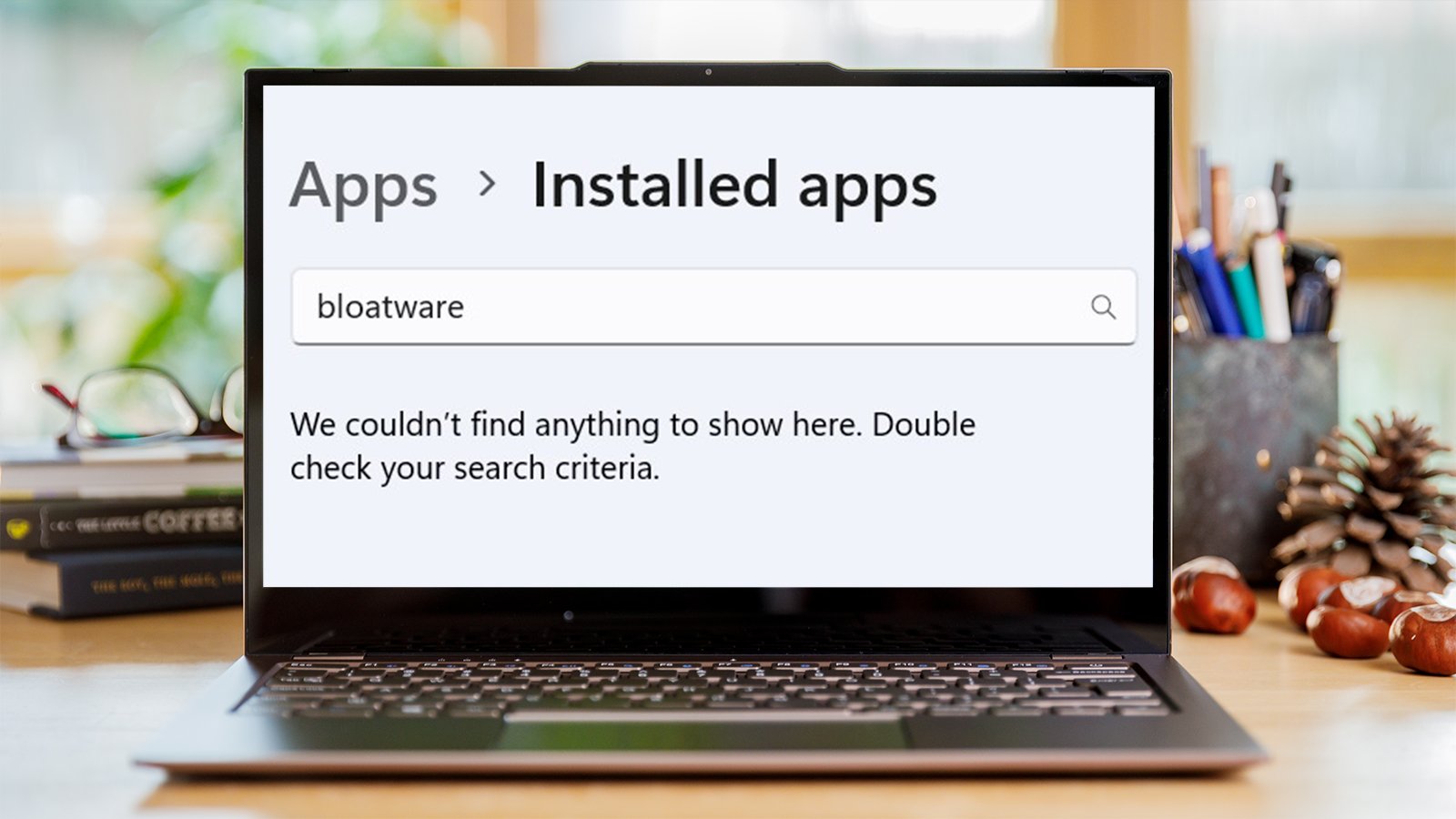
    Strip out Windows 11’s bloatware, ads, and other grossness—for free
    Share
    Facebook Twitter LinkedIn Pinterest WhatsApp Email

    Strip out Windows 11’s bloatware, ads, and other grossness—for free

    Image: Dominik Tomaszewski / Foundry

    Summary created by Smart Answers AI

    In summary:

    • PCWorld highlights Winhance, a free open-source tool that simplifies removing Windows 11’s bloatware, ads, and unwanted pre-installed applications.
    • The application consolidates system optimization, privacy settings, Windows update management, and customization options into one centralized interface.
    • Winhance makes Windows configuration as straightforward as Linux, offering users better control over their system without complex manual processes.

    Setting up a new PC with Windows can be a little complicated. Read comments on forums and you’ll see that some people have found it so complicated that they’ve switched to Linux. That’s a bit ironic but those folks do make a good point. There must be a simpler way to reduce the bloatware in your PC after a new installation of Windows. Well, there is.

    You can easily uninstall bloatware with Winhance. Winhance is an open-source app available free of charge on websites like Git Hub that makes debloating and configuring Windows almost as easy as Linux. Here I show you how to use it.

    How to debloat Windows using Winhance

    Download and install Winhance. It takes a bit of time to load up when you open it for the first time because the program needs to test if system restore is enabled.

    The first screen you’re faced with on load up is all the applications that come pre-installed with Windows. You can go ahead and uninstall the apps that you don’t want. To uninstall apps you simply check them and select Remove Selected Items in the top bar. It really is as simple as scrolling through a list and finding the apps you don’t need.

    Dominic Bayley / Foundry

    After you uninstall an app, the app’s name changes from having a green dot to having a red dot next to it. If the red dots have a cross next to them it means you can’t install the app again, but a little blue recycling symbol means you can install the app again after it has been uninstalled if you wish.

    That’s debloating the Windows apps. But what about external apps? Well, if you click on the External Software tab on the right side of the Window you will see all the external software loaded on your PC. Once again you can choose to uninstall or install apps simply by checking the boxes and selecting either Uninstall Selected Items or Install Selected Items.

    Optimize and customize

    Above we showed you how to debloat Windows using Winhance but the app can also do a number of other neat things.

    If you click on the Optimize tab on the left-hand side, you’ll get a list of settings from all over Windows. There you’ll find everything from security settings to ads, suggestions, and promotional content settings.

    Dominic Bayley / Foundry

    All the settings are things you can access through normal Windows Settings menus but it’s nice to have it all in one place in a simple scrollable list.

    Under the System Services section you even get descriptions of what happens when you turn off a service, which takes a lot of the guess work out of changing those settings.

    You can also disable Windows Updates through the app, although it’s not recommended. But you might like to specify which updates to run. For example, you can choose to only run security updates if you wish.

    The final tab on the left of the app window is the Customizations tab. Clicking on this tab brings up a whole lot of customization settings that you can access. For example, you can change from Windows Light mode to Dark mode with a simple click. There are also a bunch of taskbar customizations to keep you busy personalizing your PC’s look.

    Dominic Bayley / Foundry

    I hope that’s helped you debloat and configure Windows. It’s much easier having all these apps and settings in one place. Because you can install or uninstall all the apps in one go, Winhance is a really convenient way to set up a Windows system, so have fun experimenting with what it can do.

    Related content

    • Goodbye, bloatware! How to clean out Windows 11’s cruft
    • Why I’m waging a personal war against bloatware
    • 6 things that annoy every Windows PC user


    Author: Dominic Bayley
    , Australian Editor, PCWorld

    Based in Australia, Dominic Bayley is a hardcore tech enthusiast. His PCWorld focus is on PC gaming hardware: laptops, mice, headsets and keyboards.

    Share. Facebook Twitter Pinterest LinkedIn Reddit WhatsApp Telegram Email
    Previous ArticleGet a full Adobe alternative for 73% off
    TechAiVerse
    • Website

    Jonathan is a tech enthusiast and the mind behind Tech AI Verse. With a passion for artificial intelligence, consumer tech, and emerging innovations, he deliver clear, insightful content to keep readers informed. From cutting-edge gadgets to AI advancements and cryptocurrency trends, Jonathan breaks down complex topics to make technology accessible to all.

    Related Posts

    Get a full Adobe alternative for 73% off

    February 21, 2026

    Get 5 years of AdGuard VPN for just $50 (save 86%)

    February 21, 2026

    Runlayer is now offering secure OpenClaw agentic capabilities for large enterprises

    February 21, 2026
    Leave A Reply Cancel Reply

    Top Posts

    Ping, You’ve Got Whale: AI detection system alerts ships of whales in their path

    April 22, 2025687 Views

    Lumo vs. Duck AI: Which AI is Better for Your Privacy?

    July 31, 2025276 Views

    6.7 Cummins Lifter Failure: What Years Are Affected (And Possible Fixes)

    April 14, 2025158 Views

    6 Best MagSafe Phone Grips (2025), Tested and Reviewed

    April 6, 2025119 Views
    Don't Miss
    Technology February 21, 2026

    Strip out Windows 11’s bloatware, ads, and other grossness—for free

    Strip out Windows 11’s bloatware, ads, and other grossness—for free Image: Dominik Tomaszewski / Foundry…

    Get a full Adobe alternative for 73% off

    Get 5 years of AdGuard VPN for just $50 (save 86%)

    Phil Spencer and Sarah Bond leaving Xbox

    Stay In Touch
    • Facebook
    • Twitter
    • Pinterest
    • Instagram
    • YouTube
    • Vimeo

    Subscribe to Updates

    Get the latest creative news from SmartMag about art & design.

    About Us
    About Us

    Welcome to Tech AI Verse, your go-to destination for everything technology! We bring you the latest news, trends, and insights from the ever-evolving world of tech. Our coverage spans across global technology industry updates, artificial intelligence advancements, machine learning ethics, and automation innovations. Stay connected with us as we explore the limitless possibilities of technology!

    Facebook X (Twitter) Pinterest YouTube WhatsApp
    Our Picks

    Strip out Windows 11’s bloatware, ads, and other grossness—for free

    February 21, 20262 Views

    Get a full Adobe alternative for 73% off

    February 21, 20261 Views

    Get 5 years of AdGuard VPN for just $50 (save 86%)

    February 21, 20262 Views
    Most Popular

    7 Best Kids Bikes (2025): Mountain, Balance, Pedal, Coaster

    March 13, 20250 Views

    VTOMAN FlashSpeed 1500: Plenty Of Power For All Your Gear

    March 13, 20250 Views

    This new Roomba finally solves the big problem I have with robot vacuums

    March 13, 20250 Views
    © 2026 TechAiVerse. Designed by Divya Tech.
    • Home
    • About Us
    • Contact Us
    • Privacy Policy
    • Terms & Conditions

    Type above and press Enter to search. Press Esc to cancel.