Close Menu

    Subscribe to Updates

    Get the latest creative news from FooBar about art, design and business.

    What's Hot

    U.S. Cannot Legally Impose Tariffs Using Section 122 of the Trade Act of 1974

    Japanese Woodblock Print Search

    Today’s NYT Mini Crossword Answers for Sunday, Feb. 22

    Facebook X (Twitter) Instagram
    • Artificial Intelligence
    • Business Technology
    • Cryptocurrency
    • Gadgets
    • Gaming
    • Health
    • Software and Apps
    • Technology
    Facebook X (Twitter) Instagram Pinterest Vimeo
    Tech AI Verse
    • Home
    • Artificial Intelligence

      Tensions between the Pentagon and AI giant Anthropic reach a boiling point

      February 21, 2026

      Read the extended transcript: President Donald Trump interviewed by ‘NBC Nightly News’ anchor Tom Llamas

      February 6, 2026

      Stocks and bitcoin sink as investors dump software company shares

      February 4, 2026

      AI, crypto and Trump super PACs stash millions to spend on the midterms

      February 2, 2026

      To avoid accusations of AI cheating, college students are turning to AI

      January 29, 2026
    • Business

      Gartner: Why neoclouds are the future of GPU-as-a-Service

      February 21, 2026

      The HDD brand that brought you the 1.8-inch, 2.5-inch, and 3.5-inch hard drives is now back with a $19 pocket-sized personal cloud for your smartphones

      February 12, 2026

      New VoidLink malware framework targets Linux cloud servers

      January 14, 2026

      Nvidia Rubin’s rack-scale encryption signals a turning point for enterprise AI security

      January 13, 2026

      How KPMG is redefining the future of SAP consulting on a global scale

      January 10, 2026
    • Crypto

      3 Altcoins Crypto Whales are Buying After Supreme Court’s Trump Tariff Ban

      February 22, 2026

      SBI Deepens XRP Bet With Bond Incentives and Venture Studio Plan

      February 22, 2026

      IoTeX Hit by Private Key Exploit, Attacker Drains Over $2 Million

      February 22, 2026

      Solana Price Faces a Bull Trap as 50% Holders Exit

      February 22, 2026

      XRP Flaunts a 3-Week ETF Inflow Streak, So Why is Price Still Stuck Below $1.50?

      February 22, 2026
    • Technology

      U.S. Cannot Legally Impose Tariffs Using Section 122 of the Trade Act of 1974

      February 22, 2026

      Japanese Woodblock Print Search

      February 22, 2026

      Today’s NYT Mini Crossword Answers for Sunday, Feb. 22

      February 22, 2026

      A Botnet Accidentally Destroyed I2P

      February 22, 2026

      How I use Claude Code: Separation of planning and execution

      February 22, 2026
    • Others
      • Gadgets
      • Gaming
      • Health
      • Software and Apps
    Check BMI
    Tech AI Verse
    You are at:Home»Technology»How Long You Can Expect Your New MacBook Air To Last
    Technology

    How Long You Can Expect Your New MacBook Air To Last

    TechAiVerseBy TechAiVerseFebruary 22, 2026No Comments4 Mins Read2 Views
    Facebook Twitter Pinterest Telegram LinkedIn Tumblr Email Reddit
    How Long You Can Expect Your New MacBook Air To Last
    Share
    Facebook Twitter LinkedIn Pinterest WhatsApp Email

    How Long You Can Expect Your New MacBook Air To Last

    9dream studio/Shutterstock

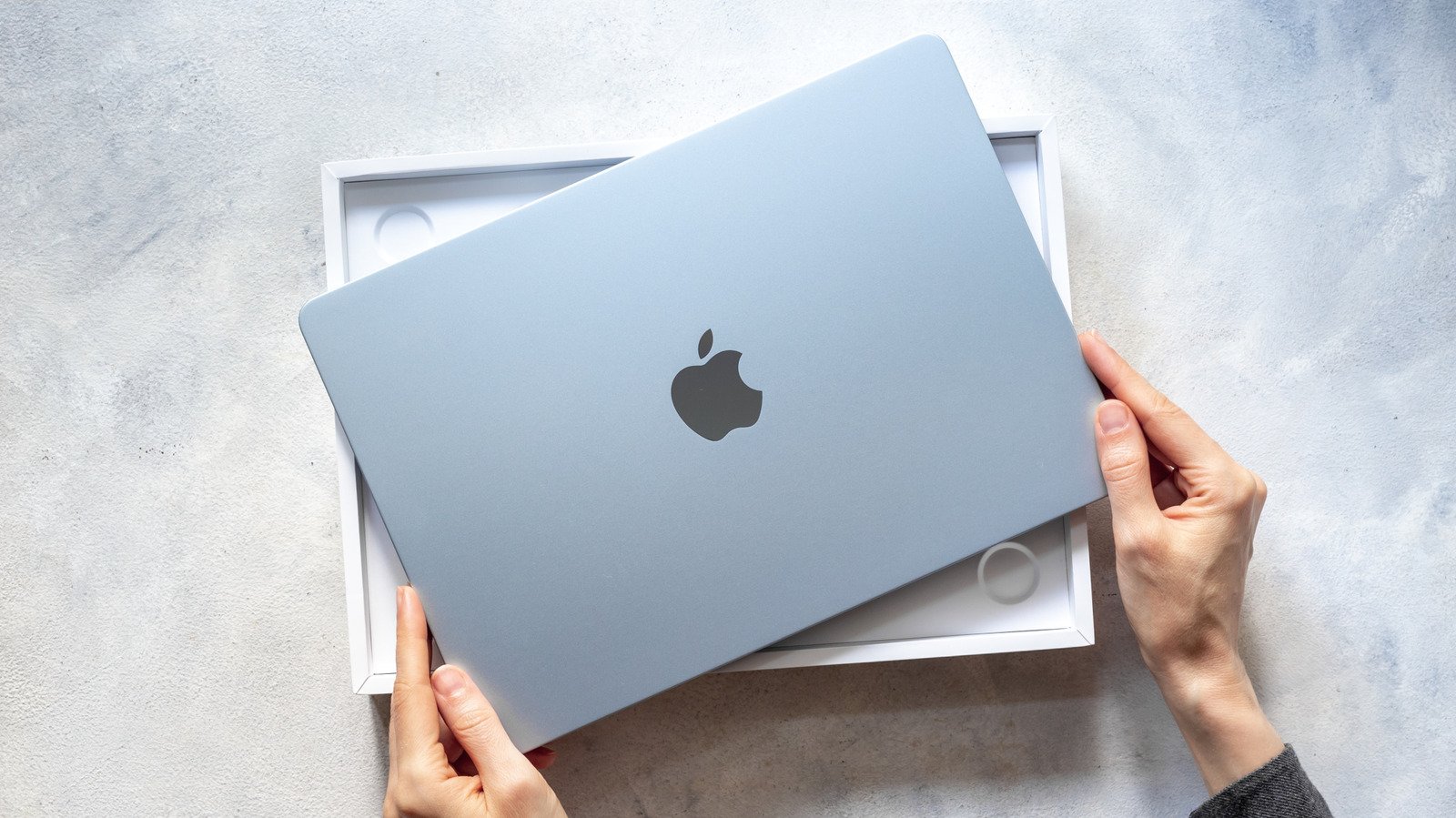
    We all know a few MacBook Air users who refuse to give up on their ancient models, the ones with a glowing Apple logo or an Intel-based processor (Apple stopped using them after 2020). Despite these Macs not seeing an update in years and not being able to easily replace the battery at home, they use them every day and refuse to replace them. 

    For these users, the question of how long the device lasts comes down to how long it turns on and maintains its basic functionality, and that’s what people around them think as well. That is a very optimistic way to look at it, especially for a first-time buyer who wants to invest in a device with a potential lifespan of a decade, but “lasting” doesn’t only refer to surviving physically. 

    A MacBook Air’s lifespan is determined by two different factors: hardware durability and software longevity. While the first refers to how long the components (RAM, SSD, chipset, keyboard, etc.) continue to function, the second is how long Apple continues to release operating system and security updates for the device. For most users, it is the software that ultimately decides when a MacBook Air’s time is up.

    Why macOS updates matter more than hardware functionality

    Azulblue/Shutterstock

    Apple’s macOS updates not only introduce new features, but they also do a great job of fixing security issues (including zero-day vulnerabilities and suspicious malware), ensuring that your most-used third-party apps like Google Chrome and Zoom remain compatible, and deliver the best performance and efficiency with repeated optimizations. 

    Take a look at the 50+ security issues fixed in macOS Tahoe 26.3 update, related to Bluetooth, Contacts, Game Center, Mail, Messages, and Siri, and ask yourself: which of these do you use daily? Even though the list doesn’t include a zero-day security issue, the sheer volume of threats Apple fixes in every update makes it clear that software support acts as the unseen safety net for all users. 

    The macOS Tahoe 26.2 update also introduced new features such as Edge Light, the Journal app (previously available on iOS), and enhanced Spotlight functionality. You see? Even if you aren’t using the flashy new features, the security fixes and system refinements act like a regular maintenance scheme included in the price of your MacBook Air.

    What happens after support ends

    Sidney van den Boogaard/Shutterstock

    When Apple drops software support for your device, all of that goes away, not immediately, but gradually. The first signs are usually subtle, as some of the third-party apps might not update, but in a year or two, the security patches stop coming in as well, implying that any further usage is not recommended from a security standpoint.  

    This is why the end of software support marks the real end of a MacBook’s functional lifespan. The excellent build quality might help you make the most of your investment as long as security patches keep coming in (for one or two years after macOS support ends), but once that ends, your perfectly functional MacBook doesn’t offer a secure and reliable experience. 

    Apple doesn’t really tell you when the official support ends, but most MacBook Air models get somewhere around five to seven years of full macOS upgrades before Apple shifts them to security-only updates. Take the M1 MacBook Air as an example. It still remains compatible with the latest macOS 26 Tahoe update, six years after its launch in 2020. The Intel-based MacBook Air that arrived the same year is limited to macOS Sequoia.

    So, if you’re buying a new MacBook Air, especially one of the M4-powered models (or the upcoming M5 MacBook Air), you can expect it to last around five to seven years with proper macOS support. 

    Share. Facebook Twitter Pinterest LinkedIn Reddit WhatsApp Telegram Email
    Previous Article12 Outdoor Power Tools You Should Have In Your Garage Before Spring Gets Here
    Next Article Paying For Premium At The Gas Pump Doesn’t Mean That’s What You’ll Get
    TechAiVerse
    • Website

    Jonathan is a tech enthusiast and the mind behind Tech AI Verse. With a passion for artificial intelligence, consumer tech, and emerging innovations, he deliver clear, insightful content to keep readers informed. From cutting-edge gadgets to AI advancements and cryptocurrency trends, Jonathan breaks down complex topics to make technology accessible to all.

    Related Posts

    U.S. Cannot Legally Impose Tariffs Using Section 122 of the Trade Act of 1974

    February 22, 2026

    Japanese Woodblock Print Search

    February 22, 2026

    Today’s NYT Mini Crossword Answers for Sunday, Feb. 22

    February 22, 2026
    Leave A Reply Cancel Reply

    Top Posts

    Ping, You’ve Got Whale: AI detection system alerts ships of whales in their path

    April 22, 2025687 Views

    Lumo vs. Duck AI: Which AI is Better for Your Privacy?

    July 31, 2025277 Views

    6.7 Cummins Lifter Failure: What Years Are Affected (And Possible Fixes)

    April 14, 2025159 Views

    6 Best MagSafe Phone Grips (2025), Tested and Reviewed

    April 6, 2025119 Views
    Don't Miss
    Technology February 22, 2026

    U.S. Cannot Legally Impose Tariffs Using Section 122 of the Trade Act of 1974

    U.S. Cannot Legally Impose Tariffs Using Section 122 of the Trade Act of 1974 This…

    Japanese Woodblock Print Search

    Today’s NYT Mini Crossword Answers for Sunday, Feb. 22

    A Botnet Accidentally Destroyed I2P

    Stay In Touch
    • Facebook
    • Twitter
    • Pinterest
    • Instagram
    • YouTube
    • Vimeo

    Subscribe to Updates

    Get the latest creative news from SmartMag about art & design.

    About Us
    About Us

    Welcome to Tech AI Verse, your go-to destination for everything technology! We bring you the latest news, trends, and insights from the ever-evolving world of tech. Our coverage spans across global technology industry updates, artificial intelligence advancements, machine learning ethics, and automation innovations. Stay connected with us as we explore the limitless possibilities of technology!

    Facebook X (Twitter) Pinterest YouTube WhatsApp
    Our Picks

    U.S. Cannot Legally Impose Tariffs Using Section 122 of the Trade Act of 1974

    February 22, 20262 Views

    Japanese Woodblock Print Search

    February 22, 20262 Views

    Today’s NYT Mini Crossword Answers for Sunday, Feb. 22

    February 22, 20262 Views
    Most Popular

    7 Best Kids Bikes (2025): Mountain, Balance, Pedal, Coaster

    March 13, 20250 Views

    VTOMAN FlashSpeed 1500: Plenty Of Power For All Your Gear

    March 13, 20250 Views

    This new Roomba finally solves the big problem I have with robot vacuums

    March 13, 20250 Views
    © 2026 TechAiVerse. Designed by Divya Tech.
    • Home
    • About Us
    • Contact Us
    • Privacy Policy
    • Terms & Conditions

    Type above and press Enter to search. Press Esc to cancel.