

Best laptops for college students 2025: Top picks and expert advice
Image: Willis Lai / IDG
Choosing the right laptop for school is anything but a straightforward process. Whether you need a budget-friendly laptop for an elementary student or a more powerful machine for college coursework, it’s crucial you focus on these six must-have features first.
If you’re just looking for solid laptop recommendations, then you’ve come to the right place. The PCWorld team has personally tested every laptop below, using hands-on experience and in-depth knowledge to help you find the best one for your needs.
Why you should trust us: It’s in our name: PCWorld. We’ve been reviewing laptops for over 40 years, with exacting standards applied to all facets of the user experience, from performance benchmarks, to features, to the rigors of daily use. Our experts know their stuff and have curated a comprehensive list of the best laptops for college students, with their particular needs in mind.
After you finish looking over our recommendations, be sure to hit our daily updated roundup of the best laptop deals to try and score a great laptop on sale. Or check out our roundup of the best laptops for even more recommendations.
Dell Inspiron Plus 14 – Best overall for students
Pros
- Fantastic performance
- Exceptional battery life
- Great typing experience
Cons
- CPU throttles under heavy loads
- No user upgrades
Price When Reviewed:
From £999
Why we like the Dell Inspiron Plus 14
The Dell Inspiron 14 Plus is one of the most well-rounded laptops available right now. You’re getting reliable performance, phenomenal battery life, and a superb-looking display. It only costs $999.99 too, which is several hundred dollars cheaper than our former top pick. With a PCMark 10 score of 7,061, it beat both the similarly spec’d Acer Swift Go 14 and the more expensive Lenovo ThinkPad X1 Carbon. (PCMark 10 gauges how well a laptop handles day-to-day tasks.) It also lasted a whopping 17 hours on a single charge, which is perfect for students looking for a long-lasting machine. You don’t have to go hunting for an outlet between classes, that’s for sure.
Performance and battery life are no doubt impressive, but the 14-inch 1400p display is also worth noting. According to our review, “the display is exceedingly well suited to office work and static imagery.” We measured a peak brightness level of 418 nits, which is plenty bright for writing papers and browsing the web. Plus, thanks to the anti-glare coating on the display, you can use this laptop in natural lighting environments.
Who should buy the Dell Inspiron Plus 14
Students looking for a well-rounded and long-lasting laptop. The design is a bit boring, sure, but its hardware capabilities and long battery life make up for the staid aesthetics. You can’t get much better than this–especially for $999.99.
Read our full
Dell Inspiron 14 Plus review
Asus Zenbook 14 OLED – Best laptop for students runner-up
Pros
- Robust build quality
- Attractive OLED touchscreen
- Good CPU and integrated GPU performance
- Amazing battery life
Cons
- Blah design
- Keyboard isn’t memorable
- Mediocre connectivity
Price When Reviewed:
£1,099
Why we like the Asus Zenbook
The Asus Zenbook 14 OLED dazzled us with its peppy processor performance, outstanding battery life, and sublime OLED touchscreen display. Movies and games “look realistic and vibrant” on the 14-inch 1200p display and the 75 watt-hour battery ran for a whopping 16 hours on a single charge. This result really blows away competitors like the Lenovo Slim 7 14 Gen 9 and the HP Pavilion Plus Laptop 14. As for how it fares in the performance department, the Asus Zenbook 14 OLED is plenty fast during day-to-day tasks such as web browsing, chatting over video, and so on, delivering benchmark scores just a bit below our top pick.
Who should buy the Asus Zenbook
The Asus Zenbook 14 OLED is a fantastic choice for students because it offers outstanding battery life, speedy overall performance, and a lovely OLED display. It’s also cheaper than our current top pick. That said, it’s a runner-up for a reason. The Dell Inspiron 14 Plus, which is still the reigning champ, is the more well-rounded option of the two. It has twice the storage, a higher resolution screen, and a better keyboard. However, if you’re looking to save a hundred bucks or so, the Asus Zenbook 14 OLED is still a great option.
Read our full
Asus Zenbook 14 OLED review
Acer Aspire Go 15 – Best budget laptop for students
Pros
- Affordable
- Decent battery life
- Good display visibility
Cons
- Big and bulky
- Cheap build
- Limited performance
Price When Reviewed:
£399
Why we like the Acer Aspire Go 15
The Acer Aspire Go 15 is a great choice for students on a tight budget. The power-efficient Intel Core i3-N305 is capable of handling day-to-day tasks such as watching Netflix, surfing the web, writing papers, and more. This laptop also managed 12 hours of battery life on a single charge, which is more than a full school day. Connectivity options aren’t too shabby, either. You’re getting one USB-C 3.2 Gen 2 with Power Delivery and DisplayPort, two USB-A 3.2 Gen 1, one HDMI, one 3.5mm combo audio, one Kensington lock slot, and one DC barrel jack.
Who should buy the Acer Aspire Go 15
Anyone who needs an affordable laptop with decent performance. The 53.9 watt-hour battery will last you most of the day and the CPU has enough power for daily tasks. The 15.6-inch 1080p display also boasts good visibility and the keyboard offers a comfortable typing experience. It doesn’t have all the fancy features you’d see on a high-end machine, but some folks don’t need all that extra noise. If you’re on an ultra-strict budget, then the Acer Aspire Go 15 is worth picking up.
Read our full
Acer Aspire Go 15 (2024) review
Lenovo Flex 5i – Best Chromebook for students
Pros
- Great build quality
- Vibrant touchscreen display
- Fast performance
- Nice typing experience
Cons
- Stylus not included
- Average battery life for a Chromebook
- Heavier than expected
Price When Reviewed:
£499
Why we like the Lenovo Flex
The Lenovo Flex 5i is a great Chromebook because of its convertible design, fast performance, superb typing experience, and touchscreen display. The chassis has a luxurious aluminum finish on it, which makes it feel three or four times as expensive. The 360-degree hinge that connects the display to the rest of the laptops feels strong and like it won’t wear out anytime soon. The keyboard is also a dream to type on and easy to adjust to, and the 1200p display produces sharp, colorful visuals. Sure, it’s heavier than we expected right out of the box and the stylus isn’t included, but those are small trade-offs in the grand scheme of things. Overall, this is a well-rounded machine.
Who should buy the Lenovo Flex
We feel as though the Lenovo Flex 5i is a good option for those who prefer using Google’s ecosystem and can handle mostly working online. The beautiful touchscreen display and the convertible design really gives it the edge over other Chromebooks and even some Windows laptops, as you usually see those features in machines that cost much more. While the nine-hour battery life is a little below average for a Chromebook, it’ll still last you a full school day and then some. At the end of the day, the Lenovo Flex 5i’s list of compromises is quite small.
Alternative option: If you’re dealing with an unforgiving budget (been there), the Acer Chromebook Plus 514 ($249.99 / £399 U.K.) is worth picking up. It’s about $100/£100 cheaper than our current pick and it comes with loads of connectivity options as well as a spacious keyboard and a sophisticated design. It’s not a 2-in-1 laptop like Lenovo Flex 5i Chromebook Plus, but I wouldn’t consider that a deal-breaker, especially if you prefer traditional clamshells.
Read our full
Lenovo Flex 5i Chromebook Plus review
Lenovo ThinkPad T14s Gen 6 – Best battery life
Pros
- Remarkable battery life
- A great array of ports
- Sturdy, lightweight design
- High-visibility display
Cons
- Variable performance trails competitors
- A bit pricier than competition
Why we like the Lenovo ThinkPad T14s Gen 6
The Lenovo ThinkPad T14s Gen 6 is a long-lasting machine with a “reasonably sharp” 14-inch 1920×1200 display. In fact, it lasted almost 24 hours on a single charge–that’s absolutely bananas! This is likely because of the power-efficient Snapdragon X Elite X1E-78-100 processor inside the machine and the lower-resolution display. The speakers also pump out impressive volume and the connectivity options are pretty diverse. In addition to a full-sized HDMI 2.1 port, you’ll also find two USB-A 5Gbps ports and two USB4 ports.
Who should buy the Lenovo ThinkPad T14s Gen 6
Anyone with a jam-packed school schedule! The Lenovo ThinkPad T14s Gen 6 is designed to keep going and going, which is perfect when you’re running from class to class. Performance-wise, it’s a dependable machine that will keep up with “light workloads wherever you go,” according to our review.
Alternative option: If you’re looking for a long-lasting 2-in-1, the Samsung Galaxy Book5 Pro ($1,649) is definitely worth checking out. It lasted 23 hours and 15 minutes on a single charge, and the 2800×1800 AMOLED display is absolutely gorgeous.
Read our full
Lenovo ThinkPad T14s Gen 6 review
MacBook Air (M3) – Best MacBook for students
Pros
- Excellent battery life
- Great combination of price, features, and performance
- 256GB SSD is now two NAND chips, maintaining performance
Cons
- Expensive memory upgrades
- Dual external display support requires closed lid
Price When Reviewed:
£1,299 (base) – Discontinued
Why we like the MacBook Air
From the outstanding battery life to the spacious Liquid Retina display, the MacBook Air (M3) received high marks across the board. It comes with an 8-core CPU (M3) and a 10-core GPU as well as two Thunderbolt 4 ports and a 66.5 watt-hour battery. Performance is similar to the MacBook Pro (M3), which means it can blitz through school work and casual use tasks. The only difference between the two is that the MacBook Air doesn’t have fans, resulting in quieter operation. This laptop also managed a whopping 19 hours on a single charge, which is great news for those with jam-packed schedules and who have zero time to plug into the nearest outlet.
Who should buy the MacBook Air
Anyone who prefers MacOS over other operating systems! The battery life is incredible and the laptop itself weighs just a little over three pounds, which means you can easily take it anywhere with you. The $1,299 price tag is also reasonable for the performance and features. However, the 8GB of RAM is light compared to Windows-based alternatives.
Read our full
Apple 15-inch MacBook Air (M3, 256 GB/16 GB RAM, 2024) review
Asus Zenbook S 14 – Best ultraportable for students
Pros
- Transcendent battery life
- A purposeful use of space
- Lovely, surprisingly large OLED screen
- Great audio
Cons
- Keyboard needs more key travel
- Performance needs improvement, especially on battery
Why we like the Asus Zenbook S 14
From the featherlight form factor (2.65 pounds!) to its stunning OLED display, it’s hard to highlight just one good thing about the Asus Zenbook S 14, as it brings a lot to the table. First, let’s talk about the obvious and that’s the versatility of the 2-in-1 design. You can flip the screen around and use it like a tablet or prop it up for watching movies. The build quality is impressive for such a travel-friendly machine as well. According to our review, there was only a “minimal amount of flex when pressing hard upon the center of the keyboard and the display doesn’t demonstrate meaningful wobble.”
The 73 watt-hour battery also lasted 21 hours on a single charge, which is good news if you’re working with a jam-packed schedule this semester. In addition to the superb battery life, the 14-inch 1800p OLED touch display produces the inkiest of blacks and the 120Hz refresh rate makes for a responsive mousing experience.
Who should buy the Asus Zenbook S 14
Anyone that’s looking for a long-lasting, portable 2-in-1. The battery life is spectacular, which is impressive given how thin and light it is. It also boasts good audio! This is cool because laptop speakers generally suck, often firing down into whatever surface it’s resting on. The audio is boosted by four integrated Harmon Kardon speakers, which are then further enhanced by Dolby Atmos audio.
Alternative option: The Lenovo Chromebook Duet ($399.99) is another good option to consider. It weighs just 2.09 pounds and it’s hundreds of dollars cheaper than our current pick. However, you’re stuck using Google’s web-focused ecosystem (aka ChromeOS), which may be a non-starter if you need to run discrete programs for school.
Read our full
Asus Zenbook S 14 (UX5406SA) review
Acer Nitro V 16 – Best gaming laptop for students
Pros
- Solid performance
- Competitive price
- Dedicated button for quick performance mode switching
- Fast 165Hz display with good colors
Cons
- Fully plastic build
- Mushy keyboard
- Weak battery life
Price When Reviewed:
1,099
Why we like the Acer Nitro V 16
The Acer Nitro V 16 is a fantastic option for those on a strict budget. You’re getting a fast IPS display and RTX 4060 graphics for just under a grand, a phenomenal value. When we ran the more demanding Metro Exodus benchmark on this machine, the Nitro reached an average of 38 frames-per-second, which is “more than competitive with gaming laptops with similar components,” according to our review.
The battery life, as you might’ve guessed, is the laptop’s Achilles heel. We only managed to get four hours out of it before it died. That’s not a surprising result, as gaming laptops traditionally have poor battery life, but it won’t last very long unplugged.
Who should buy the Acer Nitro V 16
Anyone who needs an affordable, reliable gaming laptop. The 16-inch 1920×1200 display is perfect for action-packed games because of the 165Hz refresh rate and, thanks to the RTX 4060 GPU, it’s capable of running most games on the Medium or High graphics preset. That sort of grunt makes it great for handling heavier work tasks as well, though its plastic build may be a turn-off for discerning students.
Read our full
Acer Nitro V 16 review
Recent laptop reviews
- Acer Swift Go 14 AI: The Acer Swift Go 14 AI is a competent Snapdragon-powered laptop with long battery life, but it doesn’t stand out from the crowd.
- Lenovo ThinkPad X9 14 Aura Edition: The Lenovo ThinkPad X9 14 is a sleeker, more luxurious ThinkPad. However, its performance and battery life are mid-pack.
- Acer Chromebook Plus Spin 514: The Acer Chromebook Plus Spin 514 checks off a lot boxes, sure, but at full retail price it’s expensive. Personally, I’d wait for a sale.
- Asus ROG Flow Z13 (2025): The Asus ROG Flow Z13 may be the best gaming tablet ever made with the best integrated GPU in history. Still, neither quite measure up to the competition in form or function.
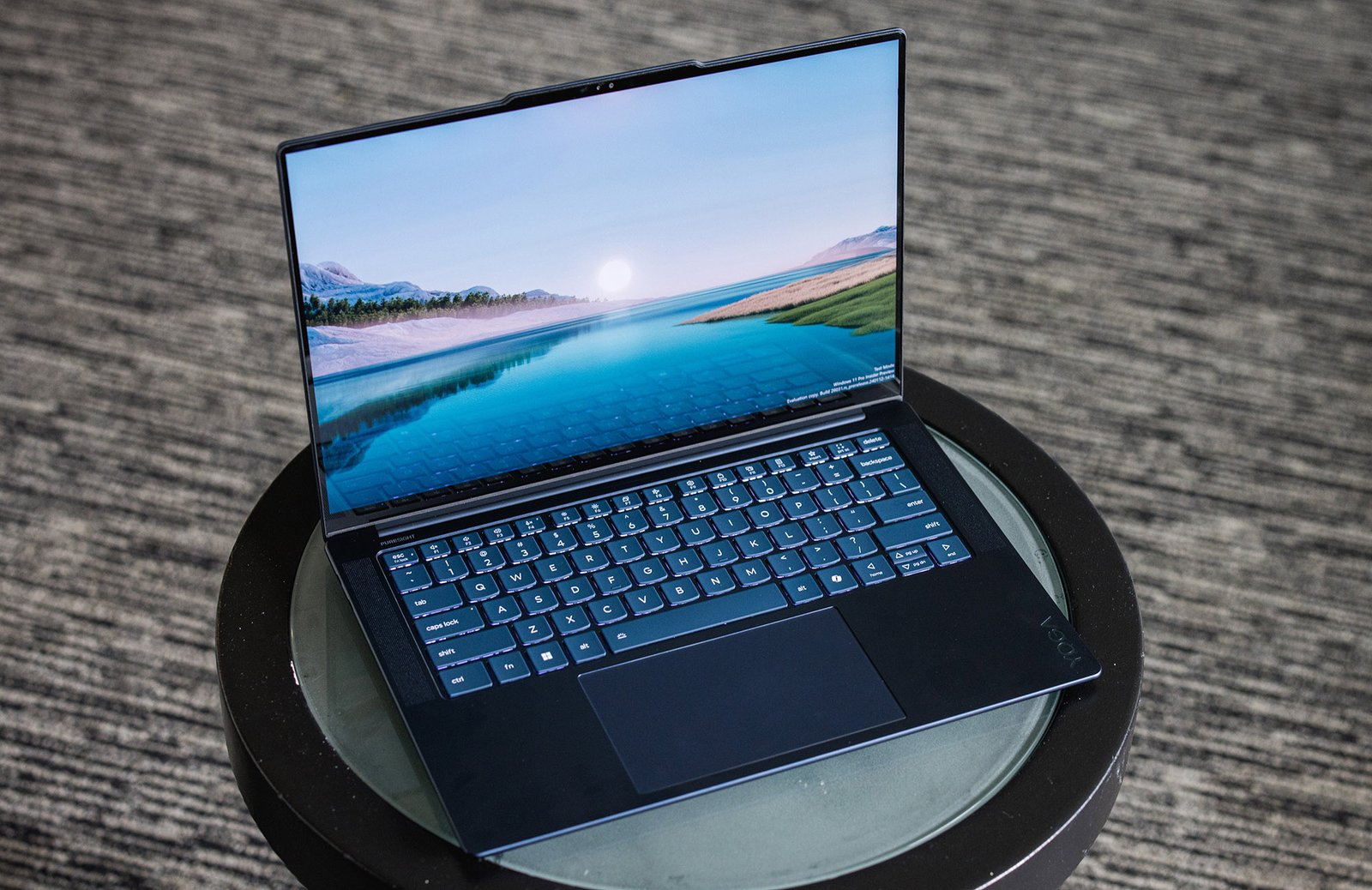
- Lenovo Yoga Slim 9i 14: The Lenovo Yoga Slim 9i 14 is a sleek laptop with a unique aesthetic and an incredible display. But it makes some sacrifices to get there.
- HP Elitebook X G1a: The HP Elitebook X G1a makes up for mediocre battery life with solid all-around performance, an enjoyable keyboard, and future-proof connectivity.
How we tested
The PCWorld team puts every Windows laptop through a series of benchmarks that test GPU and CPU performance, battery life, and so on. The idea is to push the laptop to its limits and then compare it against others we’ve tested. Chromebooks, on the other hand, go through a series of web-based tests. It wouldn’t be fair or possible to run the same kinds of tests on a Chromebook, as they’re Chrome OS-based machines.
Below, you’ll find a breakdown of each test and the reasons why we run them. For a much deeper look at our review methodology, check out how PCWorld tests laptops.
Windows laptops
- PCMark 10: PCMark 10 is how we determine how well the laptop handles lighter tasks like web browsing, word processing, spreadsheets, and so on.
- HandBrake: HandBrake is more intensive than PCMark 10. It basically measures how long a laptop’s CPU takes to encode a beefy 30GB file.
- Cinebench: Cinebench is a brief stress test of the CPU cores. It does this by rendering a 2D scene over a short period of time.
- 3DMark: 3DMark checks if 3D performance remains consistent over time by running graphic-intensive clips.
- Video rundown test: To gauge battery life, we loop a 4K video using Windows 10’s Movies & TV app until the laptop dies.
Chromebooks
- CrXPRT 2: The CrXPRT 2 benchmark tests a Chromebook’s battery life.
- Speedometer 2.0: This test determines a Chromebook’s web browser performance. It simulates this by adding, completing, and removing a to-do list.
- Basemark Web 3.0: This benchmark gauges how well a Chromebook can handle web-based applications.
- Kraken 1.1: Kraken 1.1 is a JavaScript performance benchmark.
- Jetstream 2: Jetstream 2 is a combination of WebAssembly and JavaScript benchmarks. This is a way to gauge how well a Chromebook runs advanced workloads.
What to look for in a laptop for college
The first thing to consider is budget. How much are you willing to spend on a laptop? If you’re working with an inflexible budget, Chromebooks are a good option. They’re affordable and designed to handle everyday tasks like writing papers, working on spreadsheets, and so on. Chromebook prices can range anywhere from $200 up to $1,000. If you want to spend a bit more, laptops with convertible touchscreens (otherwise known as 2-in-1s) offer a great deal of functionality. You can flip the screen around and use it like a tablet or prop it up like an easel for watching movies.
Things like navigating your e-mail or watching Netflix will require more RAM. We recommend springing for 8GB of RAM or more. 4GB of RAM is fine and good for web browsing and basic office work, but 8GB is better for having more tabs open and whatnot. Plus, applications like Google Chrome and Spotify tend to eat up a lot of memory. Most people can get by with 4GB in a pinch if you’re on a tight budget, but you won’t be able to multitask as much.
The final thing is a decent keyboard. In college, you’re going to be spending a lot of time typing. Depending on your personal preference, you may want either a full or short travel keyboard. Mechanical keyboards, for example, normally have longer travel. This helps prevent accidental keystrokes. The keys also give a lot of tactile feedback, as they bounce back after they’re pressed down.
FAQ
1.
Which laptop size is best?
This is mostly personal preference. Students who bring their laptops to class or intend to travel a lot should consider a smaller, more portable size. Anything in the neighborhood of 13- to 14-inches is recommended. However, if you want to use your laptop for gaming, then you should consider something in the 15- to 17-inch range. It’s also important to keep in mind the weight of the laptop before buying it. Ultra thin laptops can weigh a featherlight two pounds while hefty gaming rigs top the scales at three or four times that—not exactly something you want to carry in a backpack everyday.
2.
How long should a laptop last on a single charge?
If you’ve got a jam-packed schedule, you’ll probably be running from class to class with very little downtime in between. That’s why we recommend a laptop with a long-lasting battery. We recommend something that’ll last 7 to 10-plus hours on a single charge, unless you want a notebook that can play games on the side—gaming laptops are notorious for their shorter endurance, even during everyday tasks. That 7 to 10 hours is a good figure if you plan on taking your laptop with you everywhere.
3.
What about processing power?
Most students will be able to get by with an Intel Core i3 or i5 processor. You don’t need anything mega powerful for everyday tasks and school work. However, if you’re using more graphically demanding programs on the regular, then you may want to spring for an Intel Core i7 or i9. It all really depends on your workload.
For more specifics regarding the hardware you want inside your laptop, be sure to check out our comprehensive guide on how to buy a budget laptop without getting screwed, as well as our broader cheatsheet on what to look for in a laptop CPU and GPU.
Author: Ashley Biancuzzo, Associate Editor, PCWorld
Ashley Biancuzzo manages all laptop and Chromebook coverage for PCWorld. She’s been covering consumer tech since 2016, and her work has appeared on USA Today, Reviewed, Polygon, Kotaku, StarWars.com, and Nerdist. In her spare time, she enjoys playing video games, reading science fiction, and hanging out with her rescue greyhound.
