

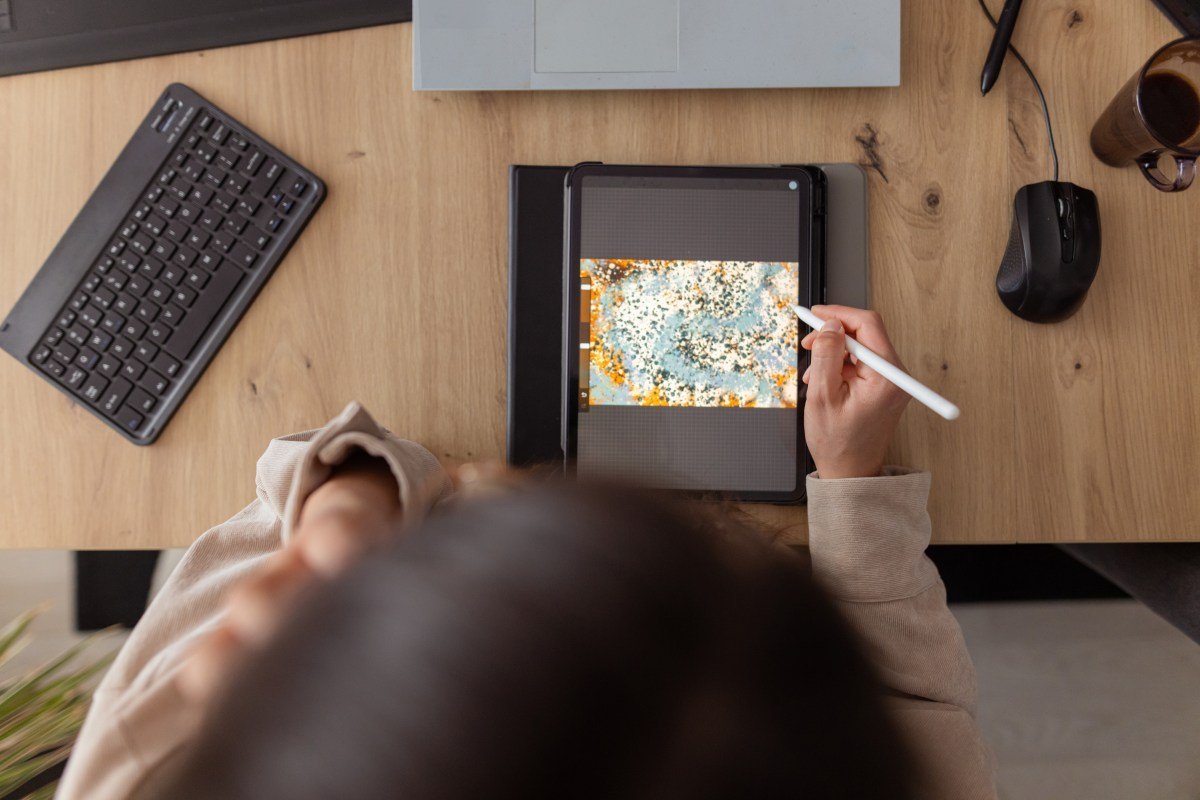
Best iPad apps for unleashing and exploring your creativity
If you’re looking to explore your creativity, there are a number of iPad apps that can help you get started. Although the iPad started off as a simple device that could be used to stream content or browse the web on the go, Apple has essentially turned its iPads into powerful machines that can be used to do things like create digital art and edit videos.
We’ve compiled a list of some of the best iPad apps for creativity that are available on the App Store.
Before we get into the list, it’s worth noting that although Adobe’s creative apps are often top choices for creativity on the iPad, this list won’t include them because they are already well-known. The list will instead focus on somewhat lesser-known apps.
Procreate
Procreate is one of the most popular drawing apps for the iPad, and for good reason. The app lets you create digital paintings, sketches, and illustrations using dozens of different types of brushes. Procreate is easy to use and features built-in gesture controls, along with a simple interface.
The app allows for high-resolution canvases up to 16K by 8K on compatible iPad Pros. It also lets you create storyboards, GIFs, animatics, and simple animations. Plus, you can import image files such as JPG, PNG, and TIFF. Procreate includes several features that are designed to help you during the creative process on your iPad, such as QuickShape, StreamLine, Drawing Assist, and ColorDrop.
Once you’re finished creating your piece, you can relive your creative journey with the app’s time-lapse “Replay” feature and share a 30-second time-lapse video on social media.
You can access Procreate with a one-time payment of $12.99.
Techcrunch event
San Francisco
|
October 13-15, 2026
LumaFusion
LumaFusion is a great app for editing videos if you’re ready to graduate from iMovie. The app features numerous user-friendly features that make it perfect for aspiring videographers or indie filmmakers on a budget.
With LumaFusion, you can create multiple layer edits with 4K ProRes and HDR media. You can add different effects, choose from dozens of transitions, and record voice-overs. The app lets you create multilayer titles and import fonts and graphics. Plus, you can fine-tune audio with Graphic EQ, Parametric EQ, Voice isolation, and more.
The app lets you create projects with a variety of aspect ratios, including 16:9 landscape, 9:16 portrait, square, widescreen film, anamorphic, and more.
LumaFusion is available for a one-time payment of $29.99. You can also purchase additional features, such as multicam editing and the ability to send your project to Final Cut Pro for Mac.
Canva
Canva offers a user-friendly platform that allows anyone to create visual content, even without graphic design experience. You can use it to create presentations, infographics, videos, websites, social media posts, and more with over 250,000 templates.
Canva features tools for editing photos, personalizing content with logos and images, adding audio, and cropping and speeding up video.
The platform also has a series of AI features that are designed to make the creation process easier. For instance, you can extend an image using “Magic Switch” or turn ideas into images with “Magic Media.”
Canva is free but offers a $12.99 monthly subscription if you want unlimited access to its AI features, premium templates, and more.
Affinity Designer 2
Affinity Designer 2 is a graphic design app that combines vector design, pixel-based textures, and retouching into a single platform. It’s great for professional illustrators, web designers, game developers, and other creatives.
The app lets you create illustrations, branding, logos, icons, UI/UX designs, typography, posters, labels, fliers, stickers, concept art, digital art, and more. It supports Apple Pencil’s precision, pressure sensitivity, and tilt functionality.
Affinity Designer 2 features gesture controls to speed up your workflow, and it lets you customize keyboard shortcuts. You can also do things like create your own custom font and zoom to over 1,000,000% for absolute precision.
You can access the app through a one-time payment of $18.49.
Concepts
Concepts is a great app for exploring your ideas and experimenting with designs. You can use the app to sketch plans, make notes and mindmaps, and draw storyboards and designs.
The app features Nudge, Slice, and Select tools that allow you to easily change any element of your sketch without redrawing it. The app features realistic pens, pencils, and brushes that flow with pressure and tilt.
Concepts gives you access to scale and measurement tools that calculate real-world dimensions, and also features a tool wheel or bar that you can personalize to your liking.
The app’s basic features are free. Concepts offers a $4.99 monthly subscription if you want access to additional features, such as the ability to create your own brushes and premium editing tools.
Tayasui Sketches
Tayasui Sketches is a good, user-friendly sketching and drawing app. It has several different features such as a realistic watercolor brush, digital acrylic brushes, the ability to blend two colors to get the perfect shade, gradient and depth tools, and more.
The app lets you multitask by opening up another app and dragging lawyers and documents between the two. There’s also a “Zen Mode” that lets you create without distractions.
You can also upload your images to incorporate them into your creations. Tayasui Sketches lets you store your creations into personalized folders.
Tayasui Sketches’s basic features are free. The app offers a $2.99 monthly subscription that unlocks unlimited layers, new brushes and markers, an extended brush editor, the ability to backup your drawings, and more.
Dudel Draw
Dudel Draw is a bit different from the other apps on this list: It’s designed to unleash your creativity by giving you a new shape every day that serves as a starting point to sketch on top of.
These daily shapes vary from basic geometrical forms to more complex and abstract designs. Plus, you can explore your creativity further by choosing to view the shape from all angles with the app’s “flip” and “rotate” features.
You can also get your friends in on the creativity with some fun competition by comparing your different creations each day. Dudel Draw offers a great way to sharpen your artistic skills, challenge yourself to create something new every day, and just simply express yourself.
Dudel Draw is available for free.
Sketchbook
Sketchbook is an easy-to-use app for sketching, painting, and drawing. The idea behind the app is to make it feel like you’re drawing on paper, as the digital brushes and pens behave like the real thing.
The app’s interface is simple and lets you tuck away palettes and tools to make it easier to focus on drawing.
You can customize brushes by tweaking the size, opacity, flow, and more to align them with your personal style. There’s also a “predictive stroke” feature that helps smooth out the lines of your drawing.
Sketchbook is available for free, but you can unlock premium features for a one-time payment of $2.99. Premium features include the ability to import additional brushes and color palettes, adjust the size of your canvas after you’ve started working, export multiple canvases or an entire album as a PDF, and more.
This story was originally published in December 2024 and is updated regularly with new information.
