

Blurry rendering of games on Mac
Problem
I’ve submitted the issue described in this post to Apple as FB13375033. This issue has been open since September of 2023.
If you game on a MacBook display – your game is probably rendering wrong unless you’ve adjusted your settings. If you’re a developer building a full screen game in AppKit (or Catalyst) – Apple’s APIs have some issues you need to be aware of.
When most games start – they ask the system what resolutions are available for the current display and pick the best one. A Mac app can get a list of suggested output resolutions through the CGDisplayCopyAllDisplayModes function. This worked well for decades on Macs with regular displays.
The problem with Apple laptops is they have a notch at the top of the display. The full screen area your game runs in is not the same resolution as the screen. Most games do not account for this problem. They output frames sized for the entire screen instead of the region they can draw to. This output is height compressed and blurry.
Lets start with how layout on a notched display works. Notched Mac displays have three different regions to be aware of.
- The full bounds of the display. This isn’t explicitly marked on the diagram above. But it’s the entire display area including the menu and areas around the notch.
- The safe area of the display. This includes the area of the display directly below the notch. AppKit exposes this property through NSScreen’s safeAreaInsets property.
- The full screen area available for AppKit. This is distinct from the safe area. The full screen area extends from under the menu bar, while the safe area extends from below the notch.
If you’re an iOS developer – you’re probably already familiar with the idea of the safe area. But the Mac adds a third concept – the full screen app area. The safe area is the area below the notch. But the full screen area for a window is the area below the menu bar.
Which region does CGDisplayCopyAllDisplayModes return resolutions for? It actually returns resolutions for two regions:
- Resolutions for the full area of the display (which are inaccessible for modern full screen AppKit apps.)
- Resolutions for the area under the menu bar – which are relevant for full screen AppKit apps. On my MacBook Pro these resolutions are all 16:10.
The problem is that these resolutions are mixed in a single list with no built in way to filter.
Worse yet – most games default to the first resolution on the list. That happens to be the resolution of the entire display instead of the area under the notch. Out of the box most games draw using this squashed down output that mismatched.
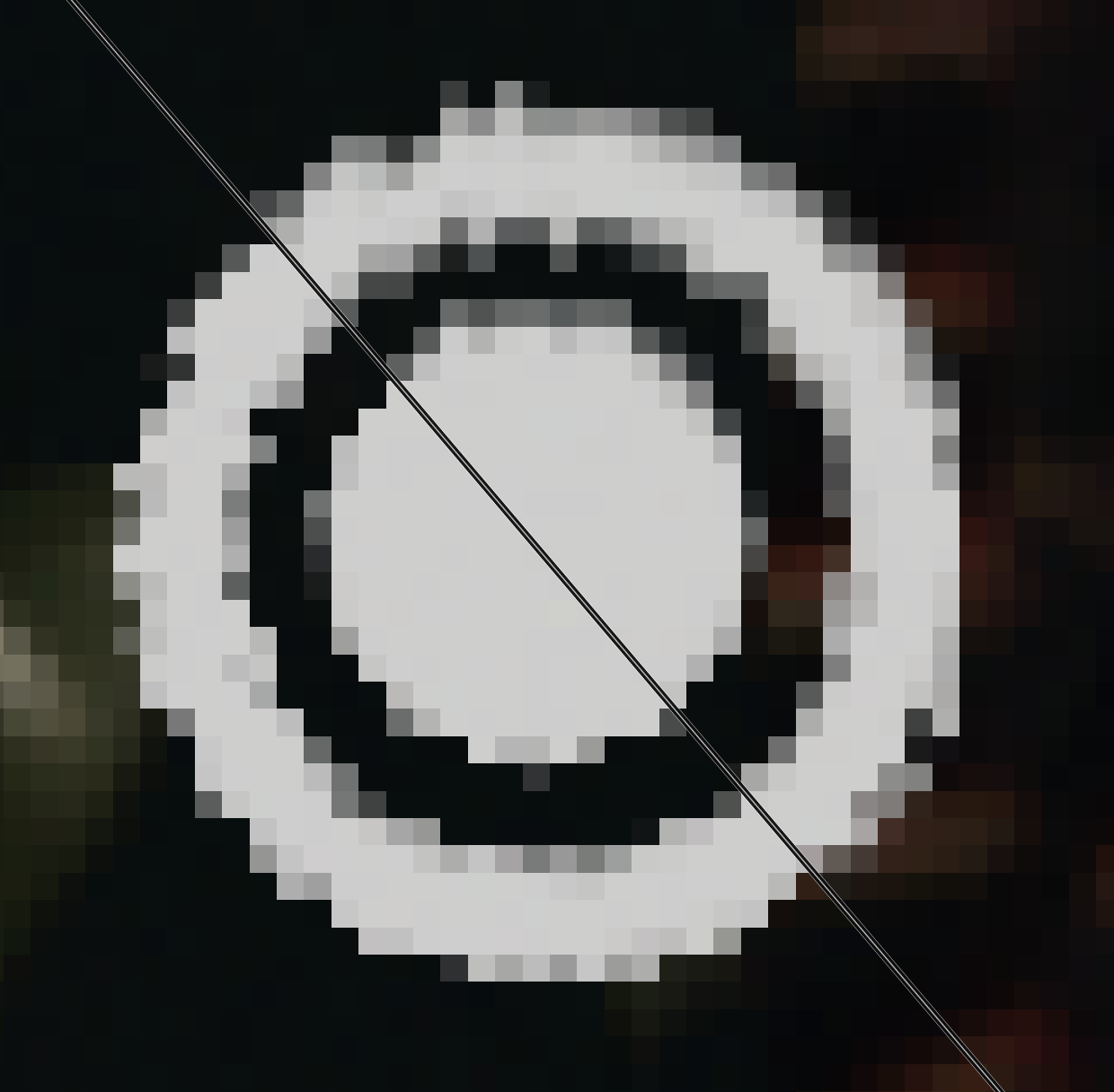
Here’s a screenshot from Shadow of the Tomb Raider. The top slice is from the resolution it defaults to on my MacBook Pro – 3456 x 2234. That resolution includes the notch. But Shadows of the Tomb Raider can only draw below the notch – in a 3456 x 2160 area. This 74 pixel difference in view height creates a squashed image. The bottom slice is from the game running at the proper res of 3456 x 2160. The circle looks like much cleaner while the stretched circle at the top is blurry and crushed.
NSScreen exposes a safeAreaInsets property – which feels like it should be helpful here. But – as we saw in the diagram – the safe area is still not the same as the available full screen area. So we can’t use the safe area as is.
Solution
If you’re playing a game full screen on a notched display – make sure you’re picking a 16:10 resolution. Games you play probably will not default to the correct resolution.
If you’re a developer – the safe area can still be used to filter the resolution list. But we have to be a little clever about it. We need to look for resolutions that fit inside the safe area instead of ones that perfectly match it.
extension NSScreen
{
    func safeAreaResolutions() -> Array {
        let screenResolution = frame
        let safeAreaInset = safeAreaInsets
        let safeScreenResolution = CGSize(
            width: screenResolution.size.width - (safeAreaInset.left + safeAreaInset.right),
            height: screenResolution.size.height - (safeAreaInset.top + safeAreaInset.bottom)
        )
        let safeAreaAspectRadio = safeScreenResolution.width / safeScreenResolution.height

        let screenNumber = deviceDescription[NSDeviceDescriptionKey.init("NSScreenNumber")] as! CGDirectDisplayID

        guard let resolutions = CGDisplayCopyAllDisplayModes(screenNumber, nil) as? Array else
        {
            // We should never get here, the display should be valid
            fatalError()
        }

        return resolutions.filter { resolution in
            (CGFloat(resolution.width)/CGFloat(resolution.height)) > safeAreaAspectRadio
        }
    }
}
This approach does have the side effect of being aggressive in its filtering. It loses some resolutions like the 4:3 ones.
I’d love to see someone come up with a better approach or algorithm. But ultimately I think this is up to Apple to address.
Affected Games
I’ve already mentioned Shadow of the Tomb Raider, but here’s some other recent releases.
On my MacBook Pro – 3456 x 2234 is the resolution of my display. But 3456 x 2160 is the resolution under the menu bar available to a full screen game. That means we’re looking for 16:10 resolutions like 3456 x 2160.
Control Ultimate Edition
Control gets around the issue by just making up its own resolutions. There are a few 16:10 resolutions on the list – but none are the actual native resolution of my MacBook Pro.
No Man’s Sky
No Man’s Sky defaults to a squashed, non 16:10 resolution. The resolution picker lists both safe area and non safe area resolutions.
Correct Games
Cyberpunk 2077
Cyberpunk defaults to 1728×1080 – which is 16:10! It’s not clear how they’re filtering the resolution list. But the max resolution is 3456 x 2160 – which is the correct max resolution for a full screen app.
Honorable Mention: World of Warcraft
World of Warcraft at first looks wrong. But World of Warcraft is an older game using the legacy CoreGraphics display services full screen API. That API actually allows World of Warcraft to draw into the notch. So in this case the 3456×2234 resolution is correct.
What Apple could do
Update the HIG
Apple maintains a HIG for games the includes a section on building full screen games. But this issue isn’t mentioned anywhere. The HIG should be updated to describe the issues around the notch and how to fetch a resolution list.
Update the Game Porting Toolkit samples
The samples Apple provides on how to port a game don’t include any examples of picking output resolutions. Best practices for doing so should be included in the samples.
Update CGDisplayMode
Cocoa applications should have the ability to filter the list down. I’d like to have an option to only see resolutions that are relevant to a full screen Cocoa app.
Build a new gaming centric API
It might be time for Apple to build a gaming centric API that can handle boilerplate like fetching a resolution list.
Advise game developers to not query display modes
I don’t like the way Control handles resolutions. The developer seems to have hardcoded a list that is the same for any Mac. And I really want to have a list of resolutions that are relevant for my display.
But they might be on to something. There’s no requirement to render a game at any specific resolution. Applications can make up their own resolution list. You could calculate a list of resolutions on your view’s bounds. This would scale to any display or even windowed or full screen modes. Some games have implemented similar “render scale” settings that don’t even have a resolution list – just a scale.
If this is a good path forward – Apple should update their HIG and sample code.


