

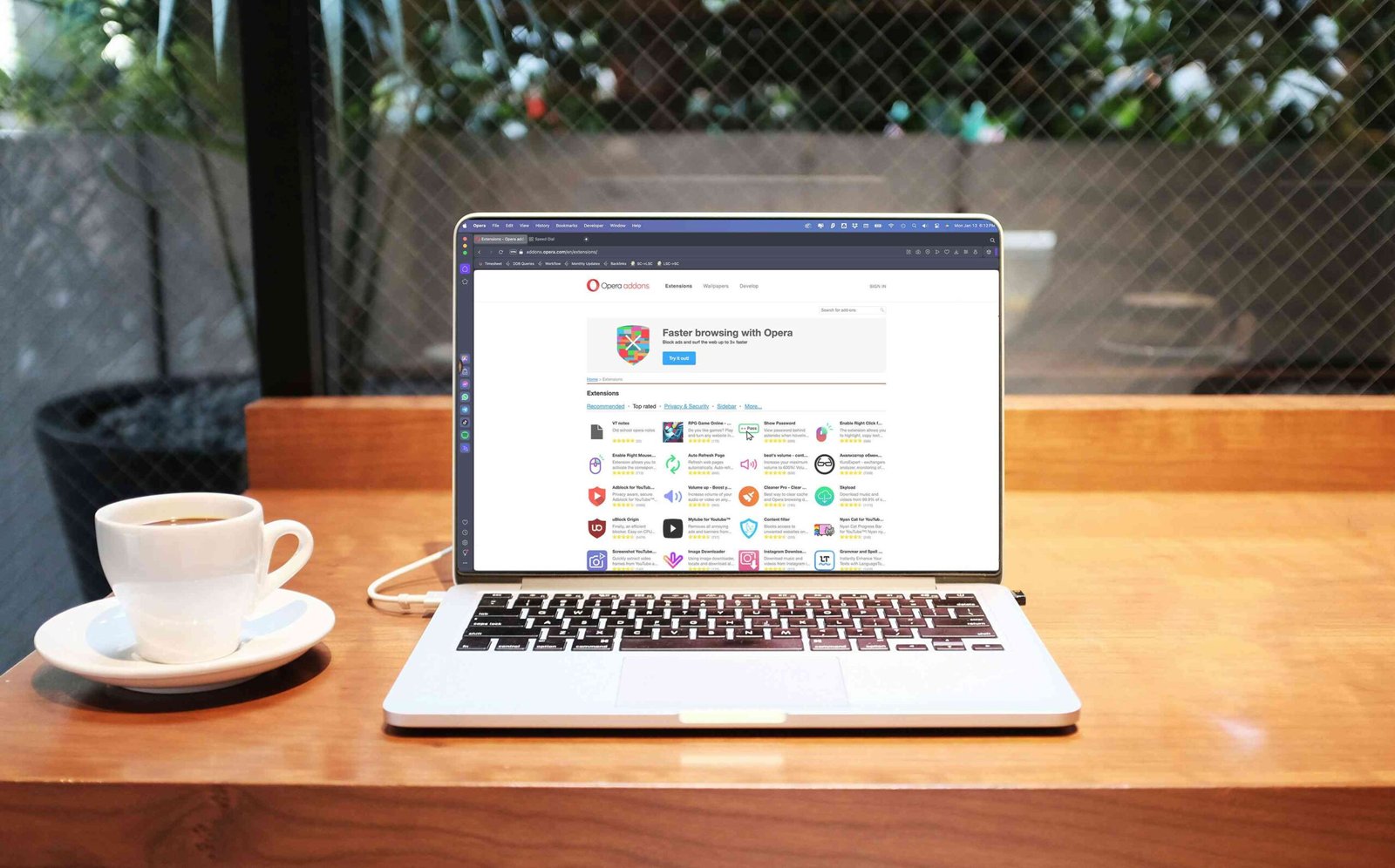
Enhance Your Opera Browser with These Must-Have Plugins for 2026
These options can manage your passwords, hide ads, and more
Updated on January 24, 2026
Users enjoy Opera’s clean look and fast web browsing experience, but adding plugins takes Opera to new levels of efficiency and productivity. Here’s a look at some essential Opera plugins to consider.
Manage Passwords: LastPass
Pros
-
Syncs data across mobile phones and computers.
-
Auto log-in options.
-
Info encrypted and decrypted locally.
-
Stores credit card information.
Cons
-
Premium version required to sync or use family sharing.
LastPass is a password manager that creates one primary password, allowing you to log in to your favorite sites with one click. With an auto-fill feature, LastPass remembers your usernames, passwords, and other information for multiple accounts.
Keep Track of the Weather With a Click: Gismeteo
Pros
-
Instantly see detailed weather conditions.
-
Shows hourly updates of the temperature.
-
Global weather news available.
Cons
-
No way to minimize the icon on the Opera desktop.
-
Navigation language is awkwardly translated.
-
Temperature defaults to Celsius.
The Gismeteo extension gives you instant access to your local current temperature and an hourly weather forecast. Select your city in the settings menu and search to find out what’s happening in other cities. Gismeteo lets you customize features, including skins, icons, and language.
Create a Customized Firewall: uMatrix
Pros
-
Shows how info’s collected from browsing history.
-
One-click allowed and denied requests for data.
Cons
-
Can be intimidating at first.
If you want to customize your privacy settings while browsing with Opera, take a look at uMatrix, a point-and-click matrix-based firewall. Once installed, uMatrix works in block-all mode but allows you to create exceptions. You decide what type of data can be downloaded.
Get a Virtual Gmail Assistant: Boomerang for Gmail
Pros
-
Ideal for sending emails in different time zones.
-
Postpone emails to appear at the specific time.
-
Set alerts when you don’t receive responses.
-
Perfect for scheduling birthday emails.
Cons
-
Free version has a limit of 10 message credits per month.
-
Read and sent confirmations are added to the email thread.
If you want to know if and when your emails have been read or schedule a specific email for a later date, try Boomerang for Gmail. Boomerang allows the integration of email scheduling, reminders, and read notifications.
Boomerang comes with a free 30-day trial of Boomerang Pro, which includes unlimited message credits. No billing information is gathered during the free trial. After 30 days, if you don’t choose to subscribe to one of the paid subscriptions, you can continue to use the free Basic plan.
Thanks for letting us know!
