

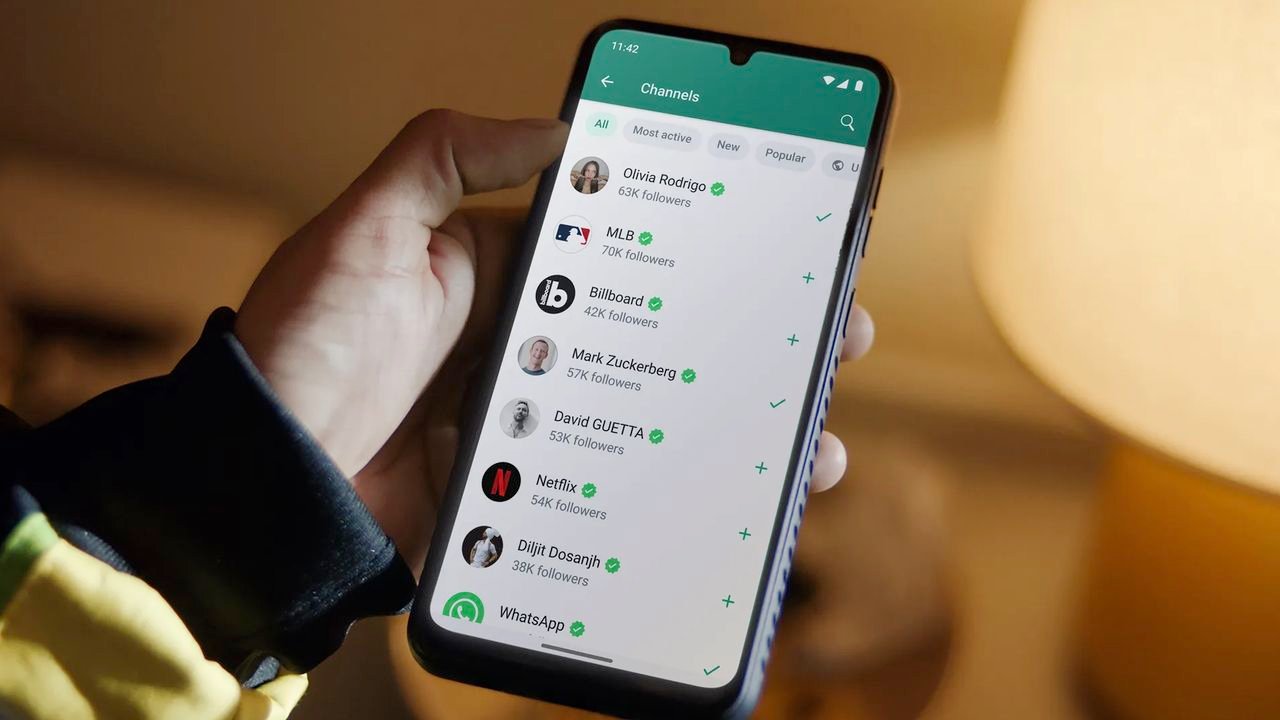
Hate WhatsApp on Android? Try my picks for 5 great alternatives
Whether you understandably want to uncouple from Meta or you have beef with WhatsApp itself, there are lots of alternative messaging apps you could use instead.
Many of these have a similar feature set to WhatsApp, but they do enough different and in some cases better that they’re worth considering as alternatives.
So below, in no particular order, we’ve listed five great WhatsApp alternatives that are available on Android.
1. Signal
Signal is a major alternative to WhatsApp, and it’s probably the app you should be using if security and privacy are among your main concerns.
All of your messages on Signal are end-to-end encrypted, with even Signal itself unable to read them, and it additionally has tools like disappearing messages.
Beyond the privacy side, Signal also allows for group chats, voice and video calls, stories, and the sharing of images, GIFS, stickers, and files.
As with WhatsApp and the rest of the apps on this list, it uses your phone’s data connection rather than SMS or minutes, and while you have to sign up with your phone number you can optionally create a username which you can share with others, so they don’t need to know your number to message you.
2. Telegram
Telegram is another major alternative to WhatsApp, and as with Signal you can share a username with contacts rather than your phone number.
It’s also fairly secure, but you only get full end-to-end encryption with ‘Secret Chats’, so this isn’t a feature that’s enabled by default.
But Telegram does have a whole lot of features, including superb cross-device syncing, right down to being able to start typing a message on one device (such as your phone) and finish it on another (such as your computer).
It also claims to be the fastest messaging app on the market, and while we can’t independently verify that, it certainly seems speedy.
You get all the standard messaging app features too, including group chats, video and voice calls, stickers, GIFs, multiple themes to choose between, and more.
3. Line
Line is huge in Japan and some other parts of Asia, but despite being available outside those regions and in English, it never quite seemed to take off elsewhere.
That’s a shame, because this WhatsApp alternative has a lot going for it, especially on the customization side, with a huge number of themes and stickers being available – though not all for free.
That theming is perhaps the biggest differentiation Line has from the likes of WhatsApp and Telegram, both of which are far more limited on that front.
However, you can also do all the basics here too, with voice calls, video calls, multi-platform support, and even end-to-end encryption.
And unlike most of the apps on this list, there’s no need for a phone number to set up your Line account in most regions.
4. Viber
Viber is a highly rated WhatsApp alternative with over a billion downloads on Google Play, so it’s certainly popular.
With end-to-end encryption, disappearing messages, group chats, audio and video calls, GIFs, stickers, channels, multi-platform support, and even AI bots that can answer questions and create images, this basically ticks all the boxes you could ask a messaging app to.
You can even make notes and set reminders, which isn’t a feature found in most messaging apps.
So if you’re looking for a full-featured WhatsApp alternative, Viber is a strong option.
5. Threema
Threema bills itself as putting privacy first, so it’s more directly competing with Signal than the other apps on this list.
It’s end-to-end encrypted by default, and as with Line there’s no need for a phone number, even to sign up. In fact, you don’t even need to use an email address. Instead, you’ll get a randomly generated Threema ID, to further protect your privacy.
You can also edit and delete messages after sending them, there are no ads, trackers, or data collection, and there’s the option to verify contacts by scanning their QR code, so you can be sure of who you’re talking to.
Beyond all that, Threema also has voice, video, and group chats, the ability to create polls, location sharing, both light and dark modes, and a desktop app, among other things. Beyond its privacy and security tools it’s perhaps not as full-featured as Viber or as customizable as Line, but it certainly has the essentials covered.
Follow TechRadar on Google News and add us as a preferred source to get our expert news, reviews, and opinion in your feeds. Make sure to click the Follow button!
And of course you can also follow TechRadar on TikTok for news, reviews, unboxings in video form, and get regular updates from us on WhatsApp too.
” data-join-the-conversation-text=”Join the Conversation”>
You must confirm your public display name before commenting
Please logout and then login again, you will then be prompted to enter your display name.
