

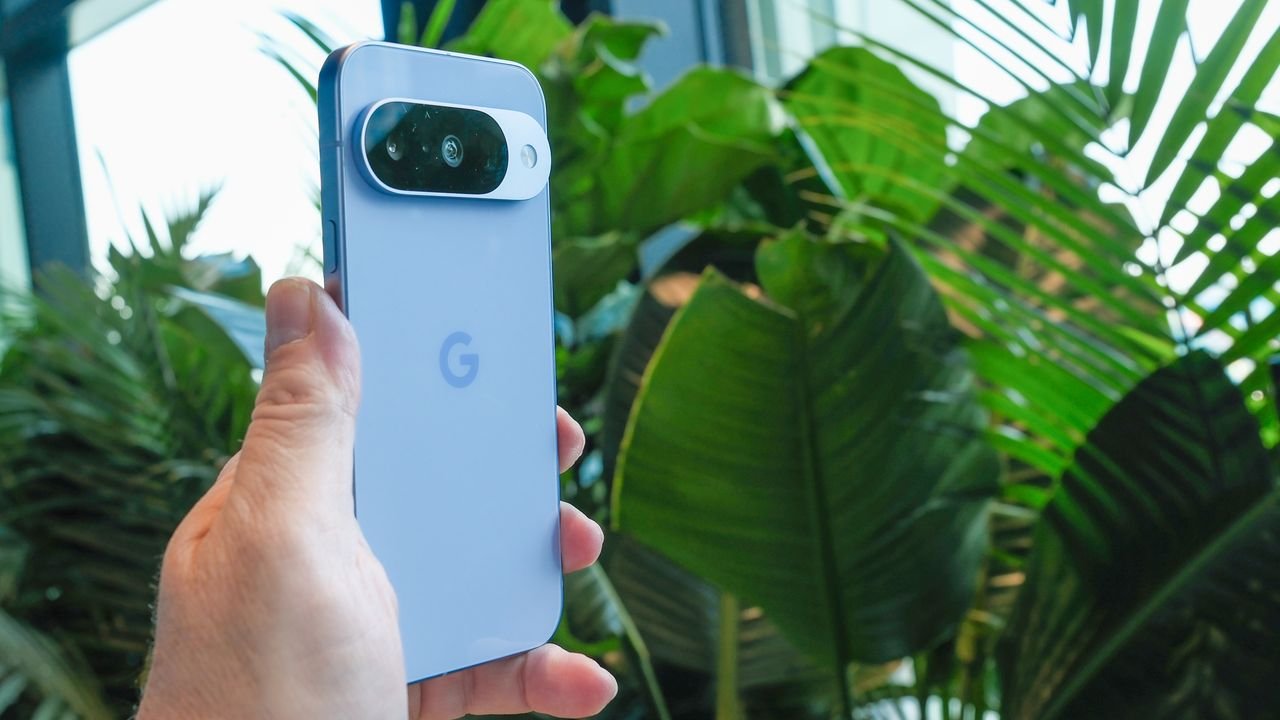
Here are the 6 best Google Pixel 10 upgrades coming in the next Pixel Drop update
- The latest Google Pixel Drop is bringing some major updates
- These include improved Circle to Search and AirDrop compatibility
- Some features are exclusive to the Google Pixel 10
Hot on the heels of Samsung’s Unpacked event which gave us the Galaxy S26 series devices complete with a suite of new AI-powered software, Google has announced new Android features landing on Pixel phones — including a couple of the S26’s new toys.
They’ll come in the next Pixel Drop that’s rolling out to Google’s phones, though some updates are limited to just the latest Pixel 10 generation, or will require an extra app download. We’ll highlight those as we go.
There are lots of updates on the way, but we’ve picked out the best six here from the Google Pixel Drop announcement.
A Spring Refresh for Your Pixel | March ’26 Pixel Drop – YouTube
1. Find your next outfit with Circle to Search
Circle to Search shines as a tool for finding clothing items you see in person or online. You just circle the person in the picture and the AI will help you find similar shirts, skirts, and shoes for you (as well as anything else it can see they’re wearing). It works great, but it can be a little tedious looking up each item in an outfit if you want to mimic someone’s whole look rather than just elements of it.
With the new outfit finder option, Circle to Search will look up a whole ‘fit in one go — giving you a few options for each item of clothing as it hunts them down — and if you provide the app with a selfie you can even use AI to try out the look virtually.
The only disappointment is this feature is currently limited to Pixel 10 phones.
A little like Samsung’s new Now Nudge feature, Magic Cue can analyze your text chats to offer helpful AI automations without you needing to switch apps. For example, if your friends want to meet up next Saturday at a bakery near a theater, Magic Cue will pop up above your phone keyboard with a Gemini automation to look up bakeries in that area open at the weekend, which you could suggest.
The main difference with Now Nudge is it doesn’t seem to use your calendar or other info to inform its suggestions, though that could land down the line.
3. Now Playing app
Now Playing is one of the best phone tools out there for music lovers. It allows your Pixel to easily identify and find songs it hears while you’re out and about. WIth the latest Pixel drop it now has a new home in a dedicated Now Playing app.
This application won’t just identify what’s currently playing, it will also keep a log of tracks you’ve heard throughout the day and offer links to where to find them on your streaming service of choice.
As a Samsung convert, Now Playing is the feature I miss most, and I’m even more jealous of Pixel users because of this addition.
4. AirDrop on Pixel?
Taking a cue from Apple instead of Samsung for this next entry, Pixel phones’ Quick Share is now more widely compatible with Apple’s AirDrop so you can easily and securely send photos, videos, and files between Pixels, iPhones, iPads, and Macs without an internet connection.
This expands on a feature the Google Pixel 10 debuted last year to make it even easier to work and share across different devices.
5. Find my luggage
Another Apple-like feature, this time taking inspiration from the AirTag, a new share item location feature in the Find Hub will let you share the location of your lost tracker with others.
Google highlights how this will be handy for locating lost luggage as you can share the location with an airline if your bag is misplaced, but you can also choose to stop sharing its location at any time.
6. Hands-free Watch controls
Lastly we have a Pixel Watch upgrade that allows you to control your smartwatch without needing to touch the screen.
One-handed gestures allow you to answer calls or play music by pinching twice with the hand your watch is on, or dismiss calls and notifications by flicking your wrist.
Follow TechRadar on Google News and add us as a preferred source to get our expert news, reviews, and opinion in your feeds. Make sure to click the Follow button!
And of course, you can also follow TechRadar on YouTube and TikTok for news, reviews, unboxings in video form, and get regular updates from us on WhatsApp too.
” data-join-the-conversation-text=”Join the Conversation”>
You must confirm your public display name before commenting
Please logout and then login again, you will then be prompted to enter your display name.
