Close Menu

    Subscribe to Updates

    Get the latest creative news from FooBar about art, design and business.

    What's Hot

    How food and beverage giants like Ritz and Diageo are showing up for the Super Bowl this year

    GLP-1 draws pharma advertisers to double down on the Super Bowl

    Despite saturated live sports calendar, Super Bowl remains north star for brands

    Facebook X (Twitter) Instagram
    • Artificial Intelligence
    • Business Technology
    • Cryptocurrency
    • Gadgets
    • Gaming
    • Health
    • Software and Apps
    • Technology
    Facebook X (Twitter) Instagram Pinterest Vimeo
    Tech AI Verse
    • Home
    • Artificial Intelligence

      Read the extended transcript: President Donald Trump interviewed by ‘NBC Nightly News’ anchor Tom Llamas

      February 6, 2026

      Stocks and bitcoin sink as investors dump software company shares

      February 4, 2026

      AI, crypto and Trump super PACs stash millions to spend on the midterms

      February 2, 2026

      To avoid accusations of AI cheating, college students are turning to AI

      January 29, 2026

      ChatGPT can embrace authoritarian ideas after just one prompt, researchers say

      January 24, 2026
    • Business

      New VoidLink malware framework targets Linux cloud servers

      January 14, 2026

      Nvidia Rubin’s rack-scale encryption signals a turning point for enterprise AI security

      January 13, 2026

      How KPMG is redefining the future of SAP consulting on a global scale

      January 10, 2026

      Top 10 cloud computing stories of 2025

      December 22, 2025

      Saudia Arabia’s STC commits to five-year network upgrade programme with Ericsson

      December 18, 2025
    • Crypto

      Tether Freezes $500 Million in Assets Linked to Turkish Gambling Ring

      February 7, 2026

      Crypto.com CEO Pivots to AI Agents, Launch Planned For Super Bowl

      February 7, 2026

      Will Solana’s Price Recovery Be Challenging? Here’s What On-Chain Signals Suggest

      February 7, 2026

      China Widens Crypto Ban to Choke Off Stablecoins and Asset Tokenization

      February 7, 2026

      CFTC Expands Crypto Collateral Pilot to Include National Trust Bank Stablecoins

      February 7, 2026
    • Technology

      How food and beverage giants like Ritz and Diageo are showing up for the Super Bowl this year

      February 8, 2026

      GLP-1 draws pharma advertisers to double down on the Super Bowl

      February 8, 2026

      Despite saturated live sports calendar, Super Bowl remains north star for brands

      February 8, 2026

      Lego is building out an in-house programmatic team

      February 8, 2026

      Forget AGI, business leaders are still trying to figure out how to make AI work

      February 7, 2026
    • Others
      • Gadgets
      • Gaming
      • Health
      • Software and Apps
    Check BMI
    Tech AI Verse
    You are at:Home»Technology»How Cutting-Edge Photography Apps Are Changing the Game in 2026
    Technology

    How Cutting-Edge Photography Apps Are Changing the Game in 2026

    TechAiVerseBy TechAiVerseJanuary 20, 2026No Comments6 Mins Read2 Views
    Facebook Twitter Pinterest Telegram LinkedIn Tumblr Email Reddit
    How Cutting-Edge Photography Apps Are Changing the Game in 2026
    Share
    Facebook Twitter LinkedIn Pinterest WhatsApp Email

    How Cutting-Edge Photography Apps Are Changing the Game in 2026

    Apple or Android, paid or free; these are the best photo apps

    Updated on January 19, 2026

    We independently evaluate all of our recommendations. If you click on links we provide, we may receive compensation.

    Dong Wenjie/Getty Images.
    Photo:

    Dong Wenjie/Getty Images


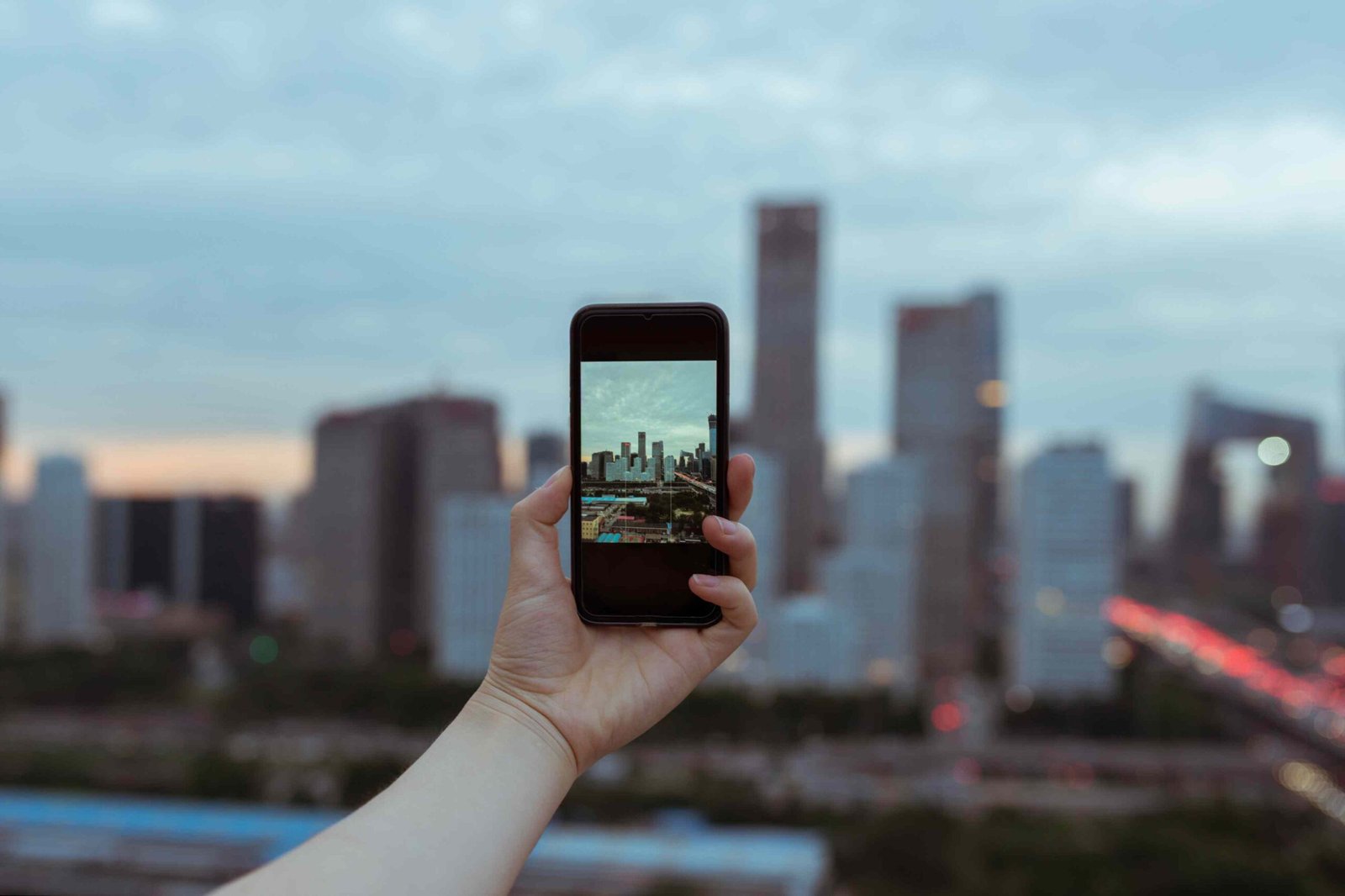
    With multiple lenses and features such as portrait mode and HDR, what you can capture with your mobile device is truly remarkable. Still, if you want to push your photography further, you will want to download some photography apps.

    There are many photo apps out there, with many offering overlapping features, and knowing which are worth your time can be the difference between a so-so Instagram post and one that pops.

    Halide: One of the Best Photo Apps for iPhone

    What We Like

    • Great portrait mode.

    • Simple exposure settings.

    • Good manual focus settings and focus peaking.

    • Shoots RAW, JPEG, and HEIC.

    • Features an AR mode for capturing and viewing images.

    • Works with iOS shortcuts.

    What We Don’t Like

    • Some features and settings can be confusing and difficult to find.

    Halide can serve as a replacement for the standard iPhone Camera app. It’s simple, supports RAW, JPEG, and HEIC image formats, and its gallery displays all images on your device, including those taken using another app.

    Halide’s portrait mode, called Depth, consistently produces more natural-looking bokeh effects and tends to have less distortion along hairlines and edges. You can’t edit an image’s depth, and Halide doesn’t natively support Portrait Lighting effects, but you can add Portrait Lighting by editing the image using iOS’ Photos app.

    You can set the exposure and focal point with a tap. Still, more granular controls are also available, allowing you to easily change exposure levels and see which parts of an image are in focus before you take your shot.

    Lastly, Halide recently added Shortcuts support, which lets you snap a picture using a Siri voice command or launch the app in Depth mode. With Halide, you’ll never spend too much time setting up a shot.

    Download For:

    iOS

    Unfold: Best Photo App for Creating Stories

    What We Like

    • Good set of free templates.

    • Several templates support multiple images.

    • Great text tools.

    What We Don’t Like

    • Most templates have to be purchased.

    • You can’t sample a different template without creating a new post.

    • Switching between Stories can be prove frustrating if you have a lot of posts.

    Unfold is an excellent tool for creating good-looking Stories for Instagram, Snapchat, and more. It offers a series of templates to build Stories showcasing your photos.

    The app gives you a collection of free templates, making it easy to get started without purchasing a premium collection. Additionally, several templates let you add multiple stills and videos to a Story, allowing you to go further than the stock Story creation tools found in Instagram and Snapchat.

    However, most templates in Unfold aren’t free, so if you want to experiment, you’ll find yourself purchasing new collections. This is fine if you like all of the templates, but you’ll likely find yourself paying for at least a few you’ll never use.

    Unfold also offers some excellent text tools that are easy to use and provide a range of fonts and colors. You can also resize and place text by dragging and pinching.

    Download For:

    Android

    iOS

    1967: Best Photography App for Vintage-Style Filters

    What We Like

    • Broad range of filters.

    • Simple controls.

    • Straightforward crop tools.

    What We Don’t Like

    • Most filters require an annual subscription.

    • Has ads.

    1967 offers a slew of good-looking filters in a straightforward layout. Once you’ve found the filter you want, you can apply it with a couple of taps, save it to your camera roll, or share it directly to Instagram, Facebook, or Tumblr.

    The Crop tool is also easy to use, offering an array of portrait and landscape layouts for your images.

    You’ll need to sign up for an annual subscription to get access to all the filters, though a seven-day free trial is available. Using 1967 without a subscription means you’ll encounter ads, many of which will likely interrupt your workflow.

    Download For:

    iOS

    Hydra: Best Photo App for Shooting High Resolution Images

    What We Like

    • Lets you capture images up to 32 megapixels.

    • Good low light mode.

    • Excellent HDR mode.

    What We Don’t Like

    • Doesn’t handle moving subjects well.

    • Images captured in Zoom mode aren’t always as good as those snapped in the stock Camera app.

    Hydra allows for higher-resolution photos with greater detail by simultaneously snapping up to 60 images. It’s great for low light conditions or capturing shots in which the details matter.

    Hydra is a must-have app if you plan to shoot photos for printing. It captures a series of images, then automatically stitches them together. While this process requires a few seconds more to snap a photo, it allows for detail-rich pictures of up to 32 megapixels.

    Hydra also has an HDR mode and a low-light mode to create images at a maximum of 12 megapixels. HDR produces stills with more vibrant colors and more contrast, while Lo-Light makes photos with less noise.

    Hydra also offers a Zoom mode, but the results can vary. It allows you to shoot up to 8x zoom, but the level of detail isn’t as impressive as its other modes.

    Furthermore, because of the multi-image processing, anything moving in the frame will cause an aberration in the final image, meaning you’ll likely have to reshoot it. For this reason, Hydra works best when shooting landscapes, buildings, or otherwise still subjects.

    Download For:

    iOS

    Snapseed: Best Photo App for Variety of Editing Tools

    What We Like

    • Lots of powerful editing tools

    • Clever features for editing faces

    • Great Undo and Redo modes.

    • Good stock looks for quick editing.

    • Ability to export editable copies.

    What We Don’t Like

    • Limited range of text tools.

    A free photo editing app from Google, Snapseed offers a range of features you’d typically expect from a desktop app. With tools such as heal, brush, grain effects, and more, it’s an excellent app for making the most of your photos.

    As soon as you open an image, the app offers a set of Looks (predefined filters and settings) you can apply with a couple of taps, but if you want to go further, you can add film grains, vignettes, and more.

    Snapseed truly stands out from other image editing apps with its Portrait and Head Pose modes. Portrait mode gives you options for highlighting eyes and smoothing skin, while Head Pose allows you to shift a person’s face on a four-point axis, with options to adjust pupil size and exaggerate smiles.

    Snapseed’s Undo and Redo modes make it easy to make changes without fully committing to them. You can remove or reapply earlier effects by opening the complete edit history to see how a photo looks while leaving newer ones in place.

    Download For:

    Android

    iOS

    Thanks for letting us know!

    Get the Latest Tech News Delivered Every Day

    Subscribe

    Share. Facebook Twitter Pinterest LinkedIn Reddit WhatsApp Telegram Email
    Previous ArticleRising memory prices put AMD’s Radeon RX 9070 in an awkward spot
    Next Article The Ultimate Guide to Facebook Apps for Android in 2026
    TechAiVerse
    • Website

    Jonathan is a tech enthusiast and the mind behind Tech AI Verse. With a passion for artificial intelligence, consumer tech, and emerging innovations, he deliver clear, insightful content to keep readers informed. From cutting-edge gadgets to AI advancements and cryptocurrency trends, Jonathan breaks down complex topics to make technology accessible to all.

    Related Posts

    How food and beverage giants like Ritz and Diageo are showing up for the Super Bowl this year

    February 8, 2026

    GLP-1 draws pharma advertisers to double down on the Super Bowl

    February 8, 2026

    Despite saturated live sports calendar, Super Bowl remains north star for brands

    February 8, 2026
    Leave A Reply Cancel Reply

    Top Posts

    Ping, You’ve Got Whale: AI detection system alerts ships of whales in their path

    April 22, 2025657 Views

    Lumo vs. Duck AI: Which AI is Better for Your Privacy?

    July 31, 2025245 Views

    6.7 Cummins Lifter Failure: What Years Are Affected (And Possible Fixes)

    April 14, 2025148 Views

    6 Best MagSafe Phone Grips (2025), Tested and Reviewed

    April 6, 2025111 Views
    Don't Miss
    Technology February 8, 2026

    How food and beverage giants like Ritz and Diageo are showing up for the Super Bowl this year

    How food and beverage giants like Ritz and Diageo are showing up for the Super…

    GLP-1 draws pharma advertisers to double down on the Super Bowl

    Despite saturated live sports calendar, Super Bowl remains north star for brands

    Lego is building out an in-house programmatic team

    Stay In Touch
    • Facebook
    • Twitter
    • Pinterest
    • Instagram
    • YouTube
    • Vimeo

    Subscribe to Updates

    Get the latest creative news from SmartMag about art & design.

    About Us
    About Us

    Welcome to Tech AI Verse, your go-to destination for everything technology! We bring you the latest news, trends, and insights from the ever-evolving world of tech. Our coverage spans across global technology industry updates, artificial intelligence advancements, machine learning ethics, and automation innovations. Stay connected with us as we explore the limitless possibilities of technology!

    Facebook X (Twitter) Pinterest YouTube WhatsApp
    Our Picks

    How food and beverage giants like Ritz and Diageo are showing up for the Super Bowl this year

    February 8, 20262 Views

    GLP-1 draws pharma advertisers to double down on the Super Bowl

    February 8, 20262 Views

    Despite saturated live sports calendar, Super Bowl remains north star for brands

    February 8, 20262 Views
    Most Popular

    7 Best Kids Bikes (2025): Mountain, Balance, Pedal, Coaster

    March 13, 20250 Views

    VTOMAN FlashSpeed 1500: Plenty Of Power For All Your Gear

    March 13, 20250 Views

    This new Roomba finally solves the big problem I have with robot vacuums

    March 13, 20250 Views
    © 2026 TechAiVerse. Designed by Divya Tech.
    • Home
    • About Us
    • Contact Us
    • Privacy Policy
    • Terms & Conditions

    Type above and press Enter to search. Press Esc to cancel.