Close Menu

    Subscribe to Updates

    Get the latest creative news from FooBar about art, design and business.

    What's Hot

    Get a Samsung OLED gaming monitor for just $350

    Qualcomm Snapdragon X2 Elite tops the Apple M5 in new test video

    Tapo’s 1440p Wi-Fi security cam is 42% off! Grab it now for $70

    Facebook X (Twitter) Instagram
    • Artificial Intelligence
    • Business Technology
    • Cryptocurrency
    • Gadgets
    • Gaming
    • Health
    • Software and Apps
    • Technology
    Facebook X (Twitter) Instagram Pinterest Vimeo
    Tech AI Verse
    • Home
    • Artificial Intelligence

      Read the extended transcript: President Donald Trump interviewed by ‘NBC Nightly News’ anchor Tom Llamas

      February 6, 2026

      Stocks and bitcoin sink as investors dump software company shares

      February 4, 2026

      AI, crypto and Trump super PACs stash millions to spend on the midterms

      February 2, 2026

      To avoid accusations of AI cheating, college students are turning to AI

      January 29, 2026

      ChatGPT can embrace authoritarian ideas after just one prompt, researchers say

      January 24, 2026
    • Business

      New VoidLink malware framework targets Linux cloud servers

      January 14, 2026

      Nvidia Rubin’s rack-scale encryption signals a turning point for enterprise AI security

      January 13, 2026

      How KPMG is redefining the future of SAP consulting on a global scale

      January 10, 2026

      Top 10 cloud computing stories of 2025

      December 22, 2025

      Saudia Arabia’s STC commits to five-year network upgrade programme with Ericsson

      December 18, 2025
    • Crypto

      Bernstein Discusses Bitcoin’s Weakest Bear Market Yet – “Nothing Broke”

      February 9, 2026

      Ethereum Price Hits Breakdown Target — But Is a Bigger Drop to $1,000 Coming?

      February 9, 2026

      Damex Secures MiCA CASP Licence, Establishing Its Position as a Tier-1 Digital Asset Institution in Europe

      February 9, 2026

      Bitget and BlockSec Introduce the UEX Security Standard, Setting a New Benchmark for Universal Exchanges

      February 9, 2026

      3 Meme Coins To Watch In The Second Week Of February 2026

      February 9, 2026
    • Technology

      Get a Samsung OLED gaming monitor for just $350

      February 10, 2026

      Qualcomm Snapdragon X2 Elite tops the Apple M5 in new test video

      February 10, 2026

      Tapo’s 1440p Wi-Fi security cam is 42% off! Grab it now for $70

      February 10, 2026

      This 8BitDo Retro wireless ‘mecha’ keyboard is just $63 today

      February 10, 2026

      Star power, AI jabs and Free Bird: Digiday’s guide to what was in and out at the Super Bowl

      February 10, 2026
    • Others
      • Gadgets
      • Gaming
      • Health
      • Software and Apps
    Check BMI
    Tech AI Verse
    You are at:Home»Technology»How To Find Your Saved Credit Cards On Your iPhone
    Technology

    How To Find Your Saved Credit Cards On Your iPhone

    TechAiVerseBy TechAiVerseJuly 28, 2025No Comments3 Mins Read2 Views
    Facebook Twitter Pinterest Telegram LinkedIn Tumblr Email Reddit
    How To Find Your Saved Credit Cards On Your iPhone
    Share
    Facebook Twitter LinkedIn Pinterest WhatsApp Email

    How To Find Your Saved Credit Cards On Your iPhone

    Ravi_Sharma1030/Shutterstock

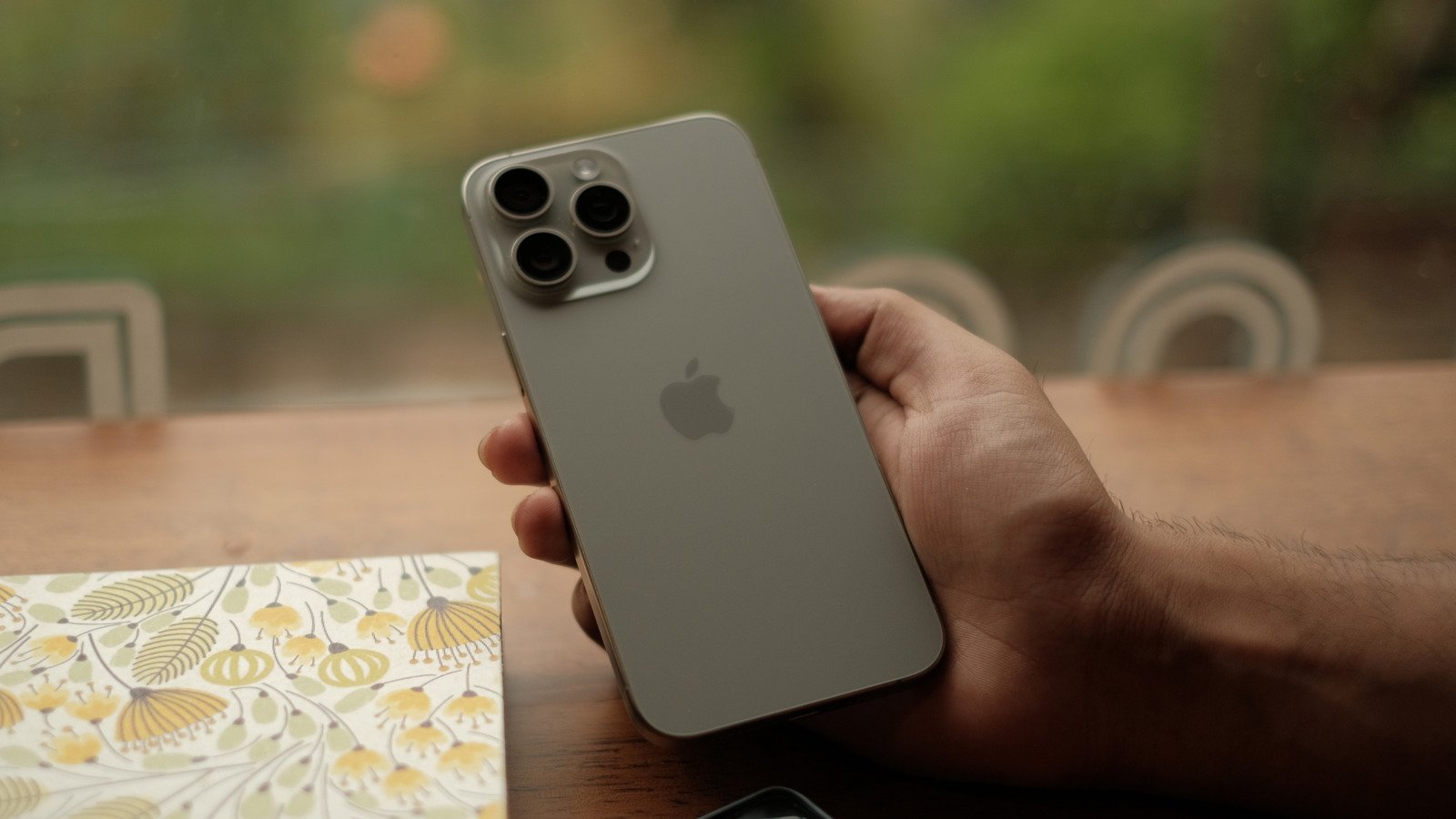
    Whether you love technology or not, few could argue that advancements over the past few decades haven’t made certain aspects of life a little easier for most people. And of those advancements, smartphones like the SlashGear Editor’s Choice earning iPhone 16 Pro have, arguably, had the most impact on the world at large, essentially putting a phone, television, computer, and camera in the palms of each and every user.

    Of course, these days people use their smartphones for shopping as much as they do any other function available on such devices. For their part, the makers of those devices have sought to make those shopping experiences as secure and as easy as possible for users. Apple has been at the forefront of many mobile device shopping advancements, particularly via the advent of iPhone apps like the multi-functional Apple Wallet. You may not realize it, but even if you don’t use Apple Wallet to store methods of payment on your iPhone, the device may still have the credit card information stored elsewhere, particularly if you’ve used it while shopping through Safari.

    Yes, if you’ve ever stored the information for repeated usage on one website or another in Safari, iPhone’s Autofill feature is what is used to reload the card’s information the next time you use it. And yes, you can indeed track down every method of payment you might’ve stored in Safari by navigating to AutoFill in your iPhone’s Settings menu. Here’s how to find them.

    Navigating to Saved Credit Cards screen on iPhone

    Patrick Phillips

    There are a couple of reasons you might want to check out which credit cards you’ve got saved for use in AutoFill on your iPhone. First and foremost, it is wise to at least occasionally check the information and verify which cards are there, as some may be out of date. Likewise, for security reasons there may also be cards filed away that you no longer want to have stored in any digital atmosphere. But even on top of that, being able to find a card’s number on your iPhone might come in handy on occasions when you need to use it to pay for something, but don’t actually have it on hand. Whatever your needs are, follow these steps to find the credit cards saved on your iPhone.

    1. Unlock your iPhone and select Settings.
    2. Click Apps at the bottom of the screen.
    3. In Apps, scroll down and select Safari.
    4. In the General section of the Safari screen, click on AutoFill.
    5. In AutoFill, select Saved Credit Cards.

    From there, you’ll be prompted to enter your iPhone’s PIN for security purposes. Once you’ve entered the security PIN, you’ll be able to see any credit cards you might have saved on the device. On that display screen, you’ll also be able to edit the information on those cards, or delete them entirely from Safari’s AutoFill feature. You can even add new cards to the list if you want a certain method of payment to be stored there. This process should also work with other Apple devices, such as the SlashGear approved 11th Gen iPad.

    Share. Facebook Twitter Pinterest LinkedIn Reddit WhatsApp Telegram Email
    Previous ArticleWhat Is Jeep Badge Of Honor And How Does The Program Work?
    Next Article What’s The Deadliest Torpedo In The World And How Many Does The US Military Have?
    TechAiVerse
    • Website

    Jonathan is a tech enthusiast and the mind behind Tech AI Verse. With a passion for artificial intelligence, consumer tech, and emerging innovations, he deliver clear, insightful content to keep readers informed. From cutting-edge gadgets to AI advancements and cryptocurrency trends, Jonathan breaks down complex topics to make technology accessible to all.

    Related Posts

    Get a Samsung OLED gaming monitor for just $350

    February 10, 2026

    Qualcomm Snapdragon X2 Elite tops the Apple M5 in new test video

    February 10, 2026

    Tapo’s 1440p Wi-Fi security cam is 42% off! Grab it now for $70

    February 10, 2026
    Leave A Reply Cancel Reply

    Top Posts

    Ping, You’ve Got Whale: AI detection system alerts ships of whales in their path

    April 22, 2025661 Views

    Lumo vs. Duck AI: Which AI is Better for Your Privacy?

    July 31, 2025250 Views

    6.7 Cummins Lifter Failure: What Years Are Affected (And Possible Fixes)

    April 14, 2025149 Views

    6 Best MagSafe Phone Grips (2025), Tested and Reviewed

    April 6, 2025111 Views
    Don't Miss
    Technology February 10, 2026

    Get a Samsung OLED gaming monitor for just $350

    Get a Samsung OLED gaming monitor for just $350 Image: Samsung To paraphrase a certain…

    Qualcomm Snapdragon X2 Elite tops the Apple M5 in new test video

    Tapo’s 1440p Wi-Fi security cam is 42% off! Grab it now for $70

    This 8BitDo Retro wireless ‘mecha’ keyboard is just $63 today

    Stay In Touch
    • Facebook
    • Twitter
    • Pinterest
    • Instagram
    • YouTube
    • Vimeo

    Subscribe to Updates

    Get the latest creative news from SmartMag about art & design.

    About Us
    About Us

    Welcome to Tech AI Verse, your go-to destination for everything technology! We bring you the latest news, trends, and insights from the ever-evolving world of tech. Our coverage spans across global technology industry updates, artificial intelligence advancements, machine learning ethics, and automation innovations. Stay connected with us as we explore the limitless possibilities of technology!

    Facebook X (Twitter) Pinterest YouTube WhatsApp
    Our Picks

    Get a Samsung OLED gaming monitor for just $350

    February 10, 20263 Views

    Qualcomm Snapdragon X2 Elite tops the Apple M5 in new test video

    February 10, 20263 Views

    Tapo’s 1440p Wi-Fi security cam is 42% off! Grab it now for $70

    February 10, 20264 Views
    Most Popular

    7 Best Kids Bikes (2025): Mountain, Balance, Pedal, Coaster

    March 13, 20250 Views

    VTOMAN FlashSpeed 1500: Plenty Of Power For All Your Gear

    March 13, 20250 Views

    This new Roomba finally solves the big problem I have with robot vacuums

    March 13, 20250 Views
    © 2026 TechAiVerse. Designed by Divya Tech.
    • Home
    • About Us
    • Contact Us
    • Privacy Policy
    • Terms & Conditions

    Type above and press Enter to search. Press Esc to cancel.