

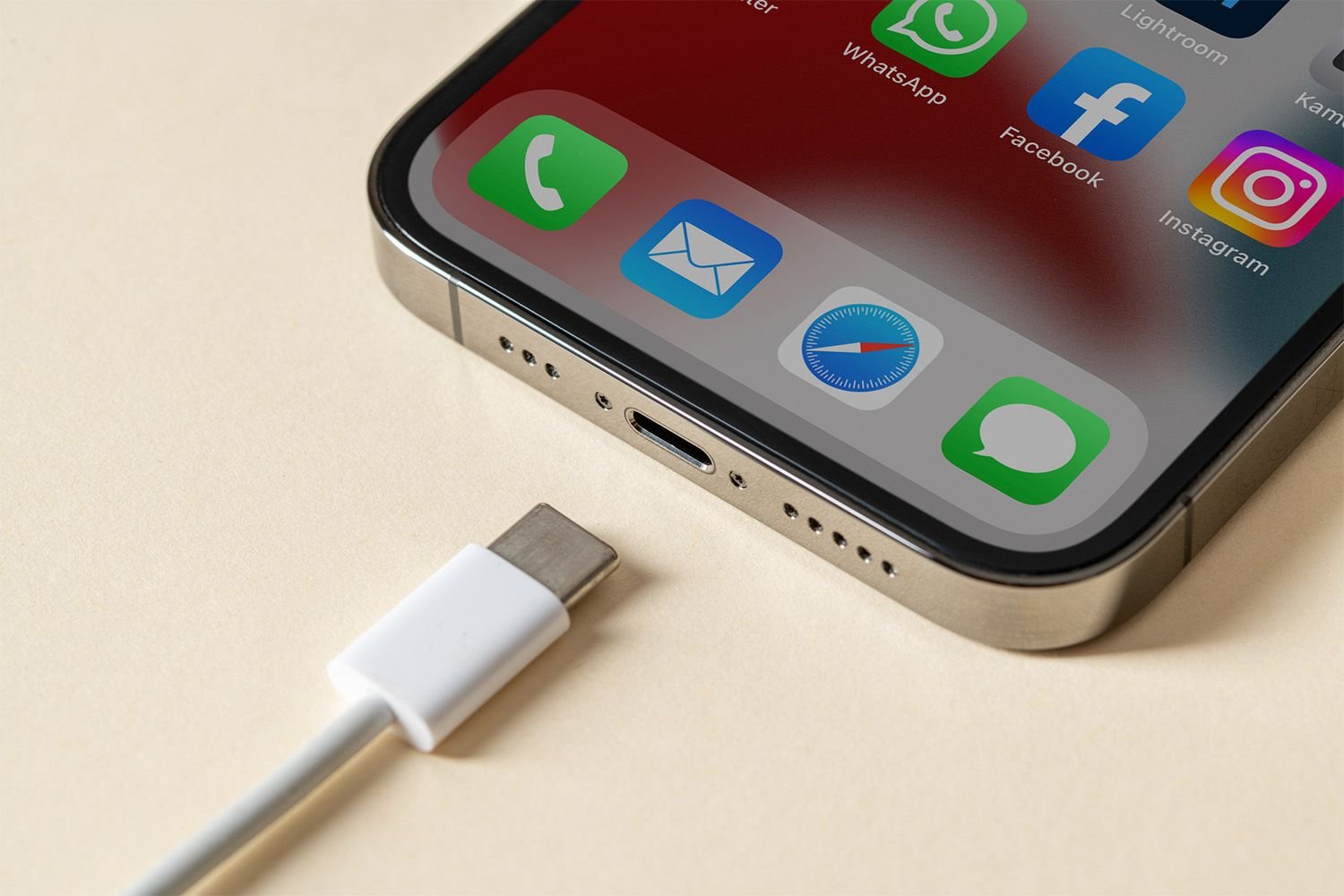
How to Fix an iPhone Charging Port That Won’t Work
How to Fix an iPhone Charging Port That Won’t Work
Practical tips that solve most charging failures fast
Updated on January 22, 2026
This article explains potential reasons why your iPhone might not be charging and steps to take if the charging port is at fault.
How Do I Fix My iPhone’s Charging Port?
If you’re relatively certain the charging issue is due to the port, follow these steps to address it:
-
Try a different charging cable if possible. If your iPhone charges with the new cable, then switch back to the original. If it stops again, the original cable likely needs replacing.
-
Ensure the charging cable is securely connected. A loose or misaligned connection might prevent charging. Disconnect and reconnect both the cable and iPhone.
-
Verify where the cable is connected. It could be an issue with the AC adapter, laptop, or battery if you’re using one.
-
Plug your iPhone into a different outlet or charging port. If it charges with one source but not another, the power source may be the issue.
-
Carefully clean the charging port if needed. Use a flashlight and magnifying glass to inspect the port for debris.
-
If your iPhone was out of power for a long time, give it a moment to gather enough charge to start.
-
If overheating, let your iPhone cool. It stops charging to prevent damage when too hot and resumes once cooled.
-
Disconnect and restart your iPhone. After restarting, reconnect and check for power.
-
Check for available system updates and install them. Though unlikely, software updates can resolve charging issues.
-
Try Qi wireless charging. While this method provides a workaround, you might not always have a Qi charger accessible, so try to address any issues with the charging port when possible.
-
Consider performing a factory reset. If nothing else works, this is the very last fix to try.
This process will erase all apps, settings, contacts, and more from your iPhone. As long as you have a backup, you can restore everything, but the restoration will take time after the reset is complete.
Why Isn’t My iPhone Charging?
Here are common reasons an iPhone might not charge:
- Faulty or unreliable cable
- Clogged port
- Damaged hardware
- Overheating
If your iPhone is using Optimized Battery Charging, disabling it may help the device charge again.
If your iPhone still won’t charge after trying these steps, your best option is to seek professional repairs or at least a professional assessment.
The issue might be due to something else, like the battery, or there could be physical damage to the charging port caused by water, a fall, or another accidental mishap
FAQ
-
If there’s a lot of water in your iPhone charging port, first hold the device firmly and gently shake it to get out the excess. Then, use a cotton swab to get as much of the rest out as you can. To avoid damage, don’t use compressed air or a hair dryer on your phone. Once you’ve removed all of the water you can, don’t put the phone back in your pocket; leave it out in the open to help any residual moisture evaporate. Don’t plug a cable into the port until you’re sure it’s completely dry.
-
If you don’t have the adapter that lets you plug your iPhone into the wall, you can charge it from other sources. Connect your iPhone via USB to a Mac, and it can charge from there. Alternatively, you can use a wireless charger.
Thanks for letting us know!
