Close Menu

    Subscribe to Updates

    Get the latest creative news from FooBar about art, design and business.

    What's Hot

    Women in Games’ new manifesto calls for “rebalancing gender representation and fairness across the industry”

    GDC keynotes include presentations from Sandfall Interactive, AdHoc Studios, and Hideo Kojima

    GDC organiser says it “hasn’t seen” cancellations from overseas visitors, attendance “tracking in line with expectations”

    Facebook X (Twitter) Instagram
    • Artificial Intelligence
    • Business Technology
    • Cryptocurrency
    • Gadgets
    • Gaming
    • Health
    • Software and Apps
    • Technology
    Facebook X (Twitter) Instagram Pinterest Vimeo
    Tech AI Verse
    • Home
    • Artificial Intelligence

      To avoid accusations of AI cheating, college students are turning to AI

      January 29, 2026

      ChatGPT can embrace authoritarian ideas after just one prompt, researchers say

      January 24, 2026

      Ashley St. Clair, the mother of one of Elon Musk’s children, sues xAI over Grok sexual images

      January 17, 2026

      Anthropic joins OpenAI’s push into health care with new Claude tools

      January 12, 2026

      The mother of one of Elon Musk’s children says his AI bot won’t stop creating sexualized images of her

      January 7, 2026
    • Business

      New VoidLink malware framework targets Linux cloud servers

      January 14, 2026

      Nvidia Rubin’s rack-scale encryption signals a turning point for enterprise AI security

      January 13, 2026

      How KPMG is redefining the future of SAP consulting on a global scale

      January 10, 2026

      Top 10 cloud computing stories of 2025

      December 22, 2025

      Saudia Arabia’s STC commits to five-year network upgrade programme with Ericsson

      December 18, 2025
    • Crypto

      Murad’s Portfolio Value Drops Over 80% as SPX Hits a New Low

      January 29, 2026

      Gamma Prime Brings the Tokenized Capital Summit to Hong Kong on Feb 9, Highlighting Its Tokenized Global Marketplace for Private Investments

      January 29, 2026

      Whale Secure Over $30 Million in Tether Gold As Spot Price Blasts Past Goldman Sachs’ Target

      January 29, 2026

      Bitcoin Price Prediction: What To Expect From BTC In February 2026?

      January 29, 2026

      US Job Losses Stoke Recession Fears: What It Could Mean for Crypto

      January 29, 2026
    • Technology

      Oppo: New dual 200 MP flagship smartphone eyed in spy shots with iPhone 17 Pro Max

      January 29, 2026

      Steam: City builder with 95% positive reviews hits all-time low of $6.70

      January 29, 2026

      Xiaomi releases new projector accessory in Europe

      January 29, 2026

      Huawei Nova 14i goes official in Hong Kong with 7,000 mAh battery and 90 Hz display

      January 29, 2026

      Thomas Edison as a nanotech pioneer: The inventor likely produced graphene as early as 1879

      January 29, 2026
    • Others
      • Gadgets
      • Gaming
      • Health
      • Software and Apps
    Check BMI
    Tech AI Verse
    You are at:Home»Technology»How To Invert The Screen Colors On Your Chromebook
    Technology

    How To Invert The Screen Colors On Your Chromebook

    TechAiVerseBy TechAiVerseMarch 23, 2025No Comments3 Mins Read3 Views
    Facebook Twitter Pinterest Telegram LinkedIn Tumblr Email Reddit
    How To Invert The Screen Colors On Your Chromebook
    Share
    Facebook Twitter LinkedIn Pinterest WhatsApp Email

    How To Invert The Screen Colors On Your Chromebook

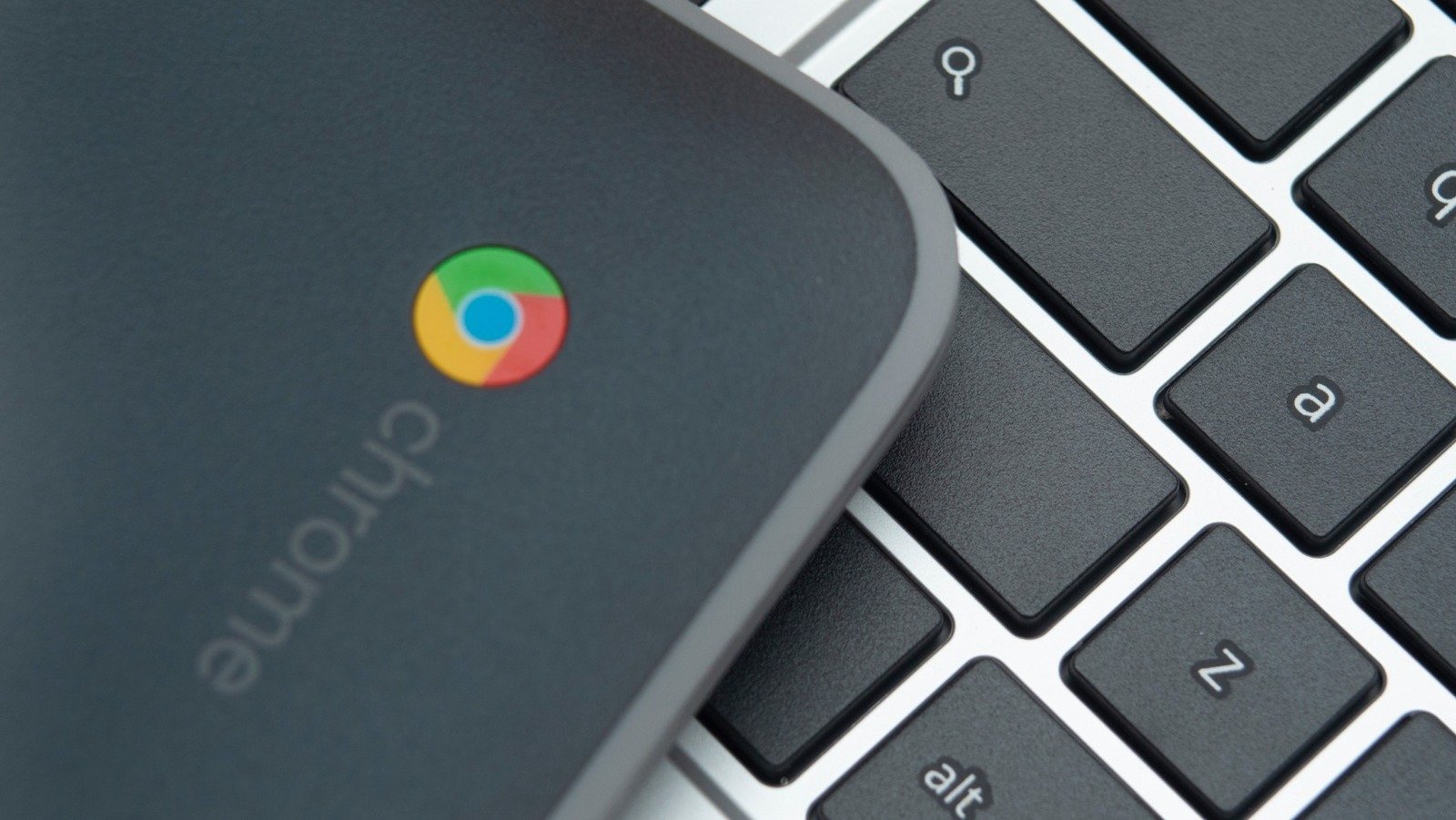
    CC Photo Labs/Shutterstock

    There are several things you can do to customize your Chromebook experience and make it comfortable to use. For instance, you can enable dark mode to make ChromeOS easier on the eyes, especially at night. For added convenience, you can even schedule the dark mode to turn on automatically at specific times. 

    Advertisement

    That said, enabling dark mode may not always be enough. If you’re using an app that doesn’t support dark mode, like Google Docs or Sheets, it will still appear with white backgrounds and strain your eyes. In such cases, your next best option may be to invert screen colors on your Chromebook. 

    Enabling color inversion can also be helpful for those with low vision or anyone who finds bright colors uncomfortable. Fortunately, Chromebook offers more than one way to invert screen colors. Below, we’ll walk you through these methods and explain how this mode affects your Chromebook’s display.

    How to enable screen color inversion on Chromebook

    Pankil Shah/SlashGear

    Google’s ChromeOS makes it easy to invert screen colors. Here’s how you can enable or disable this mode via the Settings app. 

    1. Go to your Chromebook desktop. 
    2. Click on the time in the bottom-right corner of the screen. 
    3. In the Quick Settings panel, click the gear-shaped icon to launch the Settings app. 
    4. Go to the Accessibility tab in the left pane. 
    5. Click the Display and magnification option on your right. 
    6. Finally, turn on the toggle next to Color inversion.

    Once you complete the above steps, the colors on your Chromebook screen will be inverted. If you need to toggle this mode on and off frequently, there’s a quicker way. You can press the Ctrl + Search + H keyboard shortcut on your Chromebook, then click the Continue button to enable the mode. You can use the same shortcut to turn off inverted colors and return to normal screen colors.

    Advertisement

    What does color inversion on Chromebook do and how is it different from dark mode?

    Color inversion is an accessibility feature on Chromebook that aims to improve screen readability. As the name suggests, it swaps bright colors for dark ones and vice versa. Once enabled, it applies to everything on your Chromebook screen, from icons to images. This makes content easier to read, especially in places where there’s too much light. Further, it also helps reduce the screen glare effects caused by sunlight or overhead lights. 

    Advertisement

    While color inversion may seem similar to dark mode, they are not the same. A major difference is that color inversion applies to every element on the screen, whereas dark mode only typically replaces light backgrounds with darker ones. Dark mode needs to be enabled for each of your apps separately, so if an app doesn’t support it, you can’t use it in dark mode. Compared to this, color inversion works across all apps and screen elements, so you don’t need to worry about compatibility.

    Share. Facebook Twitter Pinterest LinkedIn Reddit WhatsApp Telegram Email
    Previous Article10 Of The Worst-Looking Planes To Ever Hit The Sky
    Next Article Which Cars Launched With A B20 Engine Under The Hood & How Much HP Do They Have?
    TechAiVerse
    • Website

    Jonathan is a tech enthusiast and the mind behind Tech AI Verse. With a passion for artificial intelligence, consumer tech, and emerging innovations, he deliver clear, insightful content to keep readers informed. From cutting-edge gadgets to AI advancements and cryptocurrency trends, Jonathan breaks down complex topics to make technology accessible to all.

    Related Posts

    Oppo: New dual 200 MP flagship smartphone eyed in spy shots with iPhone 17 Pro Max

    January 29, 2026

    Steam: City builder with 95% positive reviews hits all-time low of $6.70

    January 29, 2026

    Xiaomi releases new projector accessory in Europe

    January 29, 2026
    Leave A Reply Cancel Reply

    Top Posts

    Ping, You’ve Got Whale: AI detection system alerts ships of whales in their path

    April 22, 2025643 Views

    Lumo vs. Duck AI: Which AI is Better for Your Privacy?

    July 31, 2025242 Views

    6.7 Cummins Lifter Failure: What Years Are Affected (And Possible Fixes)

    April 14, 2025143 Views

    6 Best MagSafe Phone Grips (2025), Tested and Reviewed

    April 6, 2025111 Views
    Don't Miss
    Gaming January 29, 2026

    Women in Games’ new manifesto calls for “rebalancing gender representation and fairness across the industry”

    Women in Games’ new manifesto calls for “rebalancing gender representation and fairness across the industry”…

    GDC keynotes include presentations from Sandfall Interactive, AdHoc Studios, and Hideo Kojima

    GDC organiser says it “hasn’t seen” cancellations from overseas visitors, attendance “tracking in line with expectations”

    IGN announces year-long celebration to mark 30th anniversary

    Stay In Touch
    • Facebook
    • Twitter
    • Pinterest
    • Instagram
    • YouTube
    • Vimeo

    Subscribe to Updates

    Get the latest creative news from SmartMag about art & design.

    About Us
    About Us

    Welcome to Tech AI Verse, your go-to destination for everything technology! We bring you the latest news, trends, and insights from the ever-evolving world of tech. Our coverage spans across global technology industry updates, artificial intelligence advancements, machine learning ethics, and automation innovations. Stay connected with us as we explore the limitless possibilities of technology!

    Facebook X (Twitter) Pinterest YouTube WhatsApp
    Our Picks

    Women in Games’ new manifesto calls for “rebalancing gender representation and fairness across the industry”

    January 29, 20262 Views

    GDC keynotes include presentations from Sandfall Interactive, AdHoc Studios, and Hideo Kojima

    January 29, 20262 Views

    GDC organiser says it “hasn’t seen” cancellations from overseas visitors, attendance “tracking in line with expectations”

    January 29, 20260 Views
    Most Popular

    A Team of Female Founders Is Launching Cloud Security Tech That Could Overhaul AI Protection

    March 12, 20250 Views

    7 Best Kids Bikes (2025): Mountain, Balance, Pedal, Coaster

    March 13, 20250 Views

    VTOMAN FlashSpeed 1500: Plenty Of Power For All Your Gear

    March 13, 20250 Views
    © 2026 TechAiVerse. Designed by Divya Tech.
    • Home
    • About Us
    • Contact Us
    • Privacy Policy
    • Terms & Conditions

    Type above and press Enter to search. Press Esc to cancel.