

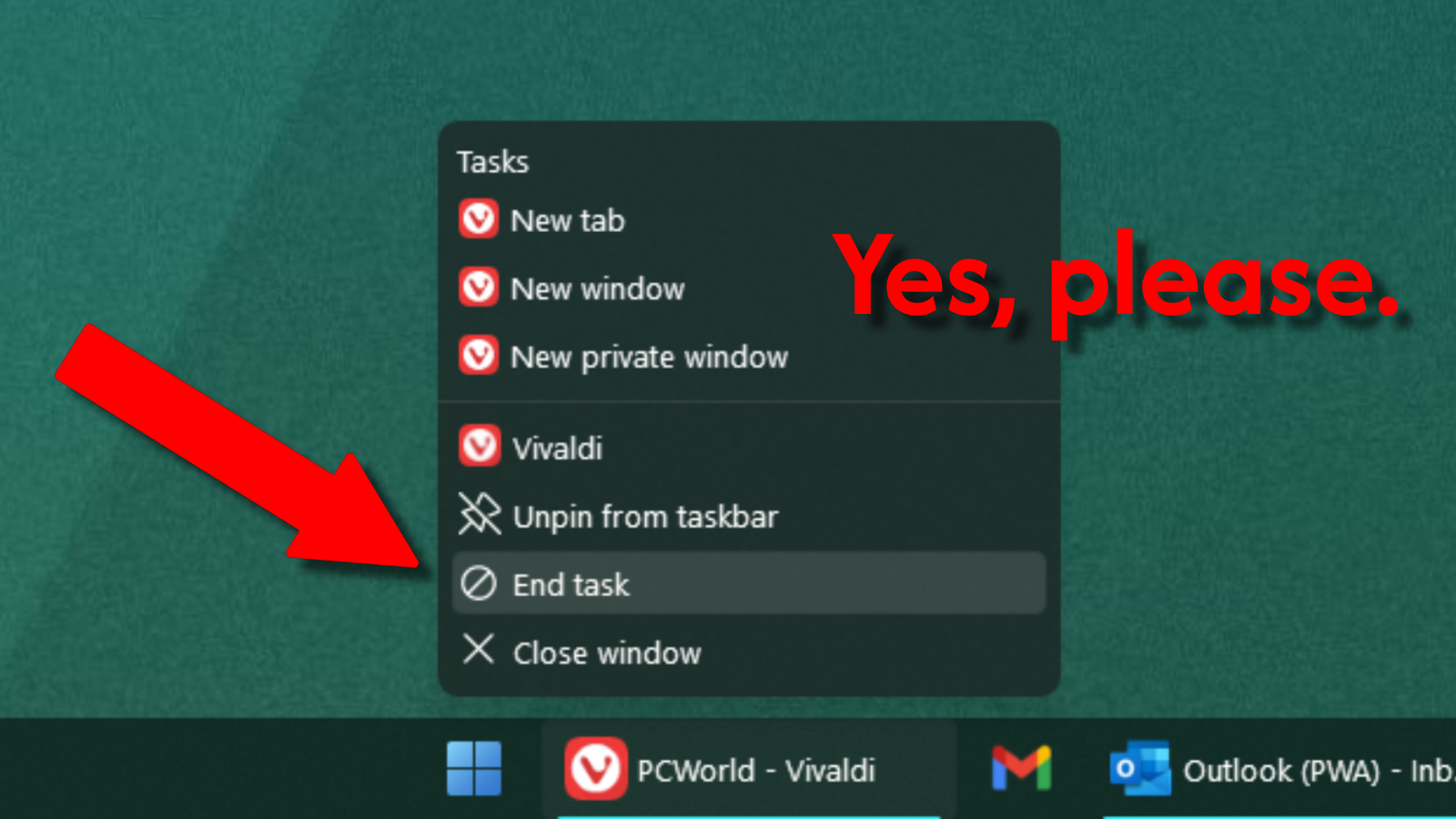
I just spotted this Windows feature and I instantly fell in love
Image: Michael Crider / Foundry
Have you ever seen something you never expected, and then known instantly that it’s something you’ve wanted and needed? Well, I had that experience this morning, shockingly, from Windows 11’s taskbar. Now I know how TeamFourStar’s Vegeta feels.
Despite the fact that the feature has been available in some form for about two years, today was the first time I’d ever seen the little “End task” option when I right-clicked an item on the taskbar. It’s a smart feature. Often a window gets hung up—for a crashed browser tab or a game that’s gone over in memory—and a simple close command won’t do.
If you’ve been using Windows for any amount of time, you know how to open the Task Manager (Ctrl + Shift + Escape is my preferred method) and hunt down a misbehaving program. Now you don’t have to. You can get to “End task” with just two clicks from pretty much anywhere in Windows. I don’t know which update changed the setting for me (hey, I can’t read every PCWorld story), but I’m glad it did!
Michael Crider/Foundry
The option seems to have migrated from a slightly hidden developer setting to System > Advanced. If you search for “end task” in the Settings menu, you can find it quickly. I’m going to be using it a lot.
Author: Michael Crider, Staff Writer, PCWorld
Michael is a 15-year veteran of technology journalism, covering everything from Apple to ZTE. On PCWorld he’s the resident keyboard nut, always using a new one for a review and building a new mechanical board or expanding his desktop “battlestation” in his off hours. Michael’s previous bylines include Android Police, Digital Trends, Wired, Lifehacker, and How-To Geek, and he’s covered events like CES and Mobile World Congress live. Michael lives in Pennsylvania where he’s always looking forward to his next kayaking trip.
