Close Menu

    Subscribe to Updates

    Get the latest creative news from FooBar about art, design and business.

    What's Hot

    This HP mini PC delivers big power for $350

    Upgrade to Windows 11 Pro for $13 and feel the difference immediately

    This slim 1440p portable laptop monitor is 30% off

    Facebook X (Twitter) Instagram
    • Artificial Intelligence
    • Business Technology
    • Cryptocurrency
    • Gadgets
    • Gaming
    • Health
    • Software and Apps
    • Technology
    Facebook X (Twitter) Instagram Pinterest Vimeo
    Tech AI Verse
    • Home
    • Artificial Intelligence

      Read the extended transcript: President Donald Trump interviewed by ‘NBC Nightly News’ anchor Tom Llamas

      February 6, 2026

      Stocks and bitcoin sink as investors dump software company shares

      February 4, 2026

      AI, crypto and Trump super PACs stash millions to spend on the midterms

      February 2, 2026

      To avoid accusations of AI cheating, college students are turning to AI

      January 29, 2026

      ChatGPT can embrace authoritarian ideas after just one prompt, researchers say

      January 24, 2026
    • Business

      New VoidLink malware framework targets Linux cloud servers

      January 14, 2026

      Nvidia Rubin’s rack-scale encryption signals a turning point for enterprise AI security

      January 13, 2026

      How KPMG is redefining the future of SAP consulting on a global scale

      January 10, 2026

      Top 10 cloud computing stories of 2025

      December 22, 2025

      Saudia Arabia’s STC commits to five-year network upgrade programme with Ericsson

      December 18, 2025
    • Crypto

      Arthur Hayes Attributes Bitcoin Crash to ETF-Linked Dealer Hedging

      February 8, 2026

      Monero XMR Attempts First Recovery in a Month, But Death Cross Risk Looms

      February 8, 2026

      HBAR Price Eyes a Potential 30% Rally – Here’s What the Charts are Signalling 

      February 8, 2026

      Bitcoin Mining Difficulty Hits Its Biggest Drop Since 2021 China Ban

      February 8, 2026

      How Severe Is This Bitcoin Bear Market and Where Is Price Headed Next?

      February 8, 2026
    • Technology

      This HP mini PC delivers big power for $350

      February 9, 2026

      Upgrade to Windows 11 Pro for $13 and feel the difference immediately

      February 9, 2026

      This slim 1440p portable laptop monitor is 30% off

      February 9, 2026

      If you buy Razer’s insane $1337 mouse, I will be very disappointed in you

      February 9, 2026

      Nvidia is reportedly skipping consumer GPUs in 2026. Thanks, AI

      February 9, 2026
    • Others
      • Gadgets
      • Gaming
      • Health
      • Software and Apps
    Check BMI
    Tech AI Verse
    You are at:Home»Technology»I put my gaming PC in the wrong spot, and learned it the hard way
    Technology

    I put my gaming PC in the wrong spot, and learned it the hard way

    TechAiVerseBy TechAiVerseOctober 17, 2025No Comments4 Mins Read3 Views
    Facebook Twitter Pinterest Telegram LinkedIn Tumblr Email Reddit
    I put my gaming PC in the wrong spot, and learned it the hard way
    Share
    Facebook Twitter LinkedIn Pinterest WhatsApp Email

    I put my gaming PC in the wrong spot, and learned it the hard way

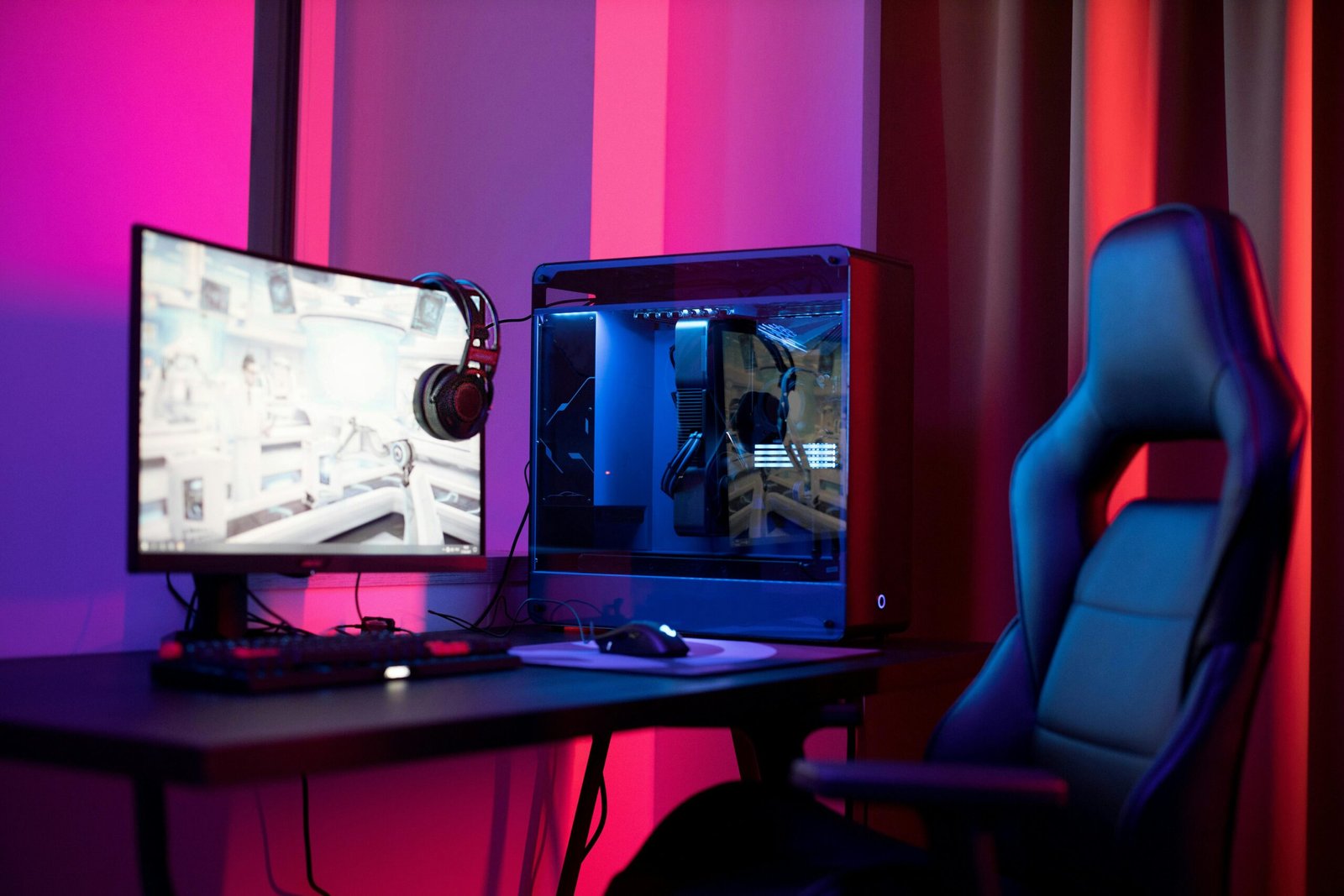
    Image: Pexels: Ron Lach

    I had a desktop gaming rig built for me about 10 years ago. I chose large and chunky parts, which the tower reflected in its sheer enormity. The size of it meant that it was never going to be something I could place on my desk without it looking out of place.

    It was heavy too. But the base was skinny, so it wobbled when I moved it. I figured if it fell off the side of my desk it was going to cause some serious damage — if not to me, then my floor. So, under my desk it went to live, and it stayed there next to my legs as I played endless rounds of Day of Defeat.

    The position worked from a practical point of view, in that I had more space to spread out on my desk. I was glad it wasn’t blowing hot air anywhere near my face, too. Overall, I was happy — I had a solid, reliable workhorse that wasn’t an eyesore or a drop hazard.

    Fast forward six months, and one day I messed all that up when I moved it to get to my AC outlets. The move caused the four tiny feet on the rig’s underside to fall off, first the two on the back and then the two on the front. I thought that was no big deal. It’s not like I needed them to run my games, so I chose to just leave them off.

    But without those tiny feet to lift the tower an inch off the floor, my PC had to rest on my fluffy carpet. It was probably a year after that, that I started getting throttling problems and big temperature-rise alerts in my PC stats — but I didn’t know why. Had I pushed my fans too far by overclocking, or was something else to blame?

    A friend diagnosed the problem after running some diagnostics: It turns out I had turned my rig into a dust bucket with my shoddy careless placement on the carpet, such that for the last year it had been pulling in every spec of microfiber, disintegrated skin cells, pollen, and fur from my American Shorthair that it possibly could.

    Pexels: Atahan Demir

    Needless to say, it was now chock-full of the stuff — especially the fans. There was so much fluffy dust in there that I could seriously have opened my own ceiling insulation business; it took more than a whole day’s work to clean it all out.

    Another thing… my PC was so far backed up against my wall that airflow through the rear vents was almost nonexistent.

    I’ll round up my story by saying that I now know how important it is to find the right place to place my PC. So, I’ll leave you with a few PC placement dos and don’ts that I now go by to keep them running smoothly.

    The Dont’s of PC placement

    • Place it on carpet when any vents on the underside are going to be blocked and prevent air circulation and where your rig is going to be susceptible to getting dust inside it.
    • Place it so far back against a wall or other object that air circulation at the back is going to be stifled.
    • Place it too close to heaters, hot lights, or other sources of heat.
    • Cover it with anything like a blanket.

    The Dos of PC placement

    • Place it on a desk or shelf or on a PC stand. Some users like a desk that’s separate from their own desk so that they can free up space.
    • Placing it on a non-carpeted floor is okay too, preferably with elevation.
    • Clean dust out of your gaming rig at least once a year.


    Author: Dominic Bayley
    , Australian Editor, PCWorld

    Based in Australia, Dominic Bayley is a hardcore tech enthusiast. His PCWorld focus is on PC gaming hardware: laptops, mice, headsets and keyboards.

    Share. Facebook Twitter Pinterest LinkedIn Reddit WhatsApp Telegram Email
    Previous ArticleRing lets police ask for security videos. Here’s how to opt out
    Next Article I use this clever $17 USB-C gadget every week, and I bet you don’t have one
    TechAiVerse
    • Website

    Jonathan is a tech enthusiast and the mind behind Tech AI Verse. With a passion for artificial intelligence, consumer tech, and emerging innovations, he deliver clear, insightful content to keep readers informed. From cutting-edge gadgets to AI advancements and cryptocurrency trends, Jonathan breaks down complex topics to make technology accessible to all.

    Related Posts

    This HP mini PC delivers big power for $350

    February 9, 2026

    Upgrade to Windows 11 Pro for $13 and feel the difference immediately

    February 9, 2026

    This slim 1440p portable laptop monitor is 30% off

    February 9, 2026
    Leave A Reply Cancel Reply

    Top Posts

    Ping, You’ve Got Whale: AI detection system alerts ships of whales in their path

    April 22, 2025659 Views

    Lumo vs. Duck AI: Which AI is Better for Your Privacy?

    July 31, 2025247 Views

    6.7 Cummins Lifter Failure: What Years Are Affected (And Possible Fixes)

    April 14, 2025148 Views

    6 Best MagSafe Phone Grips (2025), Tested and Reviewed

    April 6, 2025111 Views
    Don't Miss
    Technology February 9, 2026

    This HP mini PC delivers big power for $350

    This HP mini PC delivers big power for $350 Image: StackCommerce TL;DR: A small but powerful HP…

    Upgrade to Windows 11 Pro for $13 and feel the difference immediately

    This slim 1440p portable laptop monitor is 30% off

    If you buy Razer’s insane $1337 mouse, I will be very disappointed in you

    Stay In Touch
    • Facebook
    • Twitter
    • Pinterest
    • Instagram
    • YouTube
    • Vimeo

    Subscribe to Updates

    Get the latest creative news from SmartMag about art & design.

    About Us
    About Us

    Welcome to Tech AI Verse, your go-to destination for everything technology! We bring you the latest news, trends, and insights from the ever-evolving world of tech. Our coverage spans across global technology industry updates, artificial intelligence advancements, machine learning ethics, and automation innovations. Stay connected with us as we explore the limitless possibilities of technology!

    Facebook X (Twitter) Pinterest YouTube WhatsApp
    Our Picks

    This HP mini PC delivers big power for $350

    February 9, 20263 Views

    Upgrade to Windows 11 Pro for $13 and feel the difference immediately

    February 9, 20264 Views

    This slim 1440p portable laptop monitor is 30% off

    February 9, 20264 Views
    Most Popular

    7 Best Kids Bikes (2025): Mountain, Balance, Pedal, Coaster

    March 13, 20250 Views

    VTOMAN FlashSpeed 1500: Plenty Of Power For All Your Gear

    March 13, 20250 Views

    This new Roomba finally solves the big problem I have with robot vacuums

    March 13, 20250 Views
    © 2026 TechAiVerse. Designed by Divya Tech.
    • Home
    • About Us
    • Contact Us
    • Privacy Policy
    • Terms & Conditions

    Type above and press Enter to search. Press Esc to cancel.