

The 8 smart home routines I absolutely, positively depend on
Image: Ben Patterson/Foundry
I’m a creature of habit, and nothing gets my endorphins flowing like daily smart home routines that run like clockwork.
Over the years, I’ve set up an elaborate array of smart automations that control my lights, switch fans on and off, take charge of my robot vacuums, and warn me about rogue water leaks (the latter of which has yet to happen, thankfully). Indeed, I depend on these eight smart routines for keeping our household perfectly lit, clean, and protected from water damage and backyard threats.
Here’s a rundown on the smart automations that I absolutely, positively depend on. While they’re probably not perfect for you, they might spark some ideas for automating your own household.
Wake-up routine
- When it‘s triggered: Weekdays at 6:10 a.m., weekends at 7:45 a.m.
- What it does: Gradually ramps up the brightness of the smart lights in our two bedrooms
- Why it’s important: It ensures our household sleepyheads don’t binge-snooze their alarm clocks
I’m an early riser, but my wife and teenage daughter will snooze their alarms to infinity if you let them—and that’s a problem, given that they need to be wheels-up for work and school by roughly 7:30 in the morning.
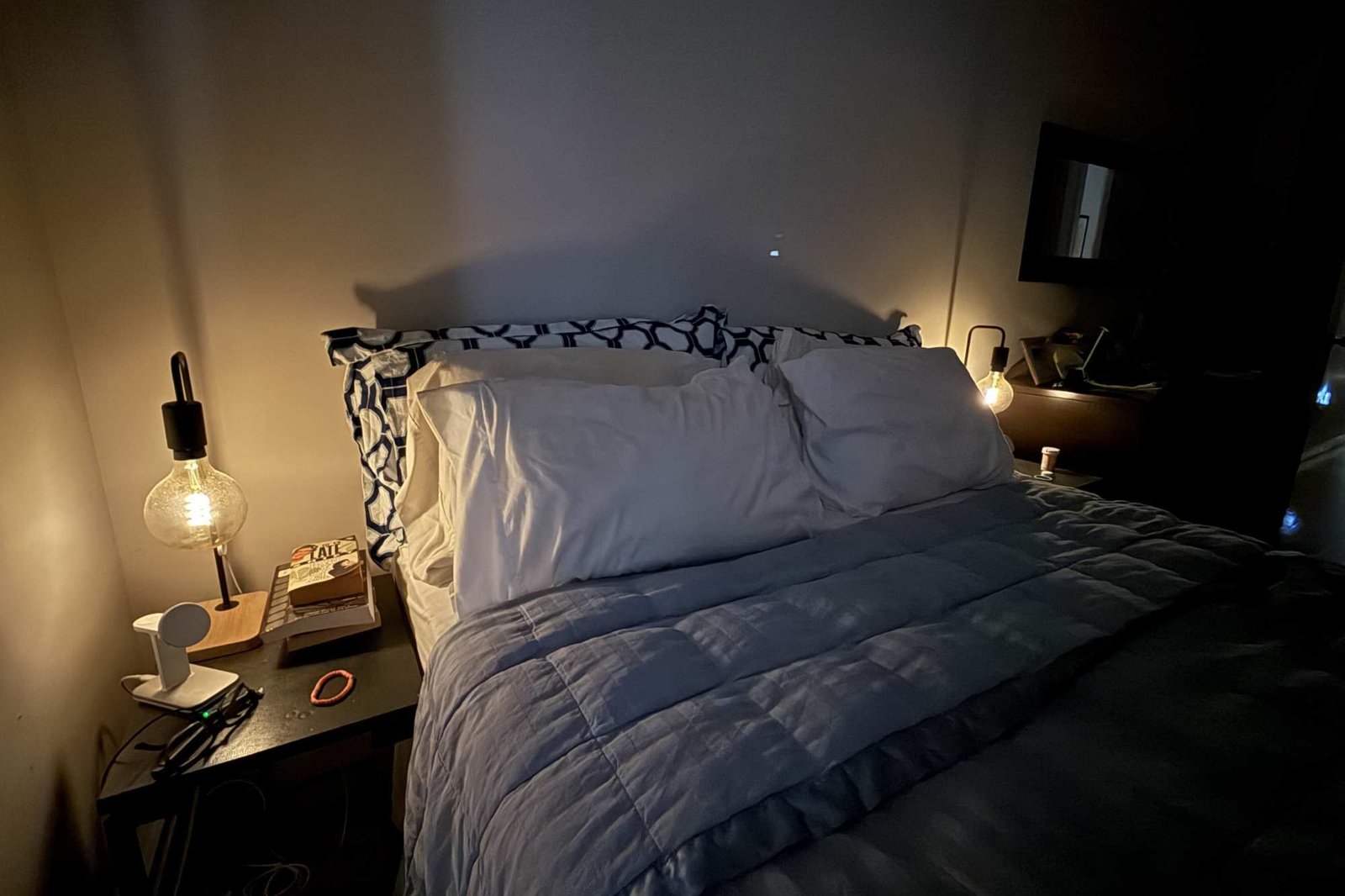
That’s why the wake-up routines for our smart lights (Philips Hue, in our case) are so critical. On weekdays, the bedroom lights switch on automatically at 6:10 a.m.–not all the way, mind you, but at the very lowest brightness setting, almost like a nightlight.
Ever so gradually, those bedroom lights ramp up their brightness, and within five minutes, they’re glowing in a sunrise-like warm glow at a full 100-percent power.
As soon as the bedroom lights are all the way up, our other upstairs lights gradually start turning on, too, and within five minutes they’re also shining at full brightness.
Those wake-up automations make a huge difference when it comes to getting our tushies out of bed in the morning. It’s one thing to snooze your alarm when it’s almost completely dark inside; it’s quite another when you can sense the bright lights even through your closed eyelids.
Backyard floodlight routine
- When it‘s triggered: Sunrise and sunset
- What it does: Keeps the glass door to our backyard illuminated at night
- Why it’s important: I like keeping would-be intruders on their toes
We’re lucky enough to live in a Brooklyn apartment with a (small) backyard, but it gets awfully dark out there at night—pitch black, actually. The way into the backyard is through a glass door through our kitchen, and initially, I found the complete darkness out there to be pretty unnerving.
That’s why an outdoor floodlight that covers the path leading to our backyard was one of our very first smart home purchases in our current apartment, and I quickly set up an automation that turns the floodlight on at dusk and off again at dawn.
This smart floodlight gradually comes on at dusk and fades out at sunrise thanks to a smart routine.
Ben Patterson/Foundry
Like our wake-up lights, the automation for our backyard floodlight ramps up and down gradually. So if we’re sitting in the backyard having dinner, we might not even notice the light coming on as the sun begins to set, while the fading light blends nicely with the sunrise.
Mid-morning dining room and bedroom routine
- When it’s triggered: At 8 a.m. every day
- What it does: Tunes lights to a daylight hue
- Why it’s important: Makes it feel like daylight is streaming through a window
Our Brooklyn brownstone has a classic New York railroad-style layout, with bedrooms on either end and the kitchen and dining room in the middle. That means the bedrooms and kitchen (thanks to that glass door to the backyard) get natural light, but the dining room doesn’t have any windows at all, save for a murky skylight (the landlord has yet to clean it, and I doubt they ever will).
So while our wake-up light routines do a great job of getting us out of bed in the morning, their warm color temperature tends to give our rooms a golden daybreak or cozy nighttime feel. Personally, I prefer the cooler look of daylight when dawn gives way to late morning or afternoon, and that’s where our daylight routines come into play.
I like the look of natural light in our windowless dining room (our kitchen is in the foreground), and a smart lighting routine makes it happen.
Ben Patterson/Foundry
Every day at 8 a.m., the lights in our bedrooms and the dining room turn to a cooler daylight temperate, roughly 5,000 Kelvin. (A warm-white bulb shines at about 2,400K, while hospital lighting is usually tuned to 6,500K.) The beauty of the cooler daylight look is that when I sit in the kitchen looking into our dining room, it almost looks as though there’s light shining through a window, and that makes our railroad apartment feel a tad more open.
(Note: Many smart lighting ecosystems have circadian rhythm-style light modes that automatically tune the white-light color temperature according to the time of day; the Apple Home app, for example, calls it “Adaptive Lighting.” I prefer setting my own custom daylight temperature routines, but I suggest giving the circadian rhythm modes a try if they’re available to you.)
Robot vacuum routines
- When they’re triggered: At 7:05 a.m. and 9:05 a.m. on weekdays
- What they do: Sweep our basement floors and mop upstairs
- Why they’re important: We get clean floors with practically zero effort
There was a time when I dreaded spotting the crumbs under our kitchen table and despaired at the dust bunnies accumulating near our washer-dryer combo in our finished basement. But now that our robot vacuums are on the case, our kitchen floors are almost always spotless, and those dust bunnies downstairs are history.
I have elaborate routines set up for pair of robot vacuums (one upstairs, the other downstairs). First thing in the morning on weekdays, the basement Roomba does its business, tackling different areas depending on the day; our laundry room on Mondays, the pantry area on Tuesday, the office on Wednesdays, and so on. A little later, after we’ve finished breakfast, the upstairs vac goes to work, mopping up the kitchen on Mondays, Wednesday, and Fridays (it gets dirty in there) while scrubbing the bedroom floors on Tuesdays and the hallways twice a week.
With our robot vacuums following their daily routines, I can look under our kitchen and dining tables with pride rather than shame.
Ben Patterson/Foundry
All that meticulous work happens without any of us lifting a finger; the bots just do their business, often when no one is even around. (OK, the vacuums do require some maintenance, especially the mop.) And with our vacuums following their daily routines, I can look under our kitchen table with pride rather than shame.
Fan routines
- When they’re triggered: At 5 a.m. in the morning and 11:30 p.m. at night
- What they do: Control our kitchen, downstairs, and office fans
- Why it’s important: They help keep our home cool without running up our electrical bills
We don’t have central air in our Brooklyn apartment; instead, we have A/C units in the front and back bedrooms, and that’s it. We don’t even have overhead fans, and the one tiny office window in our basement means there’s hardly any air circulation down there at all.
That’s why we depend on a trio of floor-standing Vornado fans to keep us cool during the summer months and to keep the air flowing even when it cools off. We used to leave the fans running day in and day out, but that began to feel wasteful and expensive from a power bill standpoint.
Vornado fans are efficient, powerful, and relatively quiet, but they’re not smart—or at least, they weren’t until we connected them to smart plugs and wove them into some automations. Now, our fans run only from 5:30 a.m. to 11:30 p.m. That’s probably not good for a huge cost savings, mind you, but every little bit helps.
The routines for our smart plug-connected fans help to keep us cool without running up energy bills.
Ben Patterson/Foundry
Office routines
- When they’re triggered: 7 a.m., 7:30 p.m., and 9 p.m. daily
- What they do: Control the smart lights in the office
- Why they’re important: They set the mood for day and night
Like my dining room lights in the mid-morning, I like the lights in my office (three light strips and a Hue Iris) to shine in a daylight color temperature when I’m working during the day—they just make me a little more energetic and cheerful. That office daylight routine kicks off at 7 in the morning each day.
In the evening, though, it’s time to dial things down a bit, and since my office is visible from the basement home theater where we unwind after dinner, I want those office lights dimmed but not totally dark. So at 7:30 p.m., the office lighting scene switches to a groovy purple mode that keeps it from being distracting while we’re streaming Netflix, yet bright enough to see what you’re doing.
Then when it’s later still, I set the office lights to fade to a night mode, with the Hue Iris set to a nightlight mode (so you can find your way to the office bathroom if you need to) but otherwise completely dark, perfect for an evening movie.
Nighttime kitchen routine
- When it’s triggered: 11 p.m. each night
- What it does: Turns off all lights except the over-counter light strip, which fades to a deep blue
- Why it’s important: Keeps the kitchen lights almost completely dark at bedtime
We’re all pretty good about turning off the kitchen lights after dinner, but the main “off” smart switch near the kitchen door still keeps the over-counter light strip on at about 50-percent brightness and a warm color temperature.
When it’s really time for lights-out, there’s another light scene I prefer—one where the light strip fades to blue, allowing for a bare minimum of counter illumination but otherwise keeping the kitchen almost completely dark (aside from the glow of the aforementioned floodlight outside).
It’s easy to forget to turn that particular light scene on (I call it “Kitchen Cool”) before going to bed (it requires either using an app or pressing a middle button on the light switch), so I created an automation that triggers the mode each night at 11 p.m., typically just after we’ve all gone to bed.
Water leak sensor routine
- When it’s triggered: If there’s ever a water leak in the basement
- What it does: Sounds an alarm and turns our bedroom light all the way up
- Why it’s important: I hate waking up to a pool of water in the office.
Here’s a household smart routine that’s actually never been triggered, or at least not unless I was testing it.
We used to have a flooding problem in our basement—not catastrophic flooding, mind you, but we would sometimes get about a half an inch of water or so after a heavy thunderstorm, and the water typically flowed into the office first. Not fun.
This water leak sensor will warn me if water ever seeps into my office again.
Ben Patterson/Foundry
We did eventually convince our landlord to shore up the backyard water drainage (so no flooding since then, thankfully), but as an extra precaution, I installed a smart water leak detector in the office.
If the sensor detects any water seeping in, it will not only sound a built-in alarm, but also turn our bedroom lights all the way up, perfect for alerting us to a leak even in the dead of night.
Author: Ben Patterson, Senior Writer, TechHive
Ben has been writing about technology and consumer electronics for more than 20 years. A PCWorld contributor since 2014, Ben joined TechHive in 2019, where he has covered everything from smart speakers and soundbars to smart lights and security cameras. Ben’s articles have also appeared in PC Magazine, TIME, Wired, CNET, Men’s Fitness, Mobile Magazine, and more. Ben holds a master’s degree in English literature.
