Close Menu

    Subscribe to Updates

    Get the latest creative news from FooBar about art, design and business.

    What's Hot

    Solar-powered laptops are back, and this one is built for the field

    Stop the Slop: 8 Tools That Clean Up Windows 11

    Battlefield 6’s biggest launch ever couldn’t stop EA from cutting staff

    Facebook X (Twitter) Instagram
    • Artificial Intelligence
    • Business Technology
    • Cryptocurrency
    • Gadgets
    • Gaming
    • Health
    • Software and Apps
    • Technology
    Facebook X (Twitter) Instagram Pinterest Vimeo
    Tech AI Verse
    • Home
    • Artificial Intelligence

      What the polls say about how Americans are using AI

      February 27, 2026

      Tensions between the Pentagon and AI giant Anthropic reach a boiling point

      February 21, 2026

      Read the extended transcript: President Donald Trump interviewed by ‘NBC Nightly News’ anchor Tom Llamas

      February 6, 2026

      Stocks and bitcoin sink as investors dump software company shares

      February 4, 2026

      AI, crypto and Trump super PACs stash millions to spend on the midterms

      February 2, 2026
    • Business

      Could this be the key to eternal storage? Experts claim new DNA HDD can be ‘erased and overwritten repeatedly’

      March 9, 2026

      Need more storage? Get a lifetime of 10TB cloud space for just $270.

      March 8, 2026

      Google PM open-sources Always On Memory Agent, ditching vector databases for LLM-driven persistent memory

      March 8, 2026

      Regulate AWS and Microsoft, says UK cloud provider survey

      March 8, 2026

      Google releases Gemini 3.1 Flash Lite at 1/8th the cost of Pro

      March 4, 2026
    • Crypto

      Banks Respond to Kraken’s Federal Reserve Access as Trump Sides with Crypto

      March 4, 2026

      Hyperliquid and DEXs Break the Top 10 — Is the CEX Era Ending?

      March 4, 2026

      Consensus Hong Kong 2026: The Institutional Turn 

      March 4, 2026

      New Crypto Mutuum Finance (MUTM) Reports V1 Protocol Progress as Roadmap Enters Phase 3

      March 4, 2026

      Bitcoin Short Sellers Caught Off Guard in New White House Move

      March 4, 2026
    • Technology

      Solar-powered laptops are back, and this one is built for the field

      March 10, 2026

      Stop the Slop: 8 Tools That Clean Up Windows 11

      March 10, 2026

      Battlefield 6’s biggest launch ever couldn’t stop EA from cutting staff

      March 10, 2026

      Microsoft to enable Windows hotpatch security updates by default

      March 10, 2026

      APT28 hackers deploy customized variant of Covenant open-source tool

      March 10, 2026
    • Others
      • Gadgets
      • Gaming
      • Health
      • Software and Apps
    Check BMI
    Tech AI Verse
    You are at:Home»Technology»Why A Screenshot Of Your Concert Tickets Doesn’t Really Work Anymore
    Technology

    Why A Screenshot Of Your Concert Tickets Doesn’t Really Work Anymore

    TechAiVerseBy TechAiVerseSeptember 4, 2025No Comments5 Mins Read5 Views
    Facebook Twitter Pinterest Telegram LinkedIn Tumblr Email Reddit
    Why A Screenshot Of Your Concert Tickets Doesn’t Really Work Anymore
    Share
    Facebook Twitter LinkedIn Pinterest WhatsApp Email

    Why A Screenshot Of Your Concert Tickets Doesn’t Really Work Anymore

    NRSPro/Shutterstock

    If you’ve taken a screenshot of your tickets for a concert or other event, only to have the ticket scanner inform you that they aren’t valid, you may understandably be frustrated. Digital ticketing apps from leading companies like Ticketmaster can be a nightmare to navigate, and who wants another useless app on their phone? It’s much easier to save a screenshot that can easily be found on your phone’s camera roll. Moreover, you need an internet connection to access tickets on an app or website, and there’s no guarantee you’ll have one at some venues.

    Unfortunately, screenshotting your tickets is no longer an effective way of ensuring easy access to a show. You can blame it all on scammers, who figured out that they could sell the same screenshot of a ticket to multiple victims. Screenshot swindles are shockingly easy, since the victims won’t know they’ve been conned until it’s too late. The first person to arrive at the show gets lucky and gains entry, leaving the other victims of the scam to be turned away at the door for trying to reuse the same ticket. It’s a scam which many have fallen victim to, and there are few things as soul-crushing as calling a ride home while your friends enjoy a show without you.

    To prevent ticket fraud, outlets such as Ticketmaster and AXS have introduced encrypted barcodes and QR codes. Your ticket is now tied to your account or device. Take a screenshot, and unless you use it within a few seconds, it won’t work. Here’s what’s going on, and how you can tell whether it’s safe to screenshot your tickets.

    Many digital ticketing platforms block screenshots by generating new codes

    Ticketmaster

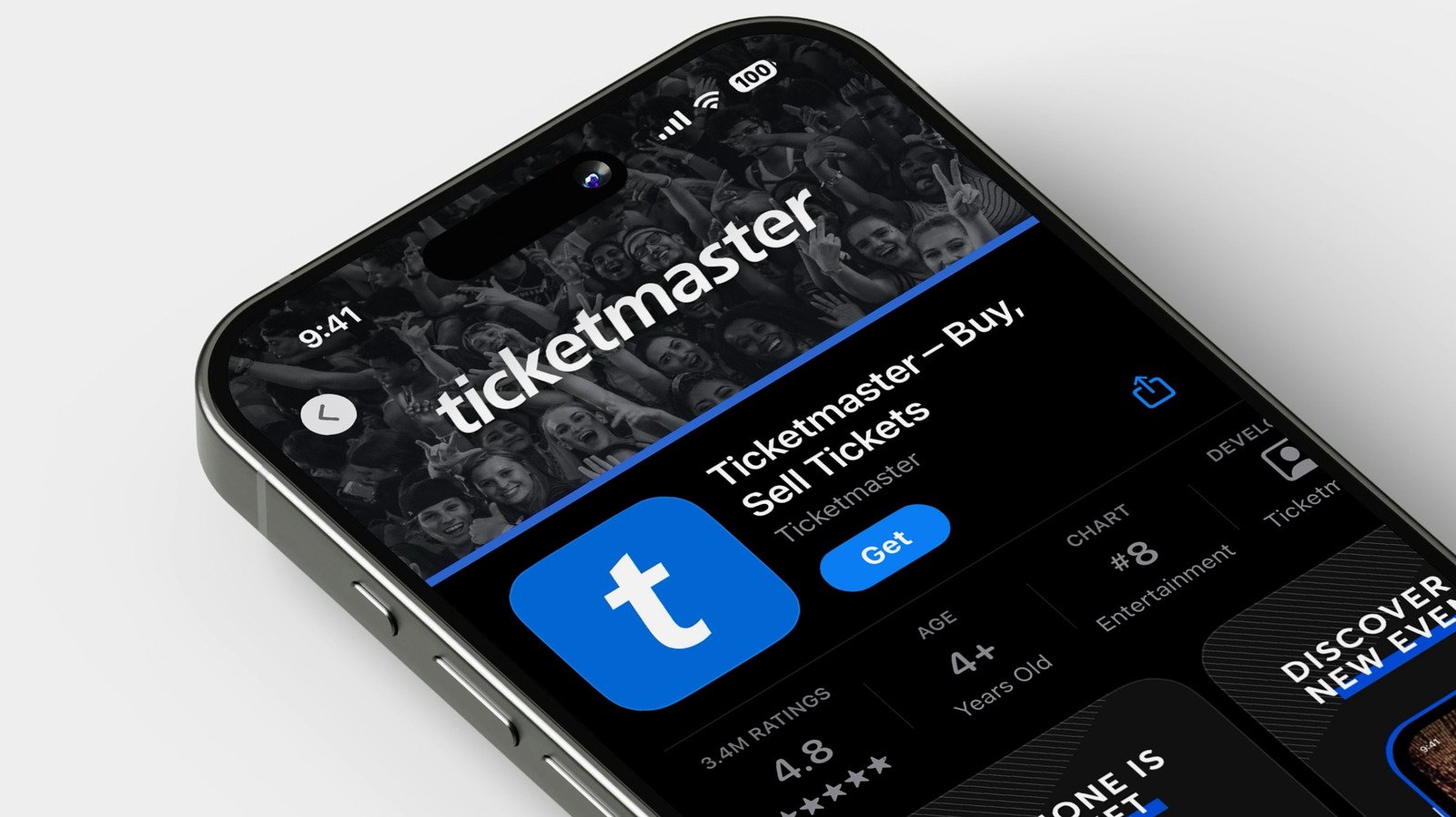
    Screenshots of tickets work because a QR code or barcode is generally a static image. You can print it out on paper, or even tattoo it on your forehead, and it will still scan. However, to keep tickets safe from screenshot scammers, popular ticket outlets now use refreshing QR codes or barcodes. That means your tickets are stored in your online account or smartphone, rather than being connected to a single machine-readable label. When you open the ticket in-app, a new code is generated every few seconds. Ticketmaster calls the feature SafeTix, while its alternatives use their own terminology.

    Dynamic ticket codes prevent screenshot scams because, by the time you’ve taken a screenshot of the QR code and sent it to someone, it’s already invalid. However, scammers are hacking this highly touted Ticketmaster feature as well. But it’s still a marked improvement to a system that was previously far too vulnerable to abuse. However, there are two annoying downsides. The first is that you may be forced to install an app on your phone, adding a layer of friction to the simple task of presenting your tickets at the door. The second is that, should you decide to resell your tickets, you’ll need to transfer them through the ticket seller’s proprietary resale system, rather than handling the transaction privately with your buyer. You may also worry about what happens if you don’t have an internet connection at the venue, but thankfully, there are workarounds.

    How to make sure your concert tickets work without an internet connection

    The major downside to dynamic QR codes or barcodes is that you’ll need an internet connection to access your concert or event tickets. Even in our 5G-connected world, that’s not a sure bet. Some venues, like the legendary Red Rocks Amphitheater, are in remote areas that lack consistent coverage. And when a large number of people are all using their phones, it can make things even worse by overloading the towers in that area. Thankfully, it seems like the largest companies to have implemented dynamic ticketing systems have solutions in place.

    It’s recommended that you add Ticketmaster tickets to Apple Wallet if you have an iPhone, or to Google Wallet on Android phones. Depending on which platform you use, you’ll see a button to save the tickets to your wallet app when you sign into the Ticketmaster app and open your tickets from the My Tickets section.

    For tickets purchased with AXS, they should continue to work offline as long as you’re signed into the app. However, in our experience, it’s best to sign in before you leave home. The AXS app tends to log users out unexpectedly. If you do not have an internet connection when it’s time to scan your ticket, a button will appear in the app to enable offline access. Like Ticketmaster, you can also add your tickets to Google Wallet or Apple Wallet for peace of mind. Tap on the Tickets tab within the AXS app, tap on your event to see your ticket, then tap the Add To Wallet button.

    Share. Facebook Twitter Pinterest LinkedIn Reddit WhatsApp Telegram Email
    Previous Article5 Cheap Harbor Freight Tools Under $25 With Excellent User Reviews
    Next Article 5 Of The Fastest BMW Motorcycles Ever Built, According To BMW
    TechAiVerse
    • Website

    Jonathan is a tech enthusiast and the mind behind Tech AI Verse. With a passion for artificial intelligence, consumer tech, and emerging innovations, he deliver clear, insightful content to keep readers informed. From cutting-edge gadgets to AI advancements and cryptocurrency trends, Jonathan breaks down complex topics to make technology accessible to all.

    Related Posts

    Solar-powered laptops are back, and this one is built for the field

    March 10, 2026

    Stop the Slop: 8 Tools That Clean Up Windows 11

    March 10, 2026

    Battlefield 6’s biggest launch ever couldn’t stop EA from cutting staff

    March 10, 2026
    Leave A Reply Cancel Reply

    Top Posts

    Ping, You’ve Got Whale: AI detection system alerts ships of whales in their path

    April 22, 2025709 Views

    Lumo vs. Duck AI: Which AI is Better for Your Privacy?

    July 31, 2025298 Views

    Wired Headphones Are Making A Comeback, And We Have Gen Z To Thank

    July 22, 2025190 Views

    6.7 Cummins Lifter Failure: What Years Are Affected (And Possible Fixes)

    April 14, 2025167 Views
    Don't Miss
    Technology March 10, 2026

    Solar-powered laptops are back, and this one is built for the field

    Solar-powered laptops are back, and this one is built for the fieldThe RG14-P’s 14.1-inch touchscreen…

    Stop the Slop: 8 Tools That Clean Up Windows 11

    Battlefield 6’s biggest launch ever couldn’t stop EA from cutting staff

    Microsoft to enable Windows hotpatch security updates by default

    Stay In Touch
    • Facebook
    • Twitter
    • Pinterest
    • Instagram
    • YouTube
    • Vimeo

    Subscribe to Updates

    Get the latest creative news from SmartMag about art & design.

    About Us
    About Us

    Welcome to Tech AI Verse, your go-to destination for everything technology! We bring you the latest news, trends, and insights from the ever-evolving world of tech. Our coverage spans across global technology industry updates, artificial intelligence advancements, machine learning ethics, and automation innovations. Stay connected with us as we explore the limitless possibilities of technology!

    Facebook X (Twitter) Pinterest YouTube WhatsApp
    Our Picks

    Solar-powered laptops are back, and this one is built for the field

    March 10, 20263 Views

    Stop the Slop: 8 Tools That Clean Up Windows 11

    March 10, 20263 Views

    Battlefield 6’s biggest launch ever couldn’t stop EA from cutting staff

    March 10, 20262 Views
    Most Popular

    7 Best Kids Bikes (2025): Mountain, Balance, Pedal, Coaster

    March 13, 20250 Views

    VTOMAN FlashSpeed 1500: Plenty Of Power For All Your Gear

    March 13, 20250 Views

    Best TV Antenna of 2025

    March 13, 20250 Views
    © 2026 TechAiVerse. Designed by Divya Tech.
    • Home
    • About Us
    • Contact Us
    • Privacy Policy
    • Terms & Conditions

    Type above and press Enter to search. Press Esc to cancel.